How to Fix Pixelated Pictures (and What Can't Be Unpixelated)
Why photos turn into blocks, how to fix a pixelated picture with AI or by hand, how to avoid it next time, and what no tool can unpixelate.

A pixelated picture is one you can see the squares in. It happens when a photo is shown bigger than the detail it actually holds. The good news: in most cases you can fix it, either by finding a better copy or by letting AI rebuild the missing detail. This guide shows how, and where the limits are.
Why pictures get pixelated
Every digital photo is a grid of pixels. When there are too few of them for the size you're viewing at, each one gets stretched into a visible block. The usual causes:
- The photo was saved small. Chat apps, social networks and email often send a shrunken preview instead of the original file.
- It was enlarged. Zooming into a crop, or stretching a small image to fill a page, makes every pixel bigger.
- Heavy compression. JPEG compression works in 8×8 pixel squares. Save a photo at low quality, or re-save it many times, and those squares start to show.
- Old or cheap cameras. Photos from early phones and webcams are only a few hundred pixels wide.
Pixelation is different from blur. A pixelated photo has hard-edged squares; a blurry one is soft everywhere because the camera moved or missed focus. If yours is soft rather than blocky, how to unblur a picture is the better guide.
Step 1: look for a bigger copy
Before fixing anything, check whether a better version exists. It's the only way to get the real detail back.
- Look in the original phone or camera roll, and in cloud backups like Google Photos or iCloud.
- If someone sent you the photo, ask them to share the original file or a full-size link instead of a chat preview.
- For a photo you found online, a reverse image search (Google Lens or TinEye) often finds a larger copy.
How to fix a pixelated picture with AI
When no better copy exists, AI is the fastest fix. It doesn't undo the pixelation; it has learned what real skin, fur, leaves and edges look like and redraws the photo without the blocks, at a higher resolution.
- Open Unpixelate Image and upload the photo (JPG, PNG or WebP). No account is needed for the Standard version.
- Pick a version. Standard returns about 2.4 megapixels, enough for sharing and screens. Pro returns about 4.2 megapixels, for printing or cropping in.
- Wait a minute or two, then drag the slider across faces and edges to compare with the original before you download.
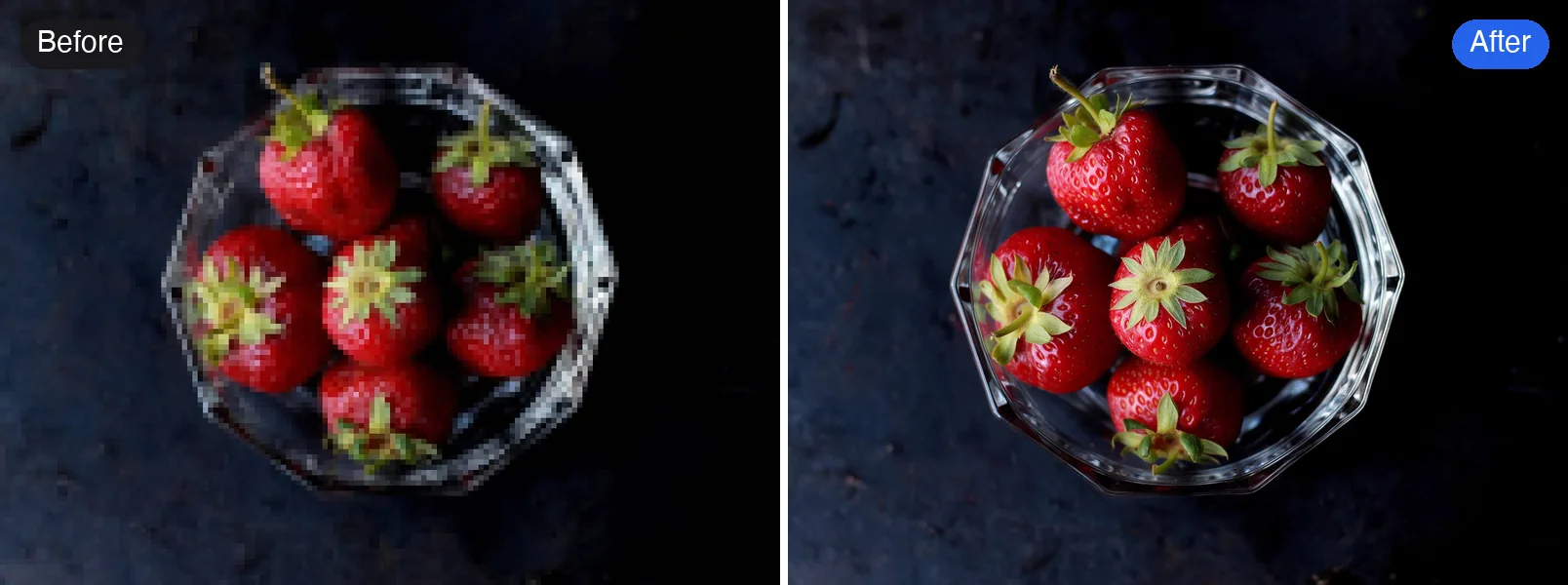
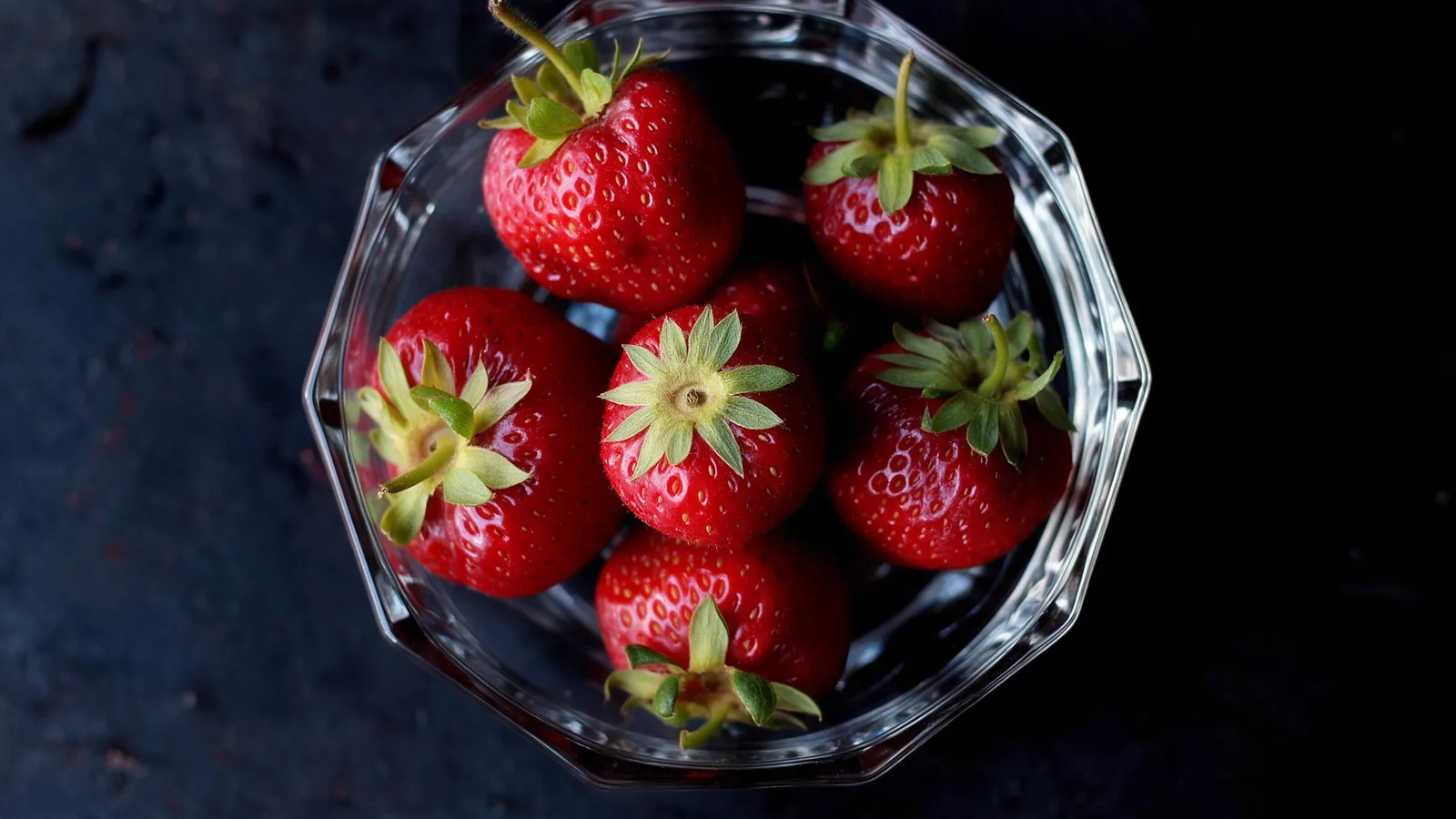
The squares disappear, and the seeds on the strawberries and the cut edges of the glass come back. The colors and framing stay the same as the original.
How to fix a pixelated picture by hand
Photo editors can't add detail, but they can make the blocks much less obvious.
Photoshop
- Open Image > Image Size, turn on Resample and choose Preserve Details 2.0.
- Enlarge to the size you need. Set Reduce Noise to around 20% to soften the block edges.
- Finish with a light Filter > Sharpen > Smart Sharpen (Amount 50 to 80%, Radius 1 px).
GIMP (free)
- Use Image > Scale Image and set Interpolation to NoHalo or LoHalo.
- Apply Filters > Blur > Gaussian Blur with a radius of 1 to 2 px to merge the squares.
- Bring back some crispness with Filters > Enhance > Unsharp Mask.
On a phone
Most phone editors have no resampling option. Lowering Sharpness and adding a little Noise reduction smooths the blocks; then share the photo at a smaller size.
Done by hand, the photo looks smoother but slightly soft. That's fine for a small print or a social post, but it won't hold up when enlarged.
What no tool can unpixelate
Some photos can't be fixed honestly, whatever a tool promises.
- Things pixelated on purpose. Faces, license plates and text blurred out for privacy have had their detail deleted. AI will draw something plausible in their place, not the real face or number.
- Faces only a few blocks wide. The result will look like a person, but not necessarily like that person.
- Small text. Letters you can't read in the blocks may come back as different letters. Never rely on unpixelated names, numbers or documents.
- Logos and line art. Graphics are better redrawn or re-downloaded at full size.
How to avoid pixelated photos next time
- Send photos as files or full-size links, not as chat previews. In WhatsApp, send them as a document; in Telegram, as a file.
- Don't zoom in on your phone screen to take a photo. Move closer, or crop afterwards from the full-size photo.
- Export at the size you need. For printing, aim for at least 300 pixels per inch: a 4×6 inch print needs about 1200×1800 pixels.
- Save JPEGs at quality 80 or higher, and avoid re-saving the same file again and again.
Quick answers
Can I unpixelate a picture for free? Yes. The Standard version of Unpixelate Image runs on the free credits everyone gets each day, no sign-up needed.
Is unpixelating the same as upscaling? Close. Upscaling makes a photo bigger; unpixelating also removes the blocks it already has. For a small photo with no visible blocks, the photo enhancer is enough.
Does it work on my phone? Yes. Open the page in your phone's browser and upload from your gallery.
用你自己的照片试试
把满是方块的像素化照片变得平滑清晰。