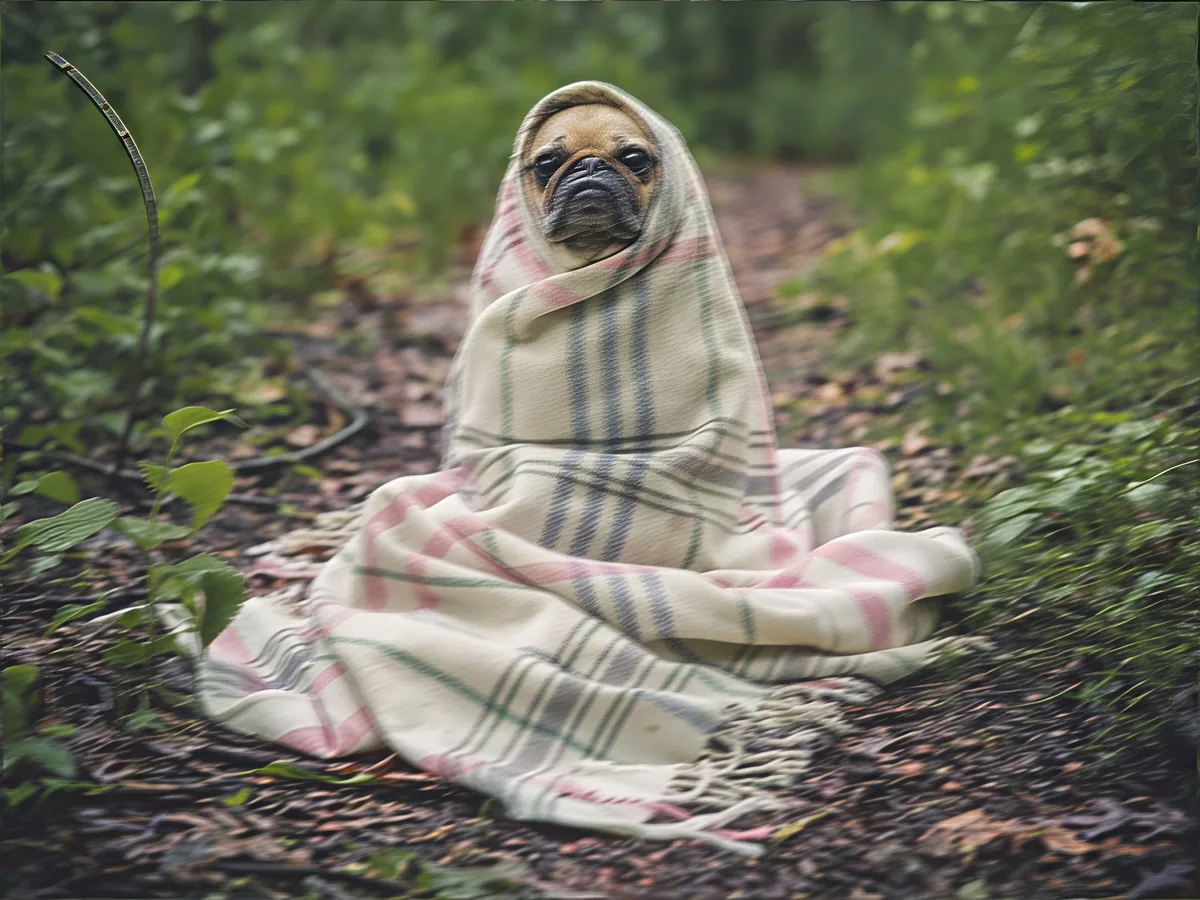
Missed focus, a shaky hand, a subject that moved. Upload the blurry photo and see how much detail comes back before you save anything.
No photo? Try one:
Upload Image
Drag and drop, or click to browse
JPG, PNG or WebP, up to 20 MB
Free daily credits
No sign-up
Private
Two versions, same engine
We tried six deblur models on real blurry photos. One clearly won every time, so both versions use it. The difference is how big a photo it handles.
Standard for everyday phone shots
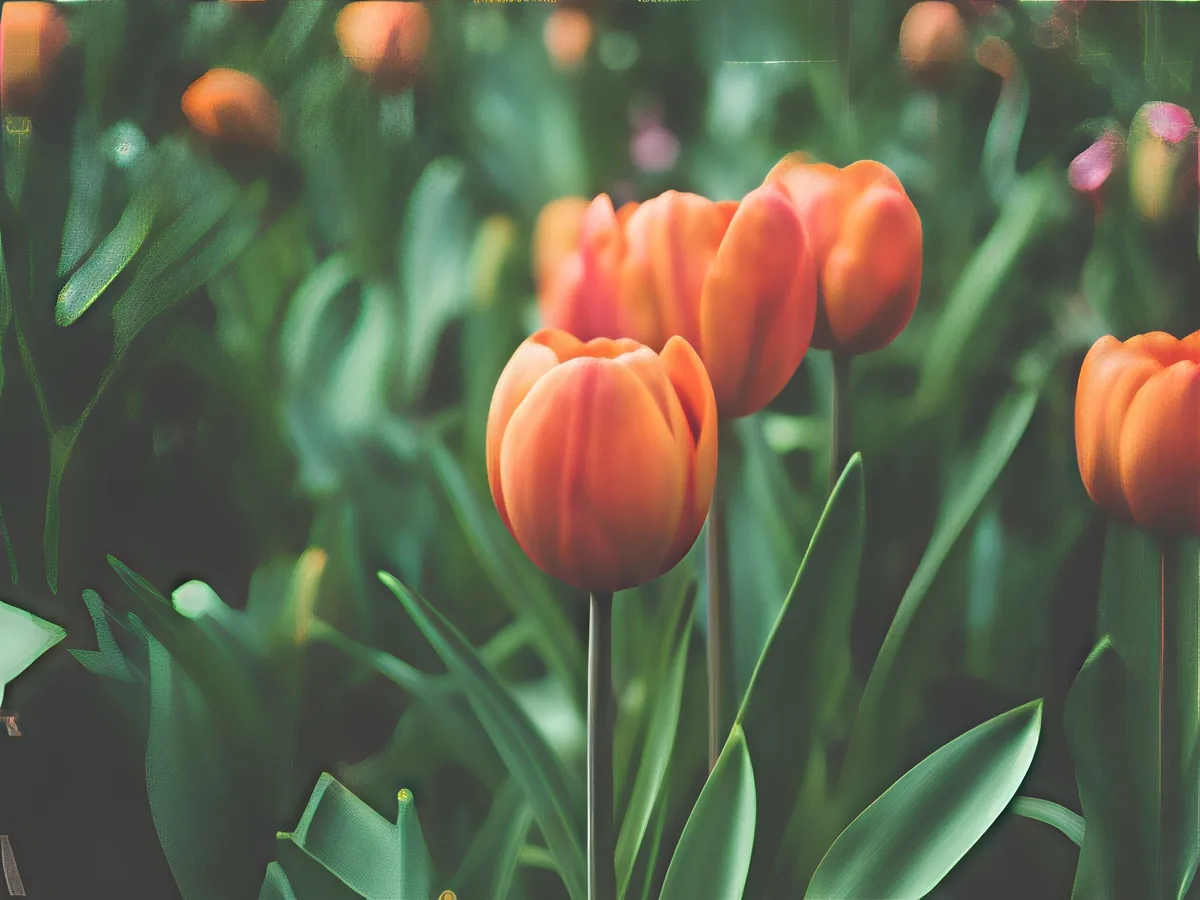
Works on photos up to 2 megapixels and returns them at twice the size. Larger photos are scaled down first. On the tulips above, shot out of focus, the petals and leaves have clean edges again. It's covered by the daily free credits.
Pro when you need the full size
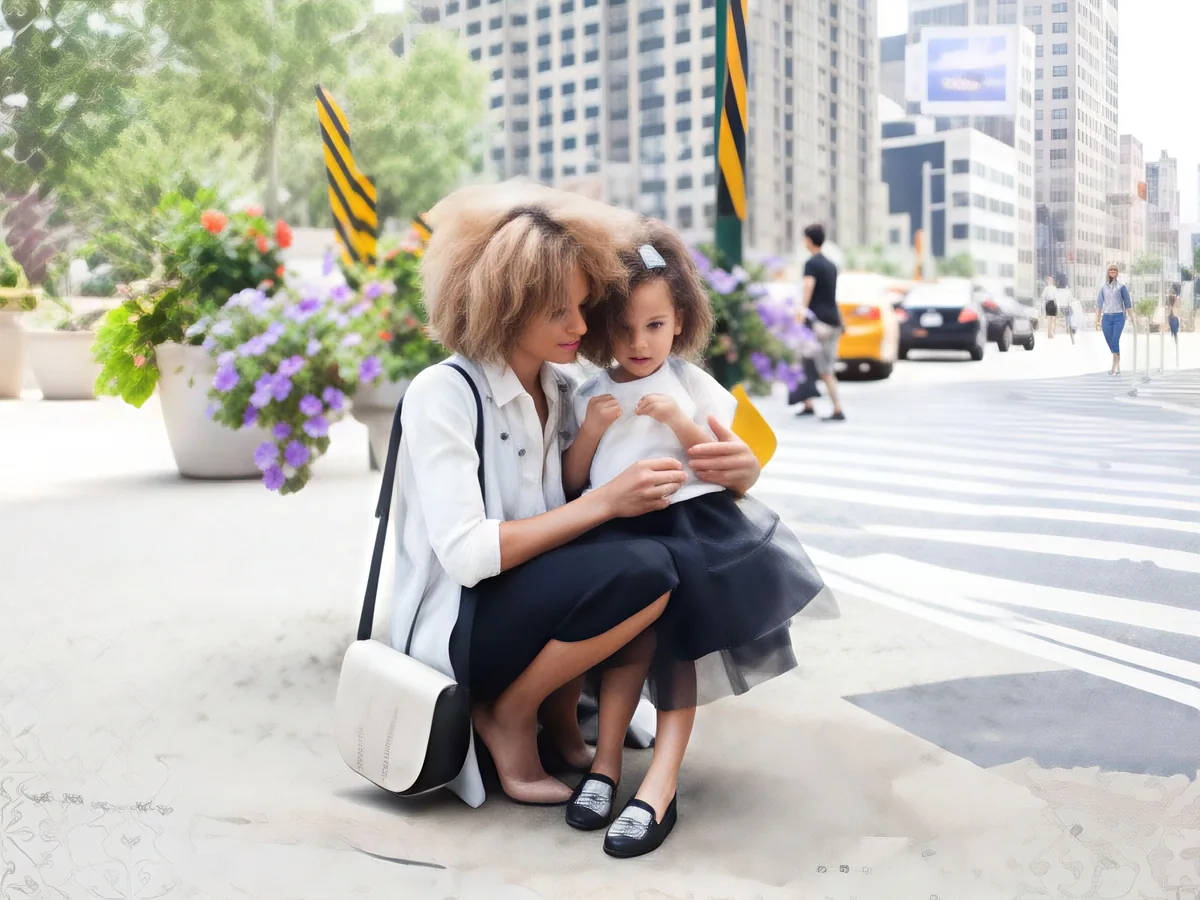
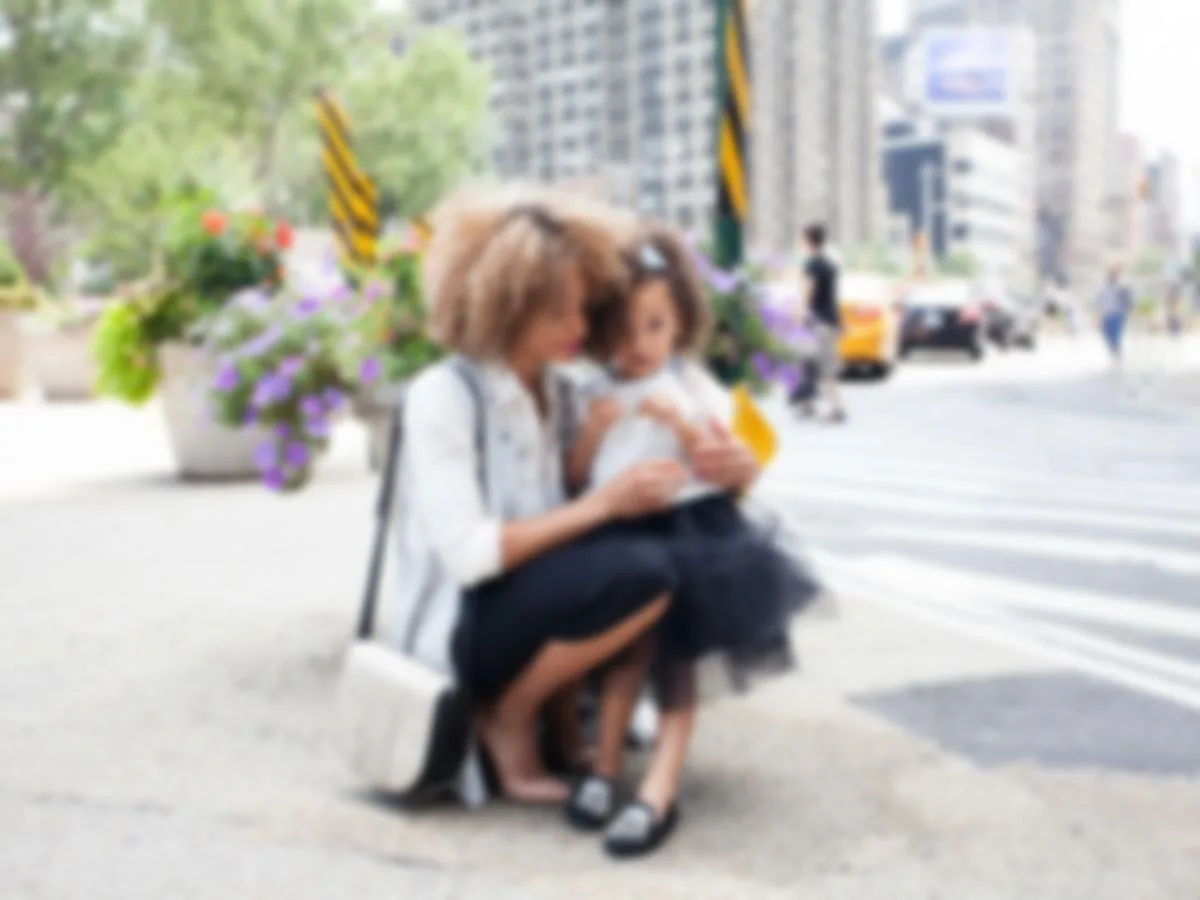
The same model on photos up to 6 megapixels, so a full camera or phone image keeps its detail. Pick it when you plan to print or crop. On the street photo above, where the camera focused on nothing, the mother's curls, the girl's face and the flowers behind them are sharp again.
How to unblur an image online
Three steps, and usually under a minute of waiting.
Upload the blurry photo
JPG, PNG or WebP up to 20 MB. Photos straight from your phone are fine.
Choose Standard or Pro
Try Standard for light blur. If it still looks soft, run it again with Pro.
Compare, then download
Slide across the face or whatever part matters to you. Download only if you like what you see.
What unblurring can and can't do
We collected six photos that came out blurry for real: pets that moved, a phone that missed focus, a dim restaurant portrait and an old print with a turning head. Then we ran every model we could find on them.
Missed focus: the best case
This is where unblurring works best. The frog's skin, a cat's whiskers and a woman's face in a dim restaurant all came back sharp. A dedicated deblur model we also tried made that same portrait smoother instead.
Motion blur: better, not perfect
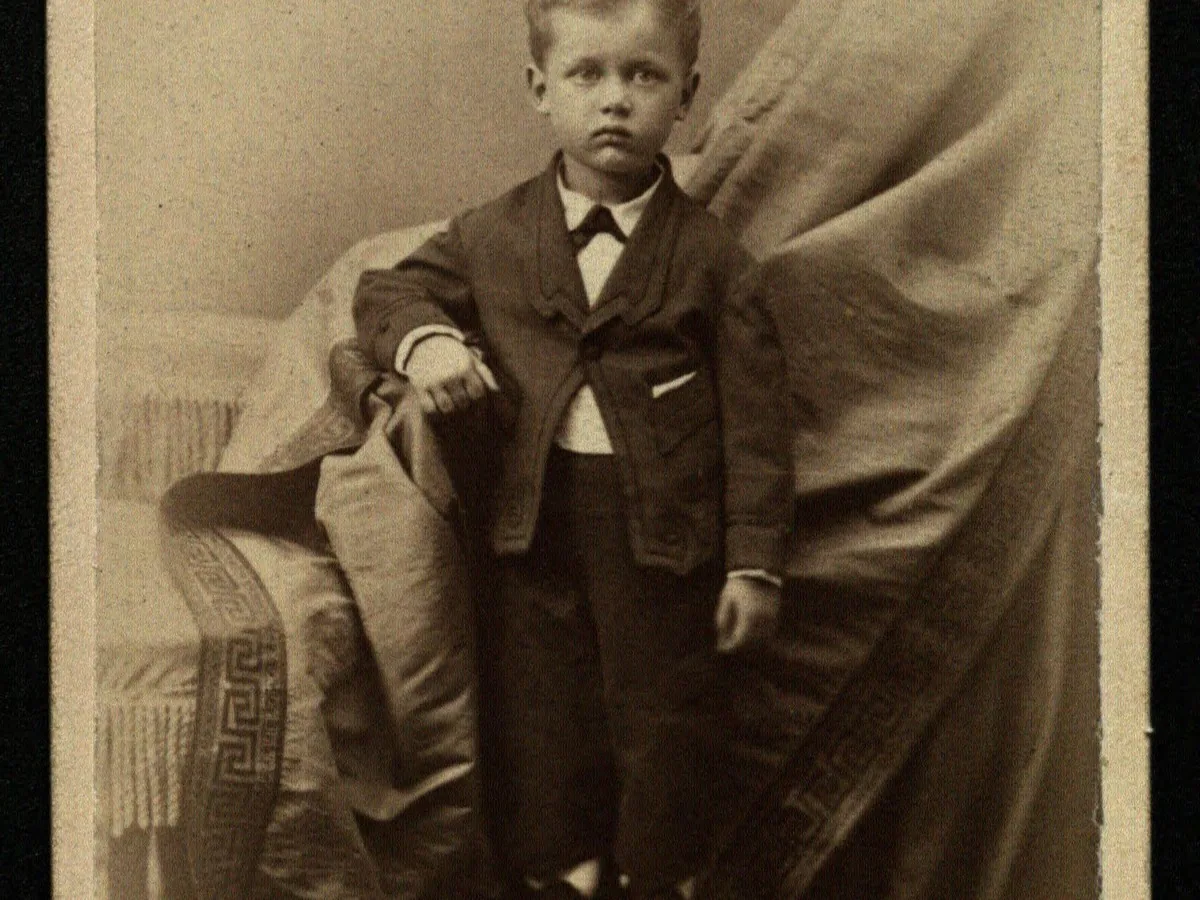
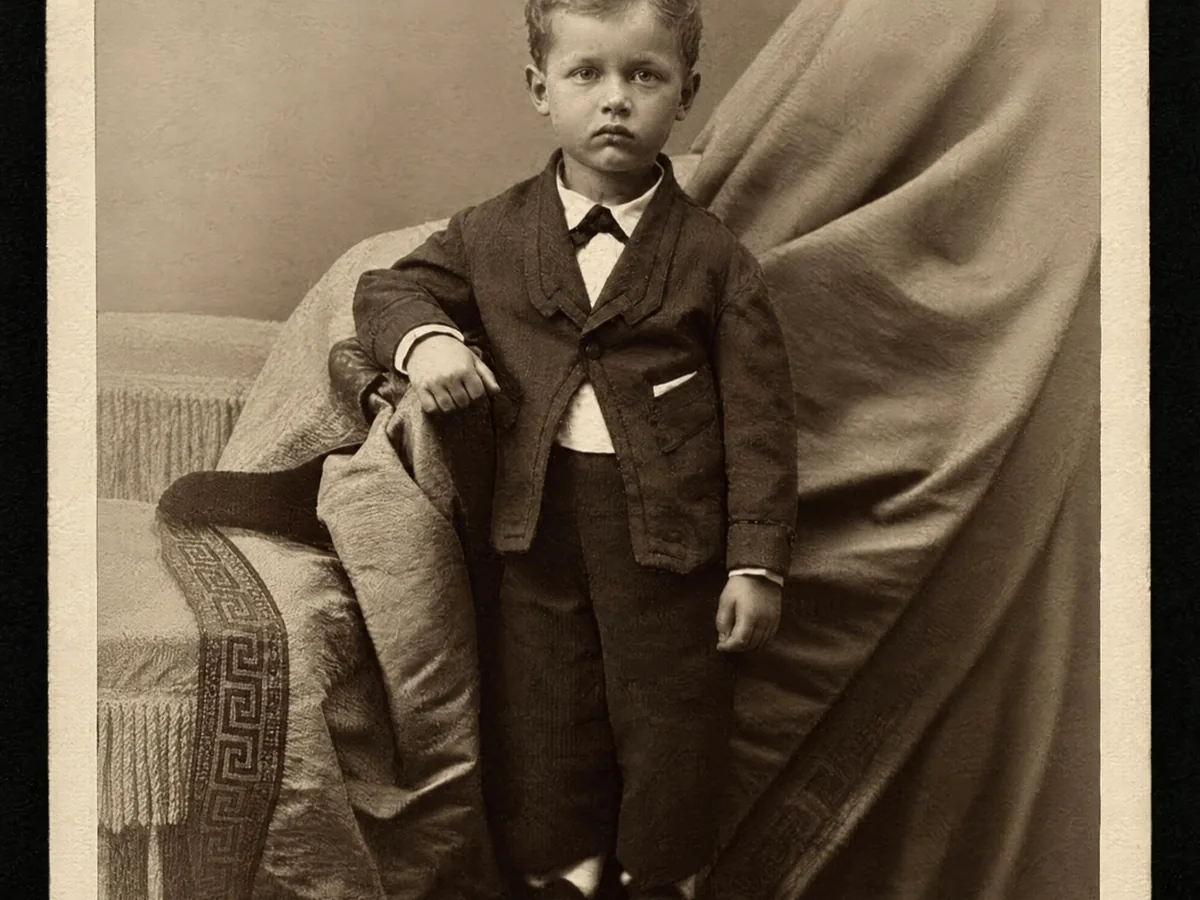
A hawk taking off and a woman turning her head in a 1950s print both got clearly sharper. The face it rebuilt looks right, but at that level of blur it is partly redrawn, so compare with the slider before you keep it.
Blurred text stays blurred
Text, license plates and faces blurred on purpose can't be recovered. The model invents detail that looks plausible. It doesn't reveal hidden information, so don't trust it with documents.
How to unblur a photo without AI
Photo editors can reduce blur too. Here is what each approach can realistically do.
Editors can sharpen what is still in the photo, but they can't rebuild what the blur erased. If the manual route leaves your photo soft, that's the gap this tool fills.
1
Work out what kind of blur it is
If everything is evenly soft, focus was missed. If edges smear in one direction, the camera or the subject moved. Motion blur is much harder to fix by hand.
2
Use Shake Reduction for camera shake
Photoshop's Filter > Sharpen > Shake Reduction estimates the direction of the movement and reverses it. It helps with small, straight shakes and struggles with anything else.
3
Sharpen soft focus carefully
In Lightroom, raise Detail > Sharpening and hold Alt while dragging Masking so only edges are affected. On a phone, the Sharpness or Structure slider does a lighter version of the same thing.
4
Retake it if you can
If the moment can be repeated, a new photo at a faster shutter speed beats any fix. On a phone, tap to focus and hold still for a second.
Unblur image FAQ
Yes. Standard costs 8 credits, and the free credits everyone gets each day cover it, no account needed. Pro uses purchased credits. Results have no watermark.
Partly. AI can't rewind blur. It predicts what the sharp photo most likely looked like. That works well for faces, hair and everyday objects, and less well for text and tiny details.
Open this page in your phone's browser, tap Upload and pick the photo from your gallery. The photo is resized on your phone before it's sent, so it works on mobile data too. Save the result with the Download button.
Slightly blurry text sometimes becomes easier to read. Text you can't read at all won't become readable, and the model may draw letters that look right but say something else. Don't rely on it for documents or numbers.
No. When a face or text has been blurred or pixelated on purpose, the original information is gone. Any unblurred version would be a guess, not the real thing.
Your photos are used only to create your result, never to train AI. Without an account they're deleted after 24 hours. Signed in, they're kept in History for 72 hours, or until you delete them if you turn on "Keep my tasks". Details are in our Privacy Policy.
More ways to fix your photos
Sharpen Image
Make a picture clearer when it is only slightly soft.
Restore Old Photos
Clear scratches, dust and fading on scanned prints.