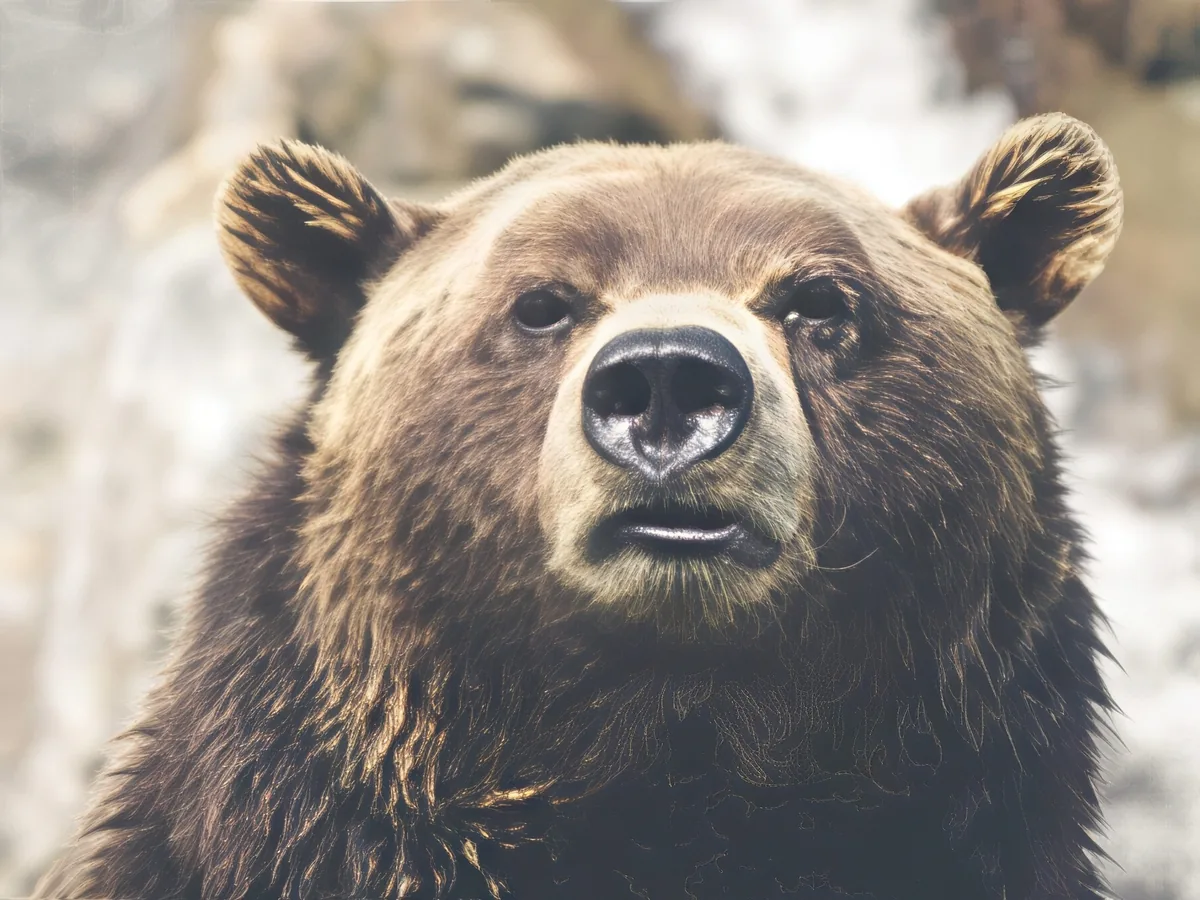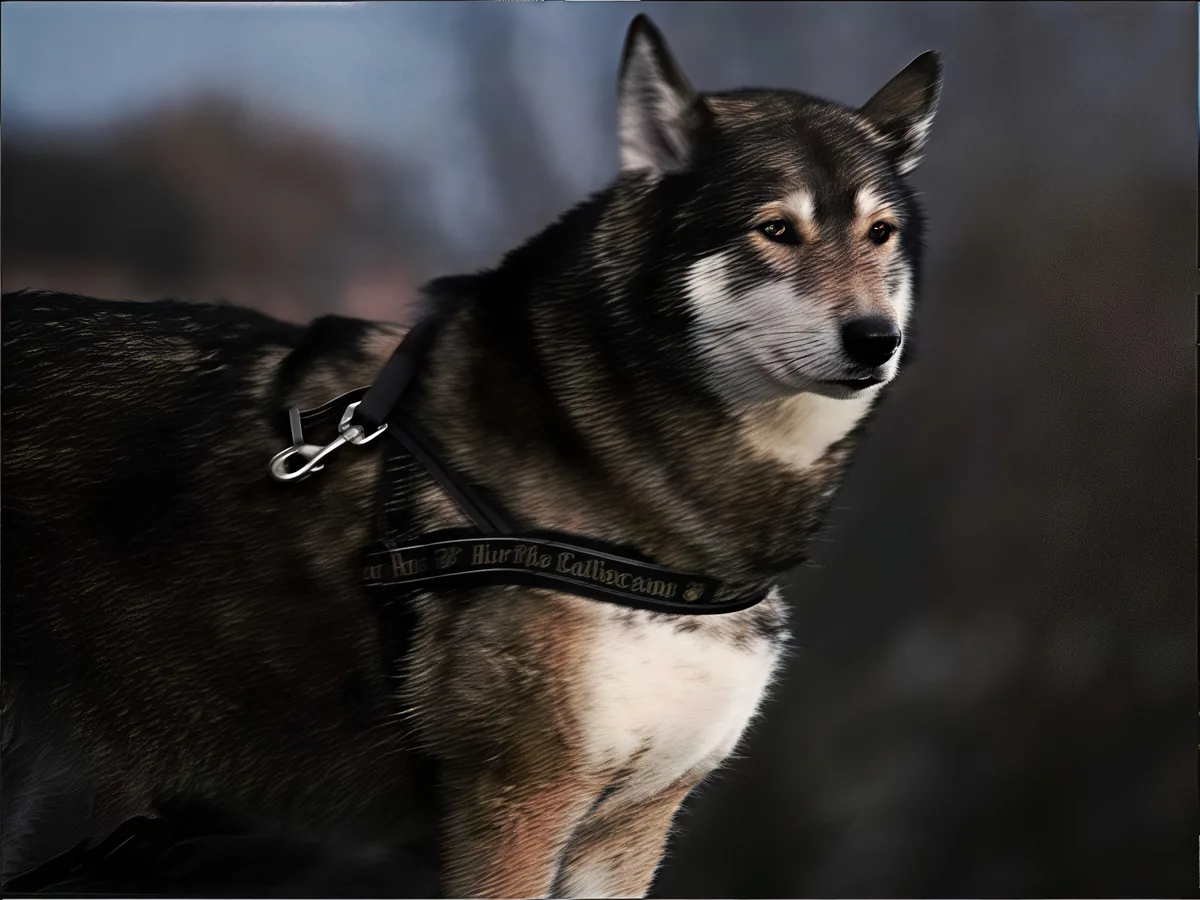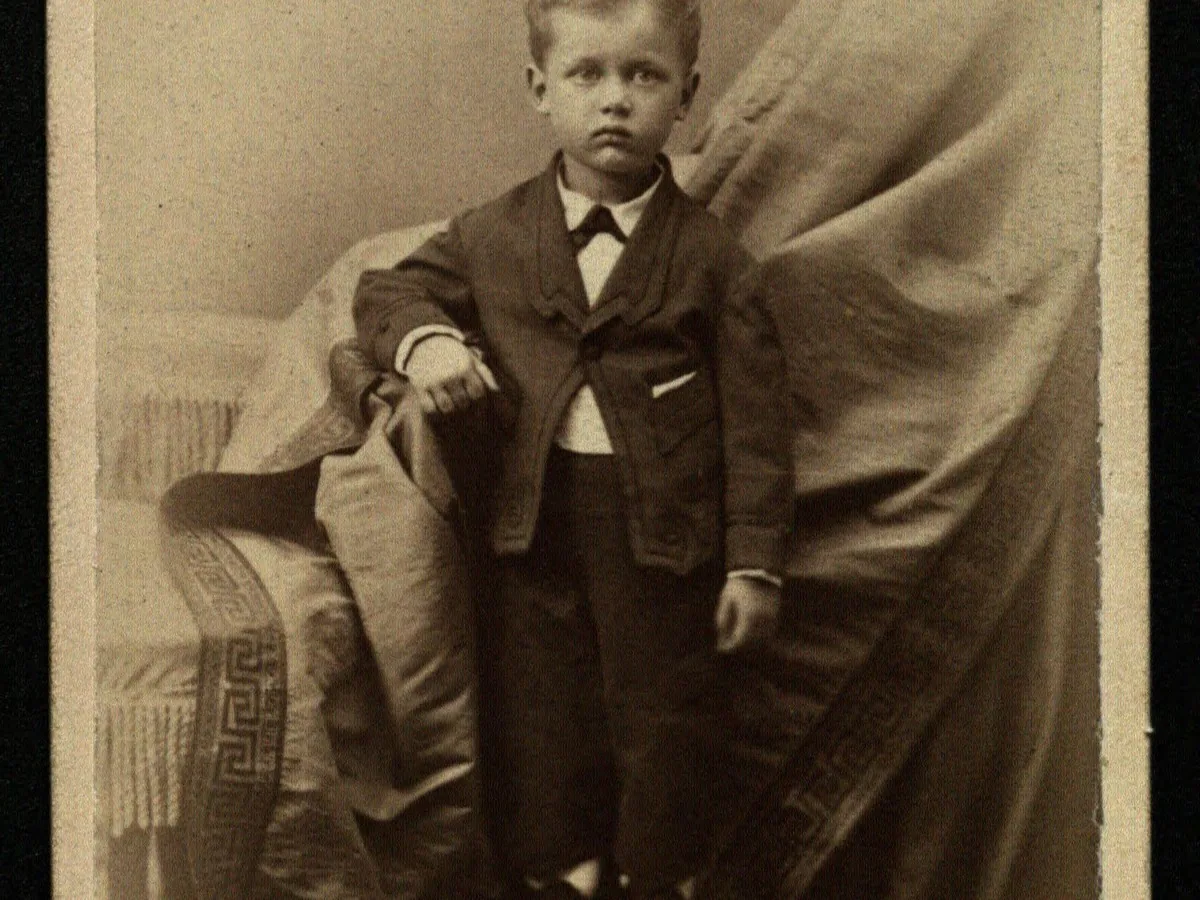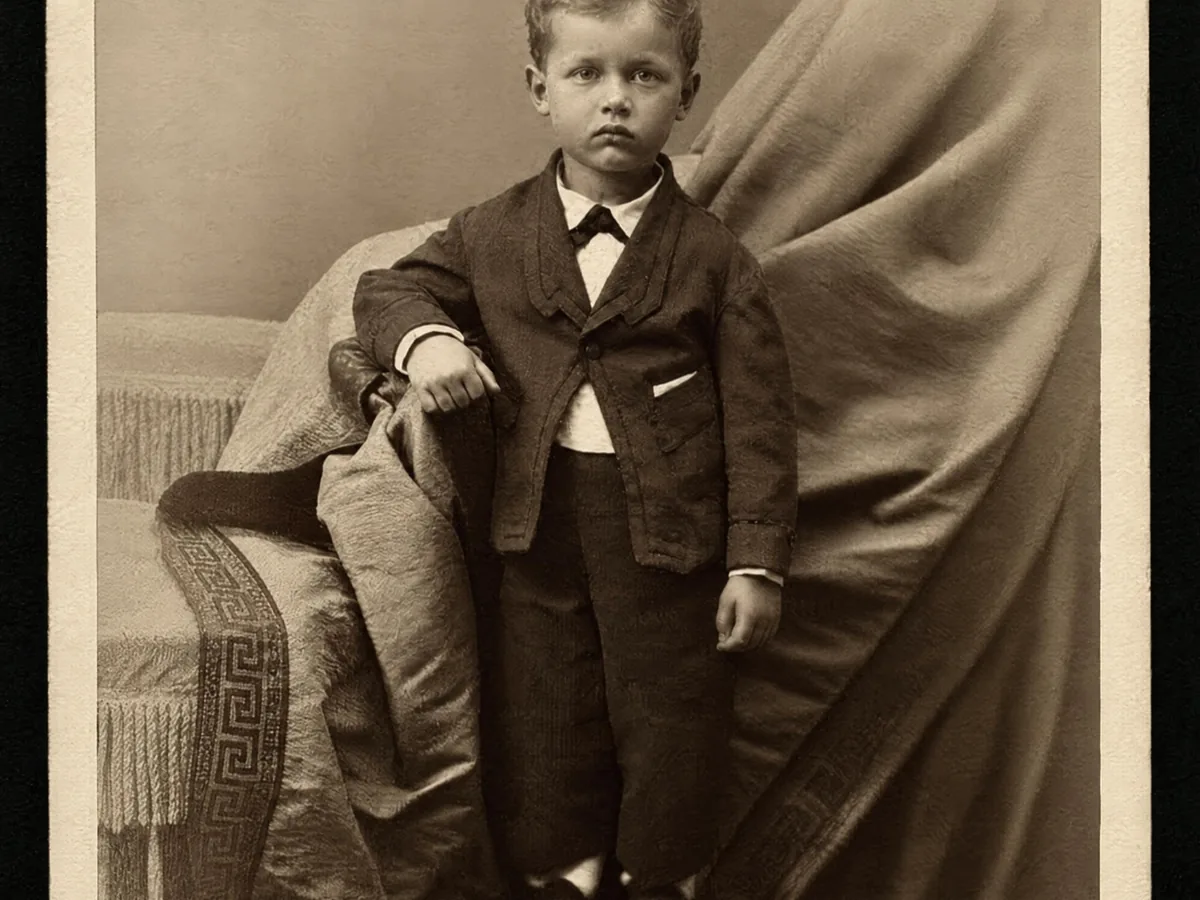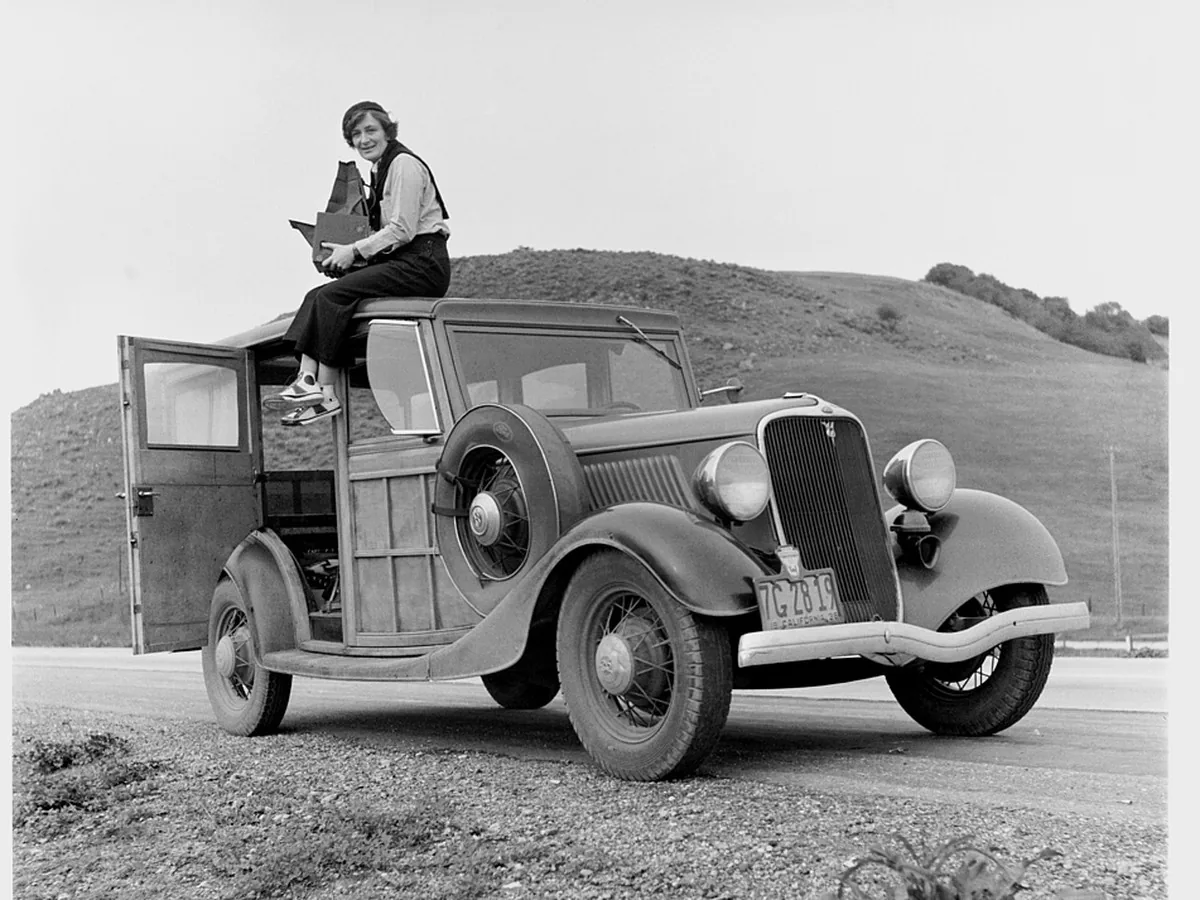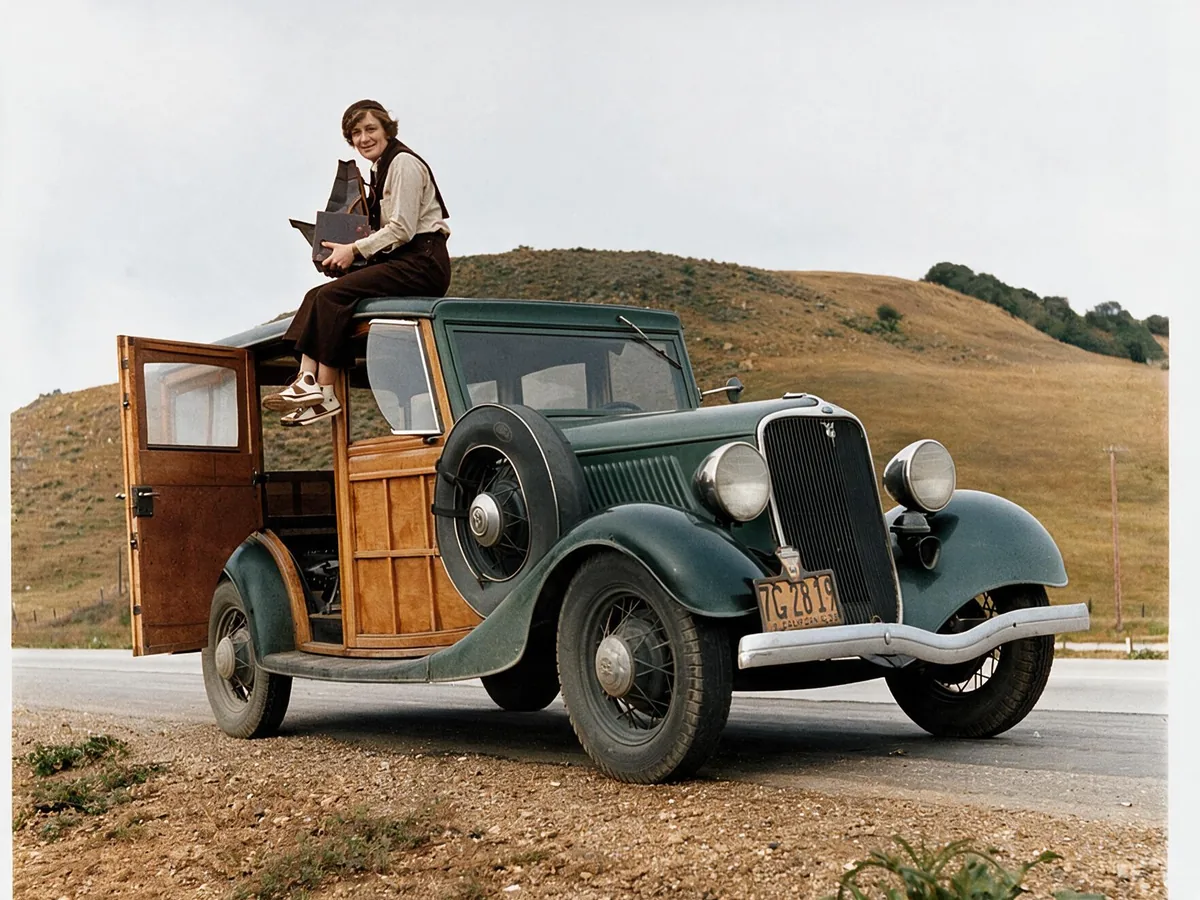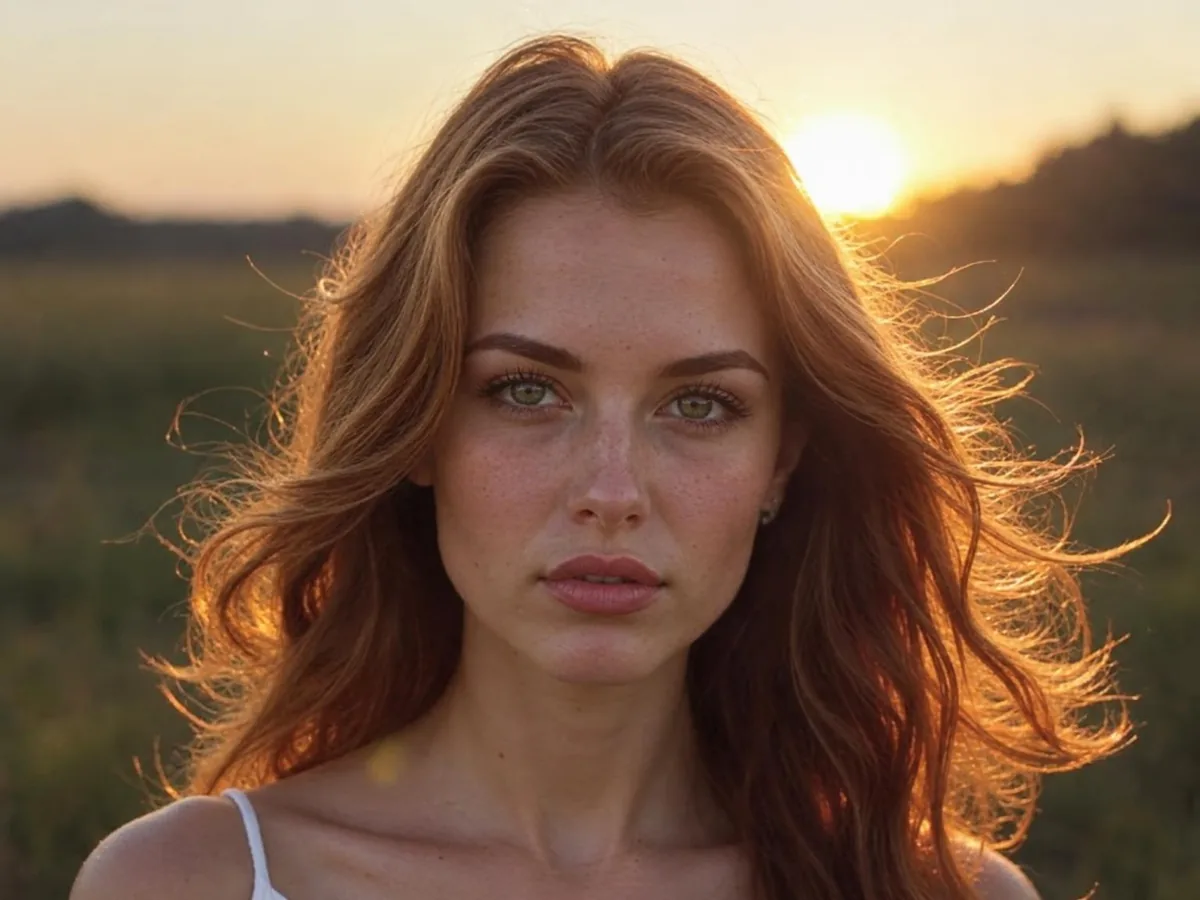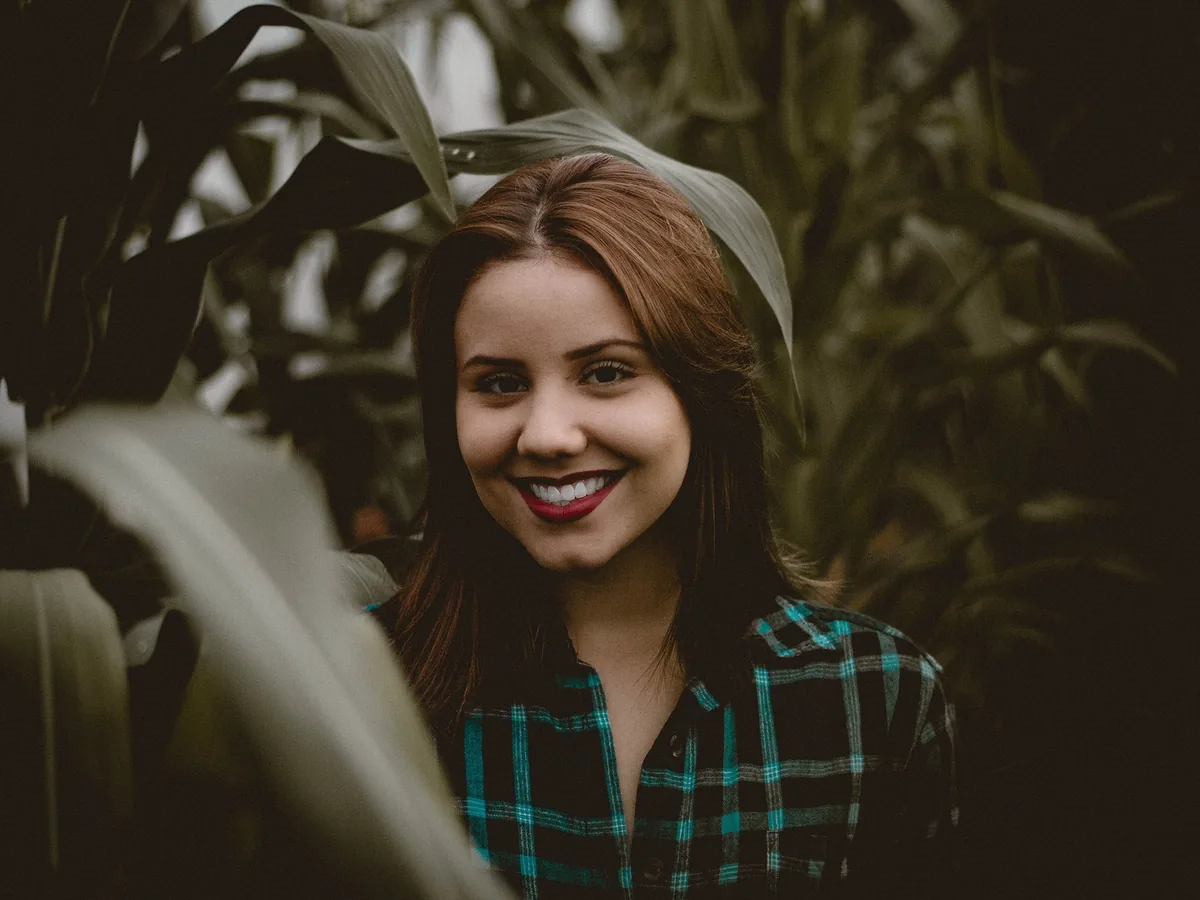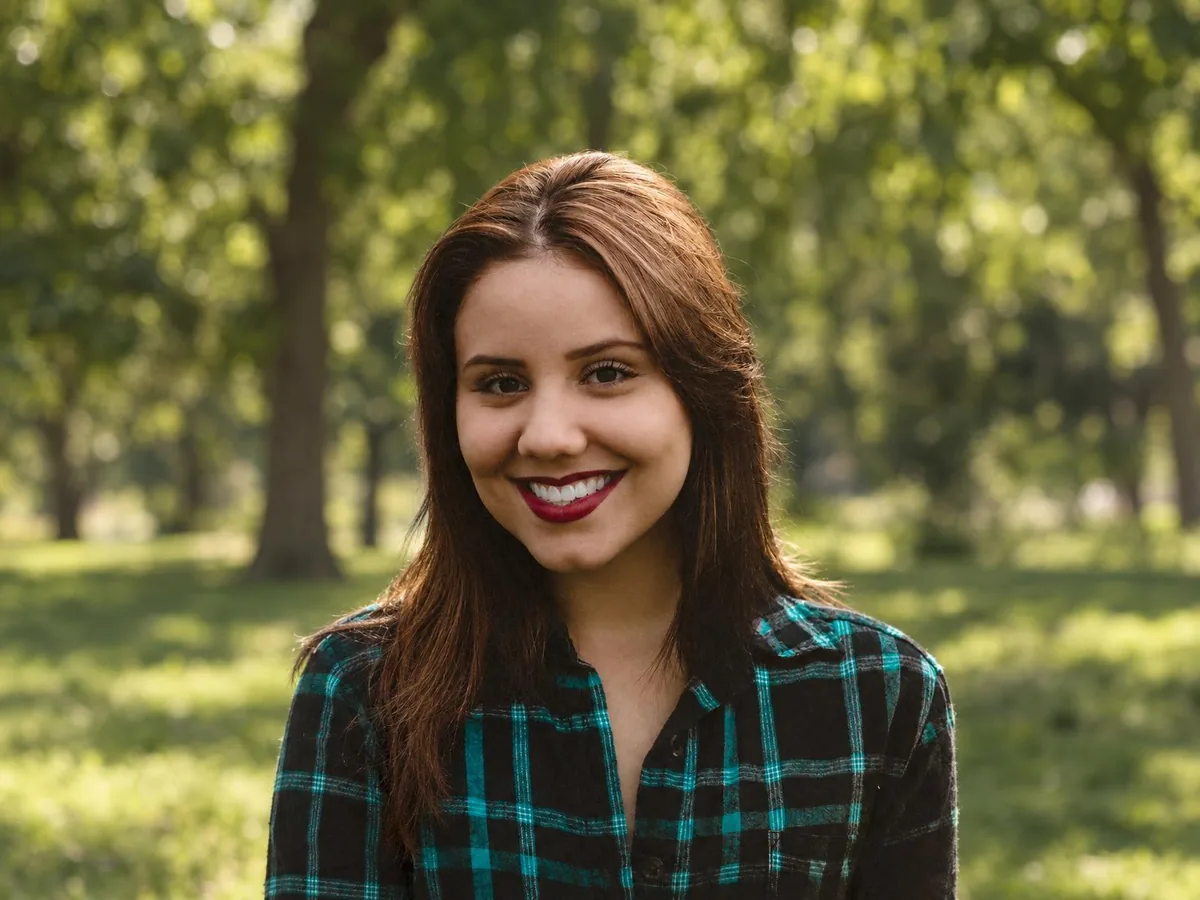
Standard for full HD in seconds
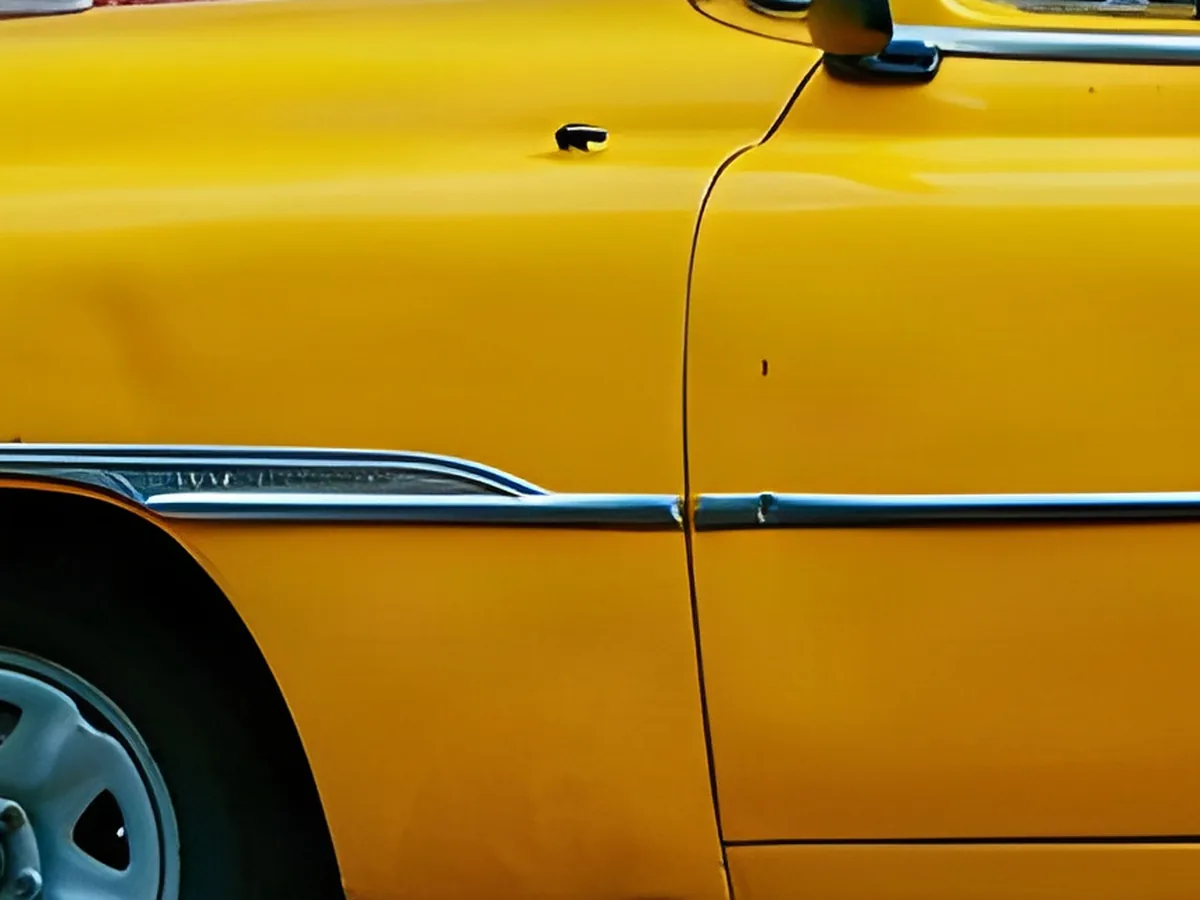
Turns a small photo into crisp 1080p, 2K or 4K for sharing and screens. Straight edges and shiny trim come out clean. Covered by the daily free credits.
This HD photo converter turns a small or old picture into a full HD, 2K or 4K photo. The AI fills in detail at the new size, so it looks sharp on today's screens.
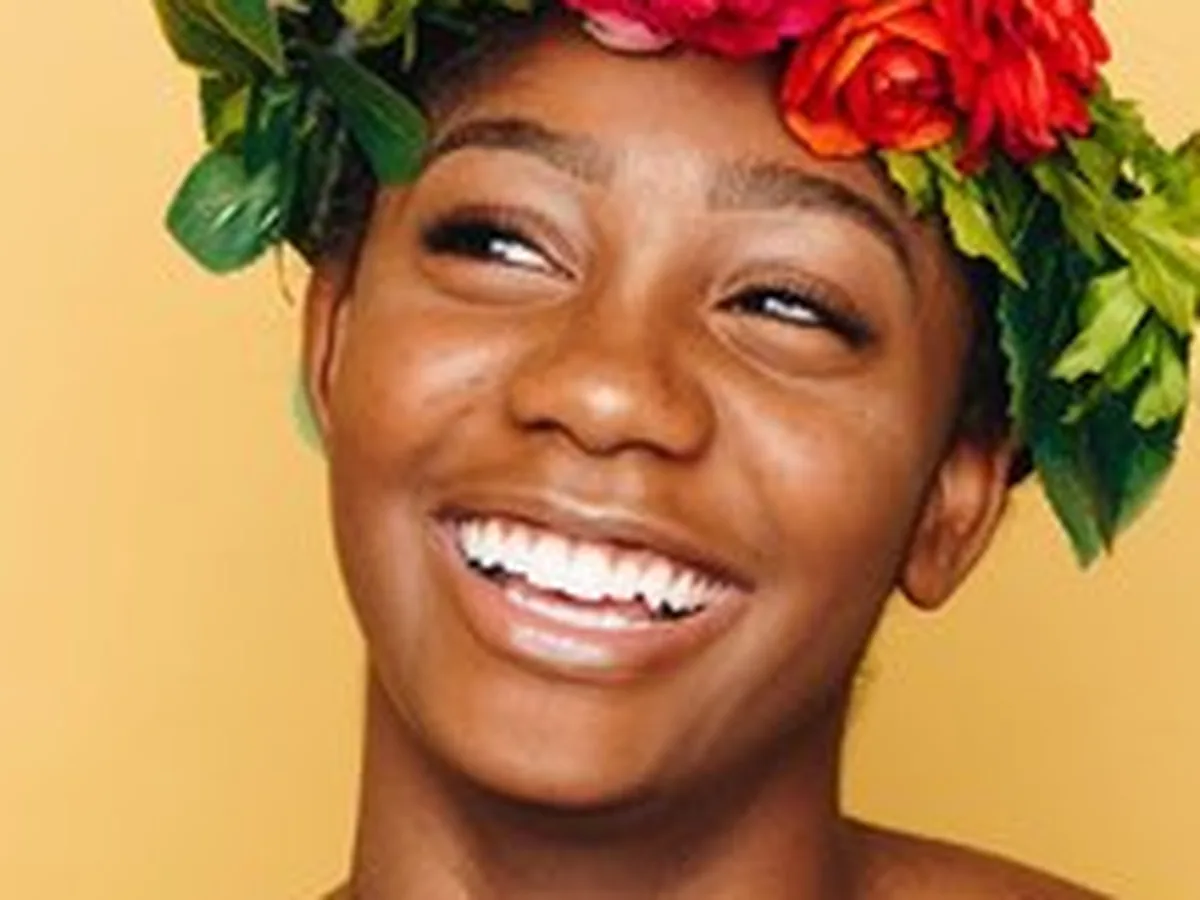
Upload Image
Drag and drop, or click to browse
Both versions convert to 1080p, 2K or 4K. Pro rebuilds finer detail for photos that will be seen up close.
Turns a small photo into crisp 1080p, 2K or 4K for sharing and screens. Straight edges and shiny trim come out clean. Covered by the daily free credits.
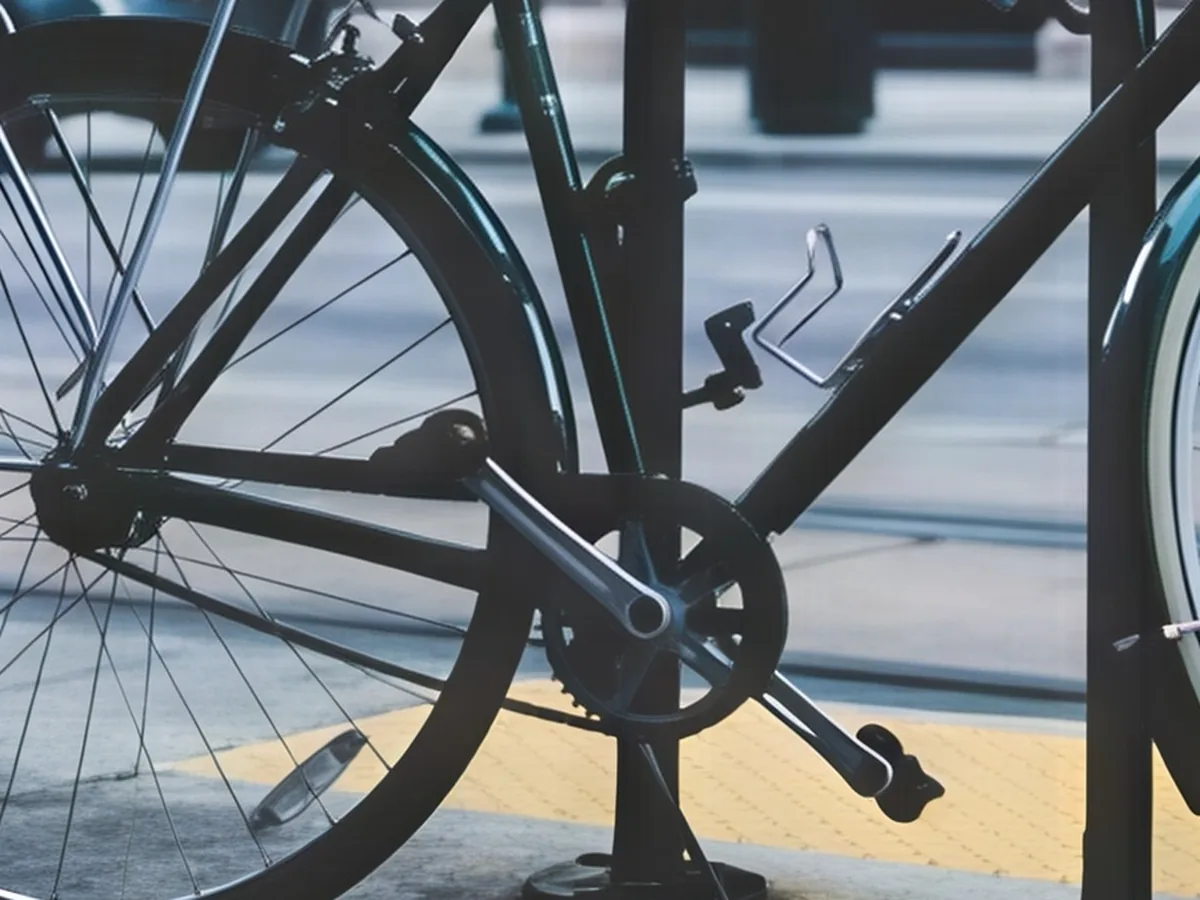
Rebuilds fine texture like spokes, chains, fabric and hair, for 10 credits. Pick it for detailed subjects that will be seen up close.
HD sizes are named after screens. Pick the one that matches where the photo will be seen.
| Size | Pixels (16:9) | Prints sharp up to | Good for |
|---|---|---|---|
| 1080p | 1920 × 1080 | 6.4 in (16 cm) wide | Full HD: phones, social media, most laptops |
| 2K | 2560 × 1440 | 8.5 in (22 cm) wide | QHD: large monitors, sharper social posts |
| 4K | 3840 × 2160 | 12.8 in (33 cm) wide | Ultra HD: 4K TVs and monitors, prints |
720p (1280 × 720) also counts as HD, but most photos are already bigger, so the converter starts at 1080p. Pixels shown for a 16:9 photo.
Three steps. A run usually takes under a minute.
JPG, PNG or WebP up to 20 MB. Old digital photos, web images and pictures saved from chats all work.
Pick the HD size, then Standard or Pro. The exact pixel size shows before you start.
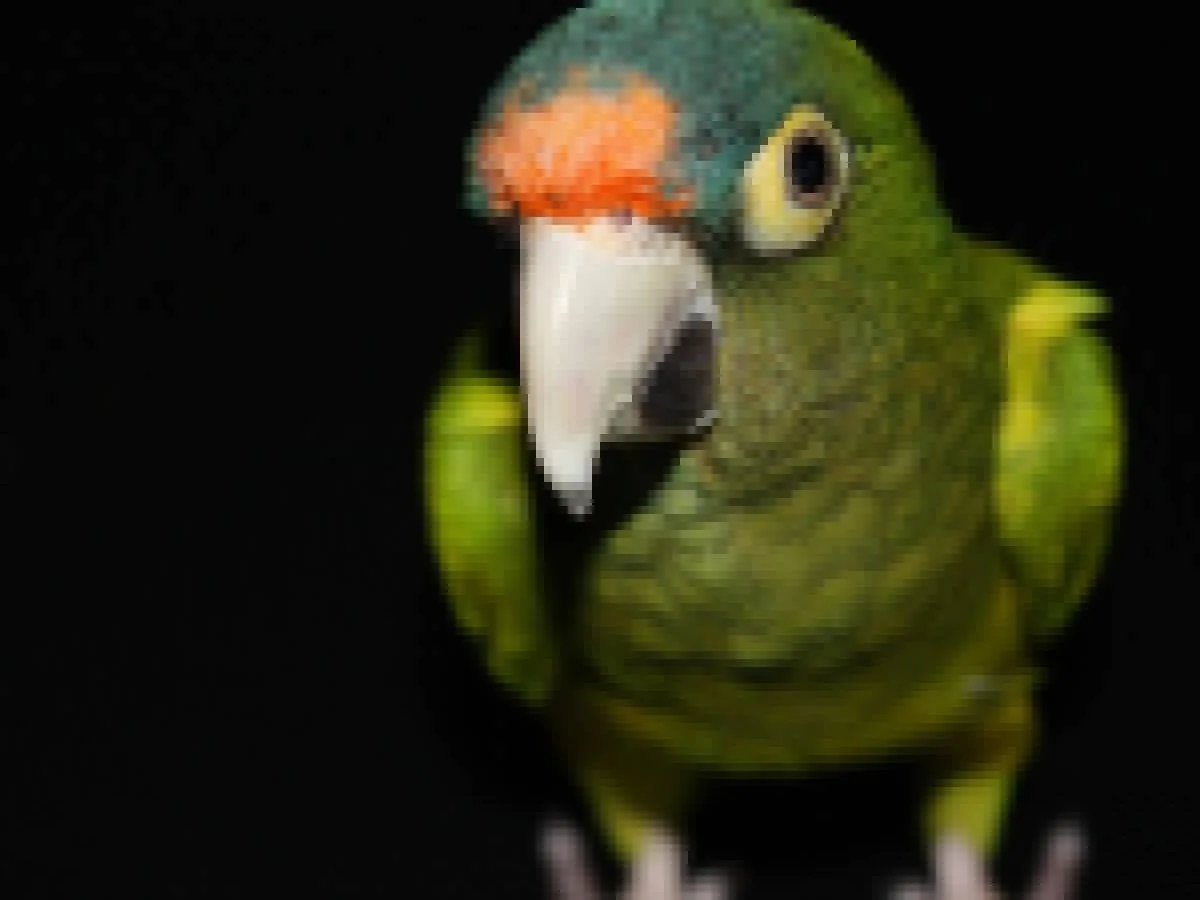
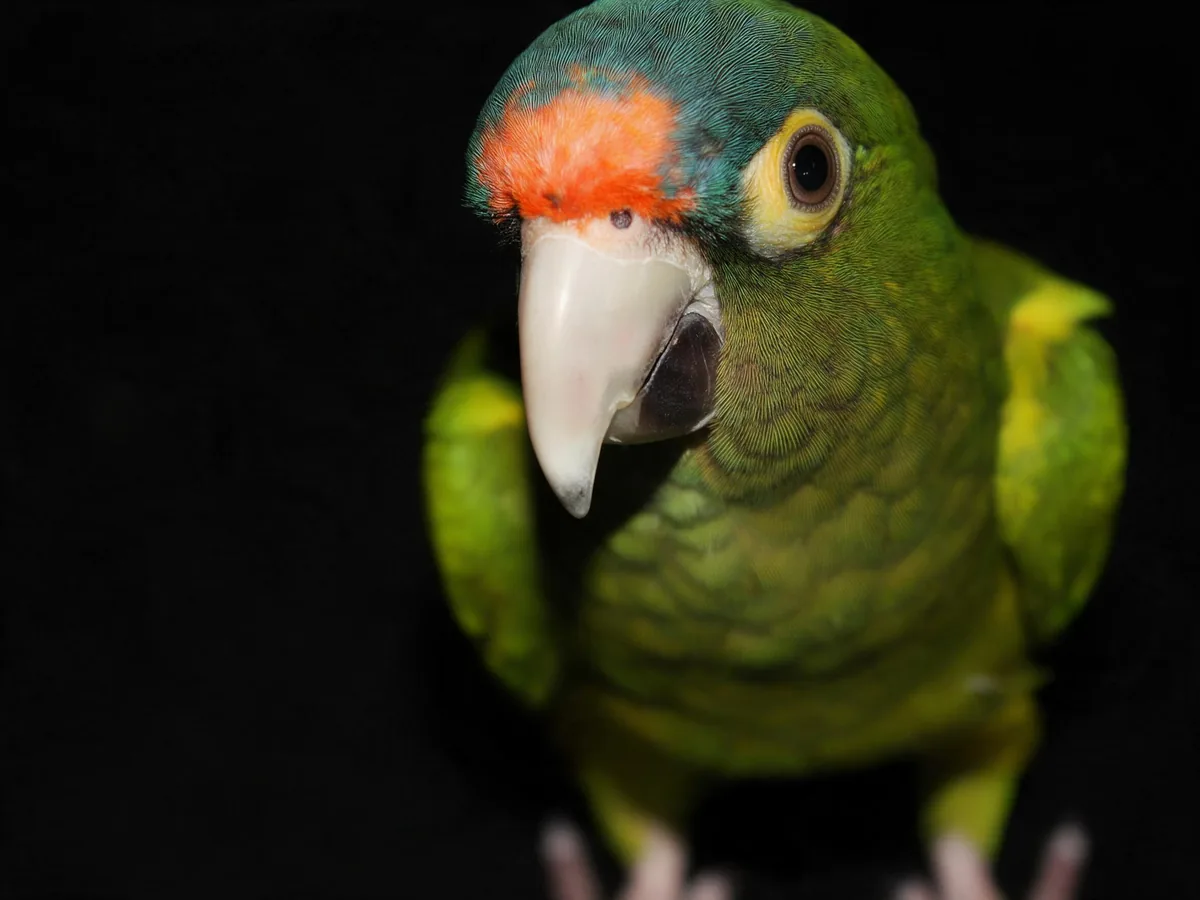
Slide across the photo to compare it with the original, then save the HD file.
Small photos that are otherwise clean convert best. Here is what to expect.
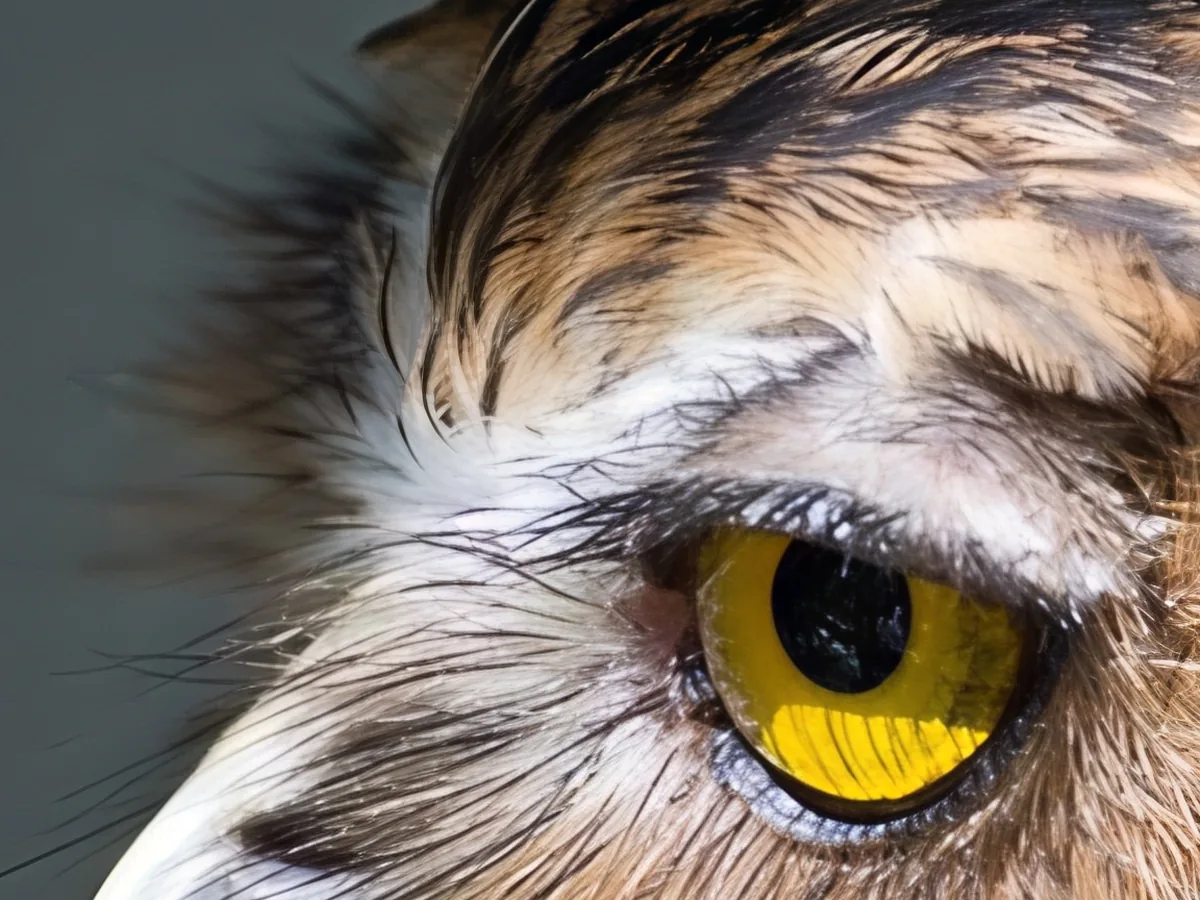
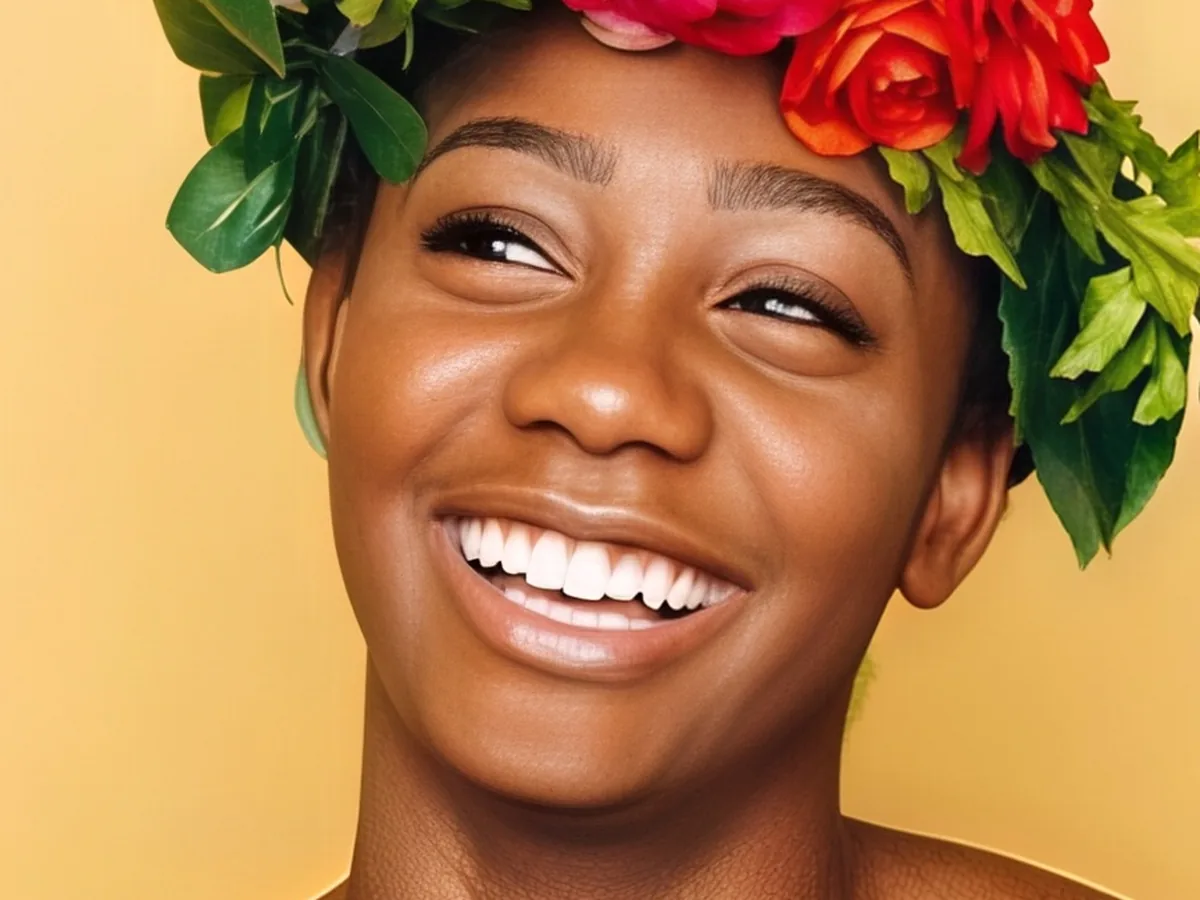
Photos from early smartphones, messaging apps and websites come out at full HD or 4K with natural skin, fur and edges, and the colors unchanged.
Small scans convert well, but scratches, dust and fading stay as they are. For a damaged print, restore it first and then convert it.
Converting adds pixels and detail to a sharp but small photo. Motion blur or missed focus needs an unblur tool. Tiny faces may come back looking slightly different.
Any editor can enlarge a picture, but it only gets bigger, not sharper. These steps help.
If an HD original exists, it is always the most faithful copy. If it doesn't, this tool rebuilds the missing detail in under a minute.
Messaging apps and social networks send smaller copies. The original on the sender's phone or in a cloud backup is often already HD.
When saving from an editor or a phone app, choose the largest size or original quality instead of a compressed option.
Photoshop's Preserve Details 2.0 or GIMP's NoHalo enlarge more smoothly than a plain stretch, though fine detail stays soft.
Send the HD file as a document or a link so the app doesn't shrink it again on the way.
Yes. Standard costs 2 credits and is covered by the free credits everyone gets each day, no account needed. Pro uses 10 purchased credits. Downloads have no watermark.
HD usually means 1280 × 720 (720p) or 1920 × 1080 (1080p, Full HD). 2K is 2560 × 1440 and 4K is 3840 × 2160. Here the size sets the photo's long side, and the short side follows its shape.
You can upload a JPG, PNG or WebP, and the HD result downloads as a high-quality JPG.
Yes. Choose 1080p for most phones and laptops, or 4K for 4K monitors and TVs. Then crop the result to your screen's shape in any photo app.
They use the same AI. This page offers the common HD sizes up to 4K; the Image Upscaler also goes to 8K for large prints.
Your photos are used only to create your result, never to train AI. Without an account they're deleted after 24 hours. Signed in, they're kept in History for 72 hours, or until you delete them if you turn on "Keep my tasks". Details are in our Privacy Policy.