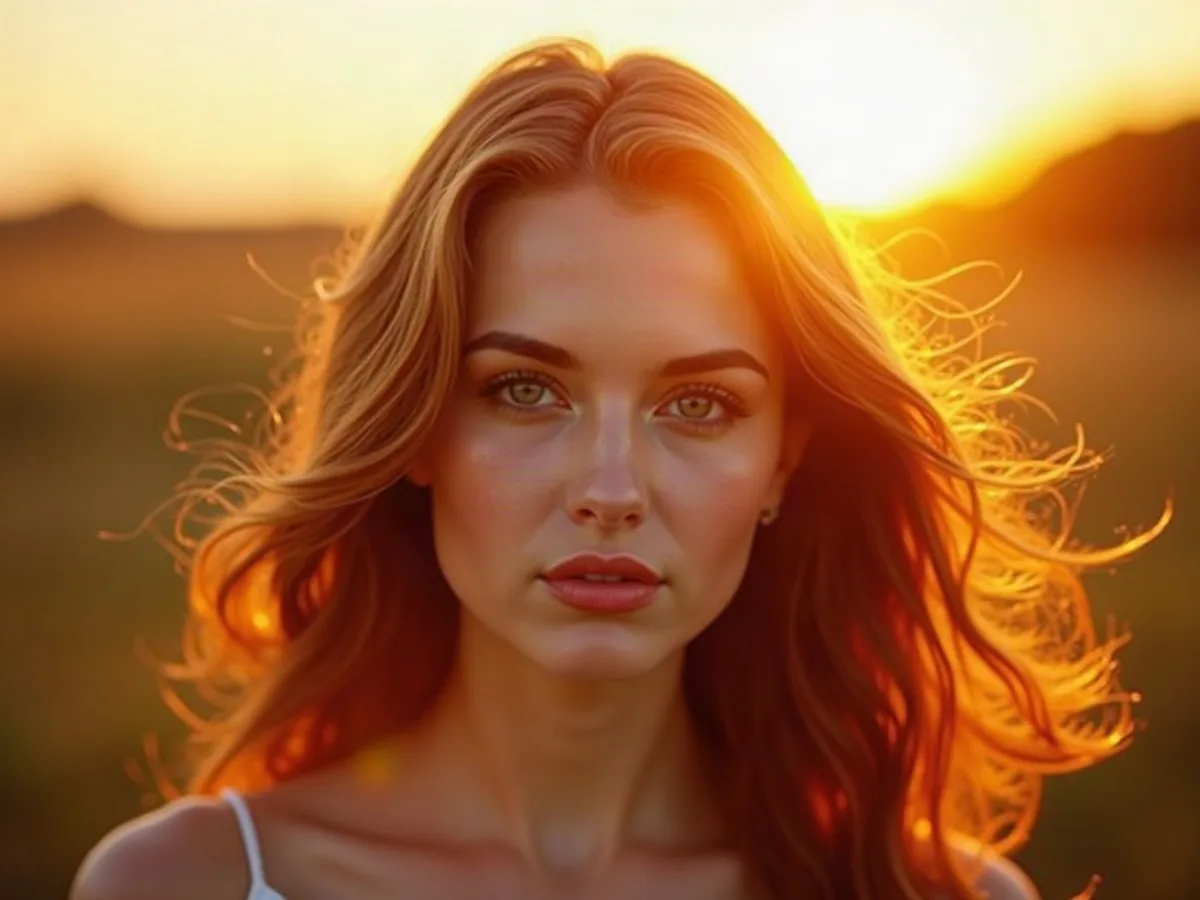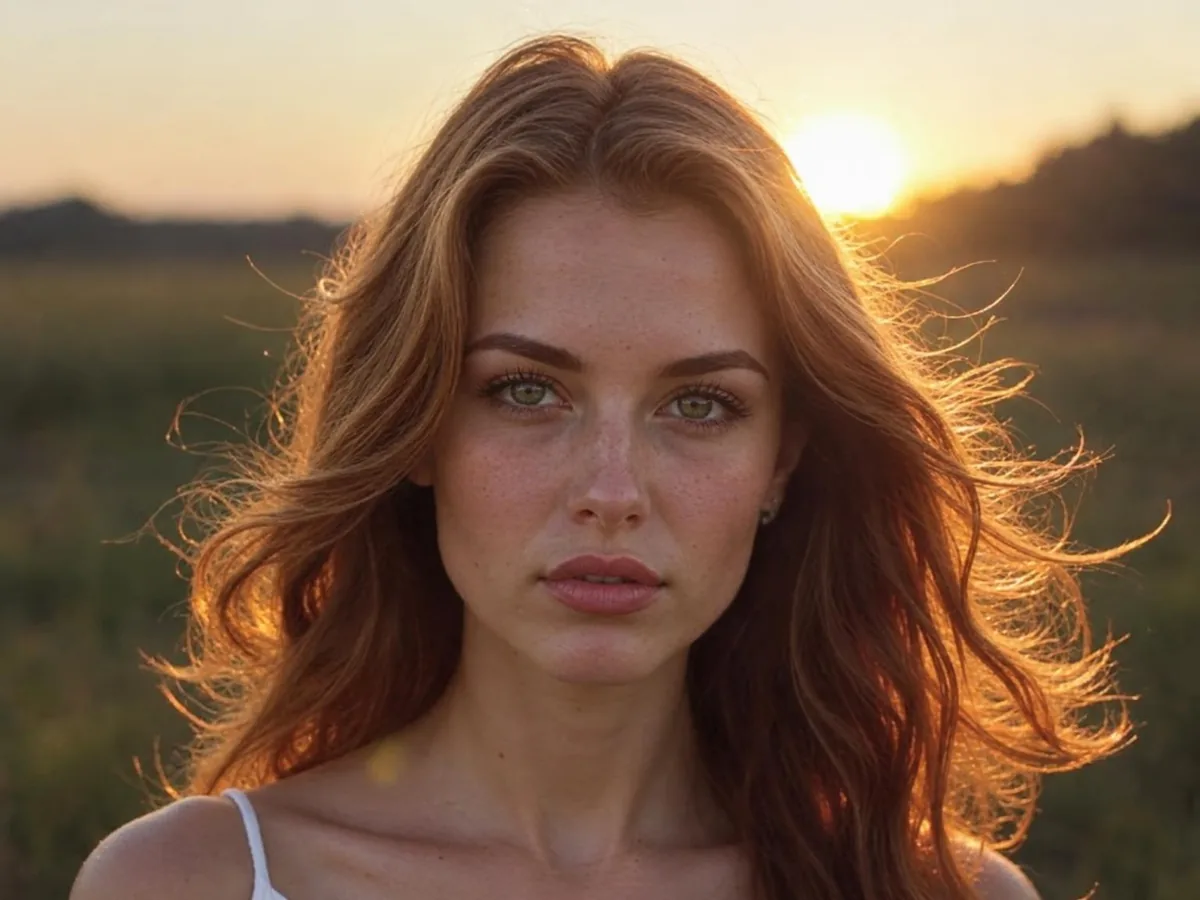
Clarpex

Unblur Text: Make Blurry Words Readable Again

Upload a blurry screenshot, document or photo of a sign, and the AI text enhancer makes the words sharp and readable. Letters it can read stay exactly as written, so compare names and numbers with the original.

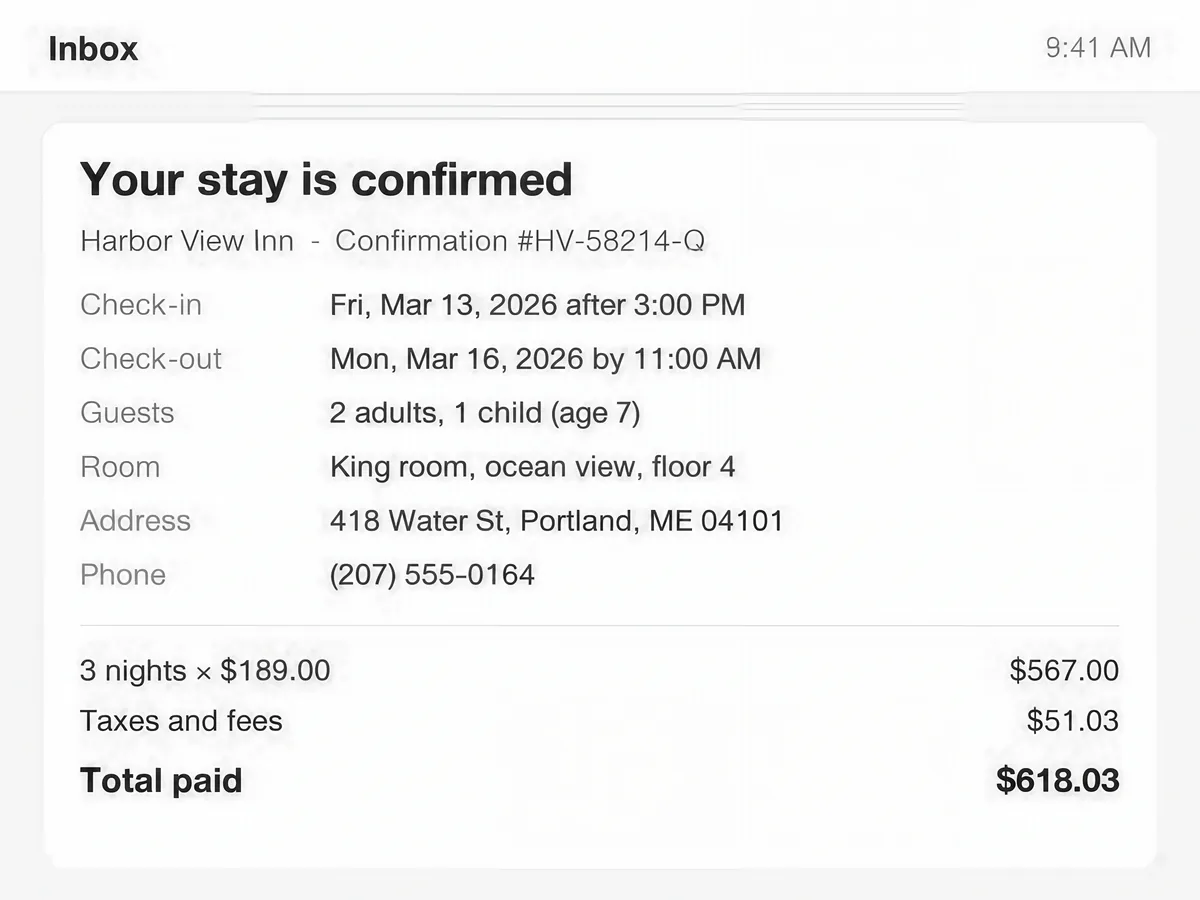
Low-resolution screenshot of an order confirmation, after enhancementLow-resolution screenshot of an order confirmation, before enhancement
No photo? Try one:

Upload Image

Drag and drop, or click to browse

  • Free daily credits
  • No sign-up
  • Private

Which version should you use to unblur text?

Pick by the kind of image: Standard for screenshots and scans, Pro for photos taken with a shaky hand or a missed focus.

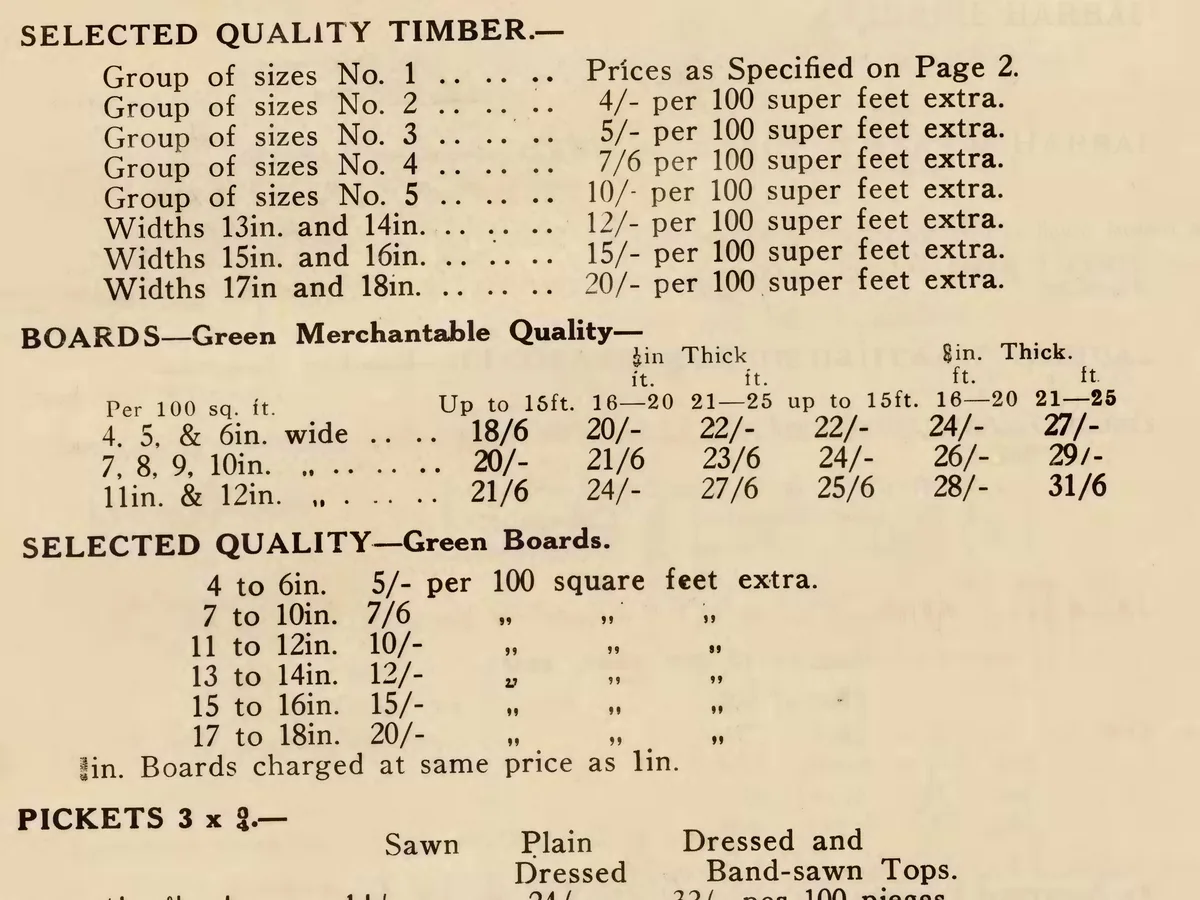
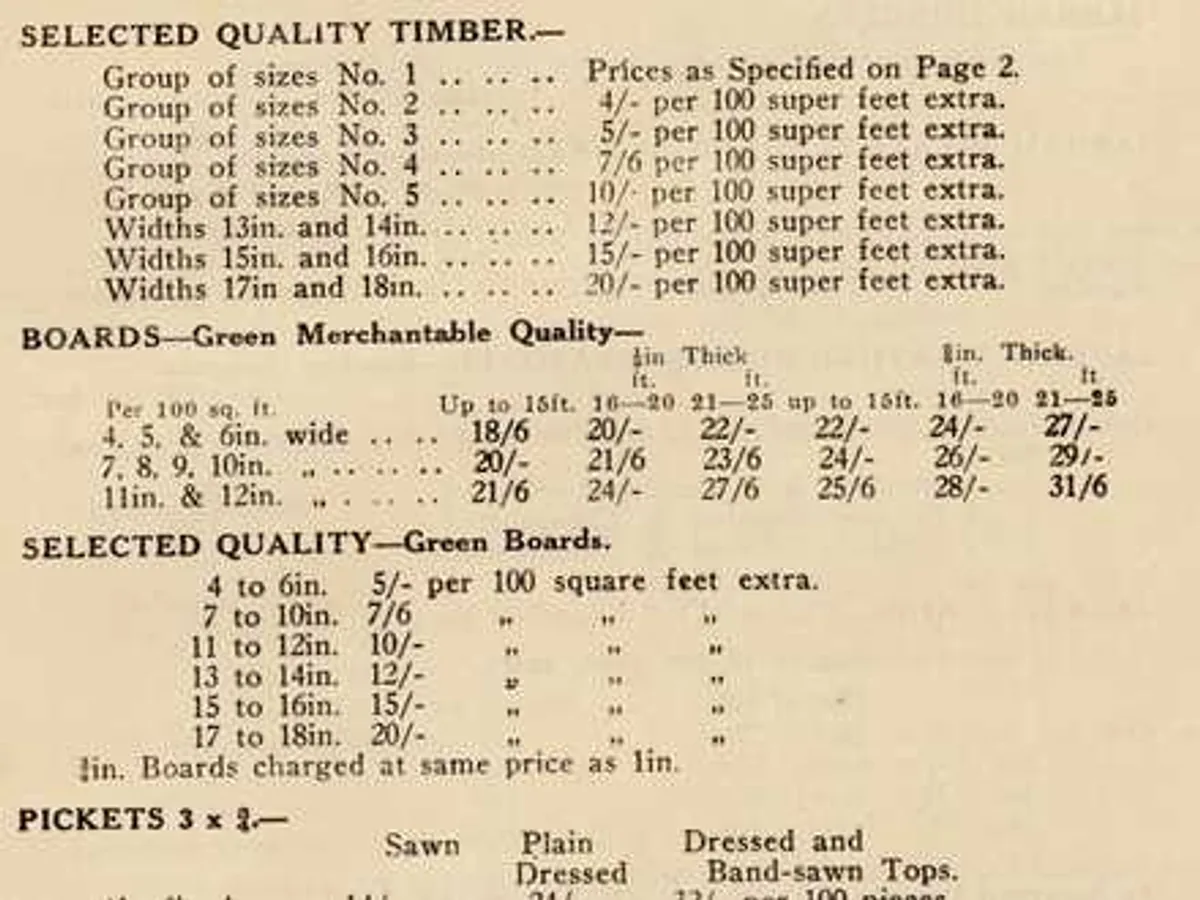
Low-resolution scan of a 1936 price list, after enhancementLow-resolution scan of a 1936 price list, before enhancement

Standard for screenshots, scans and documents

Standard sharpens low-resolution and slightly out-of-focus text and returns a much larger image. Letters it can read stay exactly as written, and nothing on the page is added or moved. It costs 4 credits, so the daily free credits cover two images.
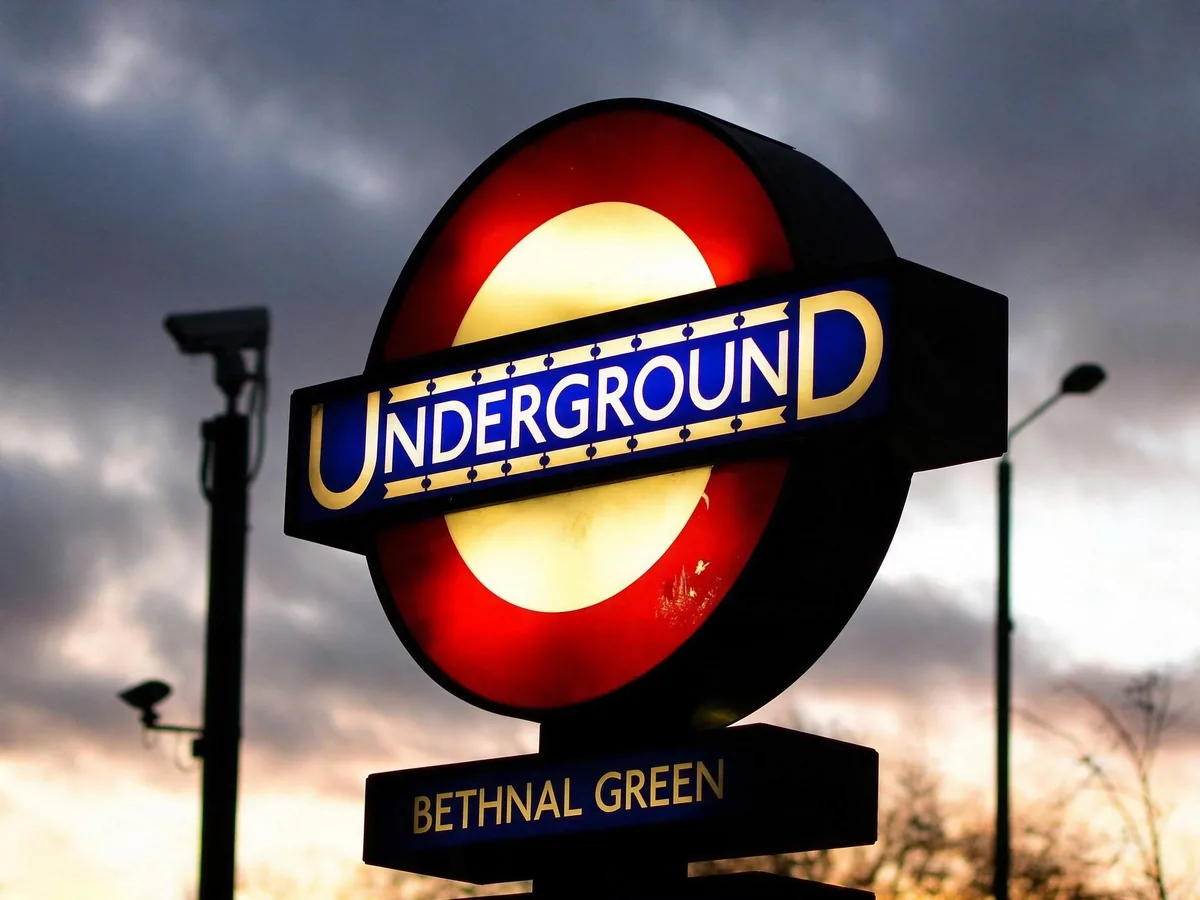
Shaky photo of a London Underground station sign, after enhancementShaky photo of a London Underground station sign, before enhancement

Pro for shaky or out-of-focus photos of text

Pro rebuilds words smeared by camera shake or a missed focus on signs, labels, whiteboards and menus. It redraws the letters, so very small print can come out with a wrong character. Compare names and numbers with the slider before you rely on them.

How do you unblur text in an image?

Three steps. A run takes 15 to 40 seconds.

  1. Upload the image

    JPG, PNG or WebP up to 20 MB: a screenshot, a scan or a photo of text.

  2. Choose Standard or Pro

    Standard for screenshots and documents. Pro for photos with camera shake or soft focus.

  3. Check and download

    Drag the slider over names, numbers and small print, then save the image.

Is the unblurred text accurate?

Mostly. Accuracy depends on how much of each letter is still visible in the original.

What stays exactly as written

Words you can half read in the original come out sharp and spelled the same. Standard also keeps the layout, fonts, colors and page as they are, including screenshot details like buttons, lines and highlights.

What to check before you rely on it

Letters only a few pixels tall, handwriting and long rows of digits are where a wrong character can slip in. Compare account numbers, amounts, dates and names with the original before you copy them.

What can't be unblurred

Text blurred or pixelated on purpose can't be recovered, and any readable version of it would be invented. Text that is only a smear, with no letter shapes left, stays unreadable.

How to unblur text without AI

A sharper source, an image editor or a rescan can make text clearer by hand in four steps.

Sharpening and thresholding help while the letters are still separate. When blur has merged them, the AI text enhancer rebuilds their shapes, and that is where it saves the most time. For blurry photos of people and things, use Unblur Image.

  1. 1

    Look for a sharper source first

    Ask for the original file, take a new screenshot at full size, or zoom in on the page before you capture it. Messaging apps shrink images, and that loss can't be undone afterwards.

  2. 2

    Sharpen the letter edges

    In Photoshop or GIMP, apply Unsharp Mask or Smart Sharpen with a small radius of about 1 px. A larger amount draws bright halos around every letter.

  3. 3

    Turn a document into black and white

    For printed text, convert the image to grayscale and use Threshold or Levels so the letters go black and the paper goes white. It cleans up soft scans in seconds.

  4. 4

    Rescan or reshoot the page

    A phone scanner, such as the Notes app on iPhone or Google Drive on Android, flattens and sharpens a page automatically. Keep the page flat, evenly lit and hold still.

Unblur text FAQ

Yes, two images a day. Standard costs 4 credits, and everyone gets 10 free credits a day without an account. Pro uses purchased credits. Downloads have no watermark. Credit packs and plans are on the pricing page.

Not always. Text you can half read usually comes out right. Tiny print, handwriting and long rows of digits can come out with a wrong character, because the AI predicts letter shapes from what is left. Check numbers, amounts and names against the original before you use them.

No. Text that was blurred, pixelated or redacted on purpose has lost its letters, and any readable version would be a guess. The text unblur tool is for text that became blurry by accident: a soft scan, a small screenshot or a shaky photo.

Yes. Screenshots shrunk by a messaging app or zoomed in too far work well with Standard. It sharpens the text and keeps buttons, lines and the layout as they were. A new full-size screenshot is still sharper when you can take one.

Neat handwriting and chalkboard lettering usually become clearer, especially with Pro. Messy or tiny handwriting is the hardest case, since a letter can be read as a different one, so compare the result with the original.

Your photos are used only to create your result, never to train AI. Without an account they're deleted after 24 hours. Signed in, they're kept in History for 72 hours, or until you delete them if you turn on "Keep my tasks". Details are in our Privacy Policy.

More ways to fix your photos

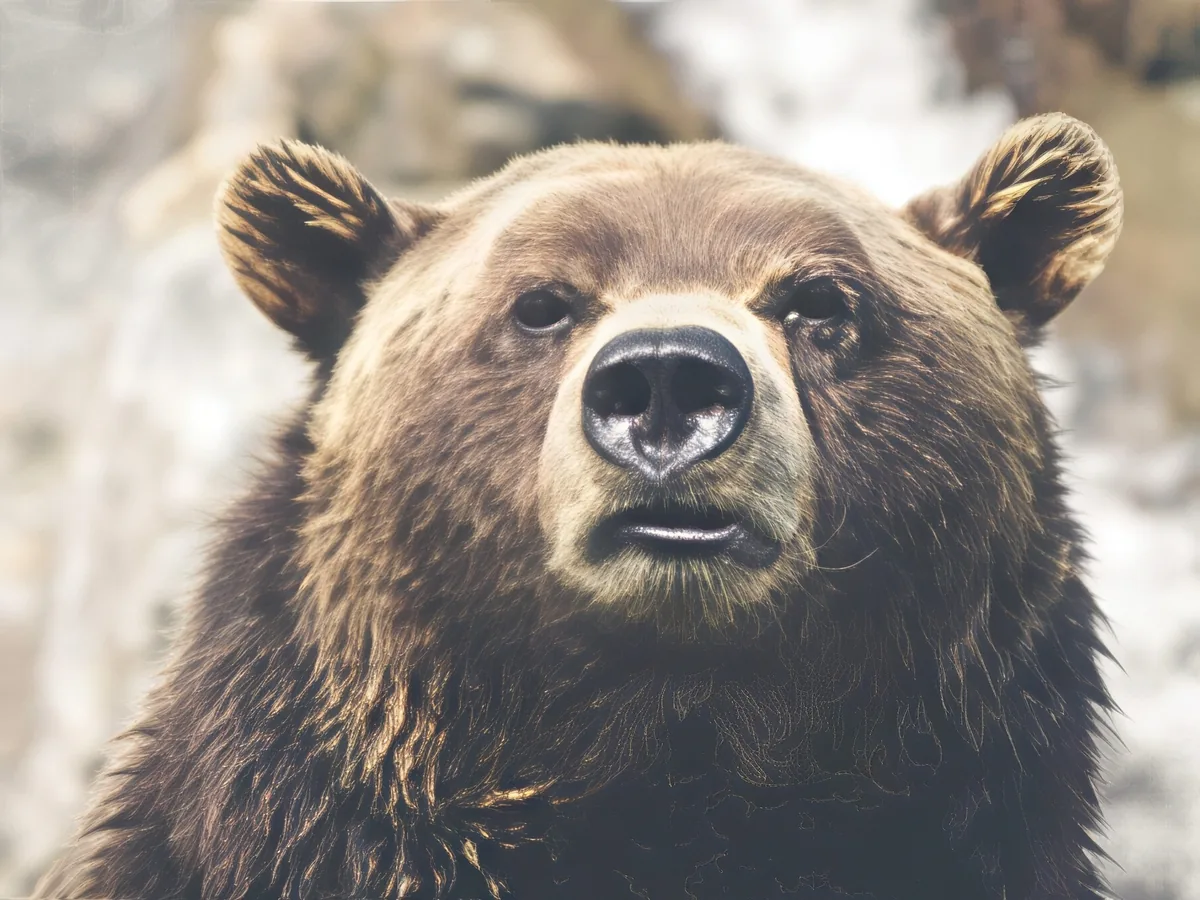
Soft close-up of a brown bear, before enhancementSoft close-up of a brown bear, after enhancement

Sharpen Image

Make a picture clearer when it is only slightly soft.

Sharpen image
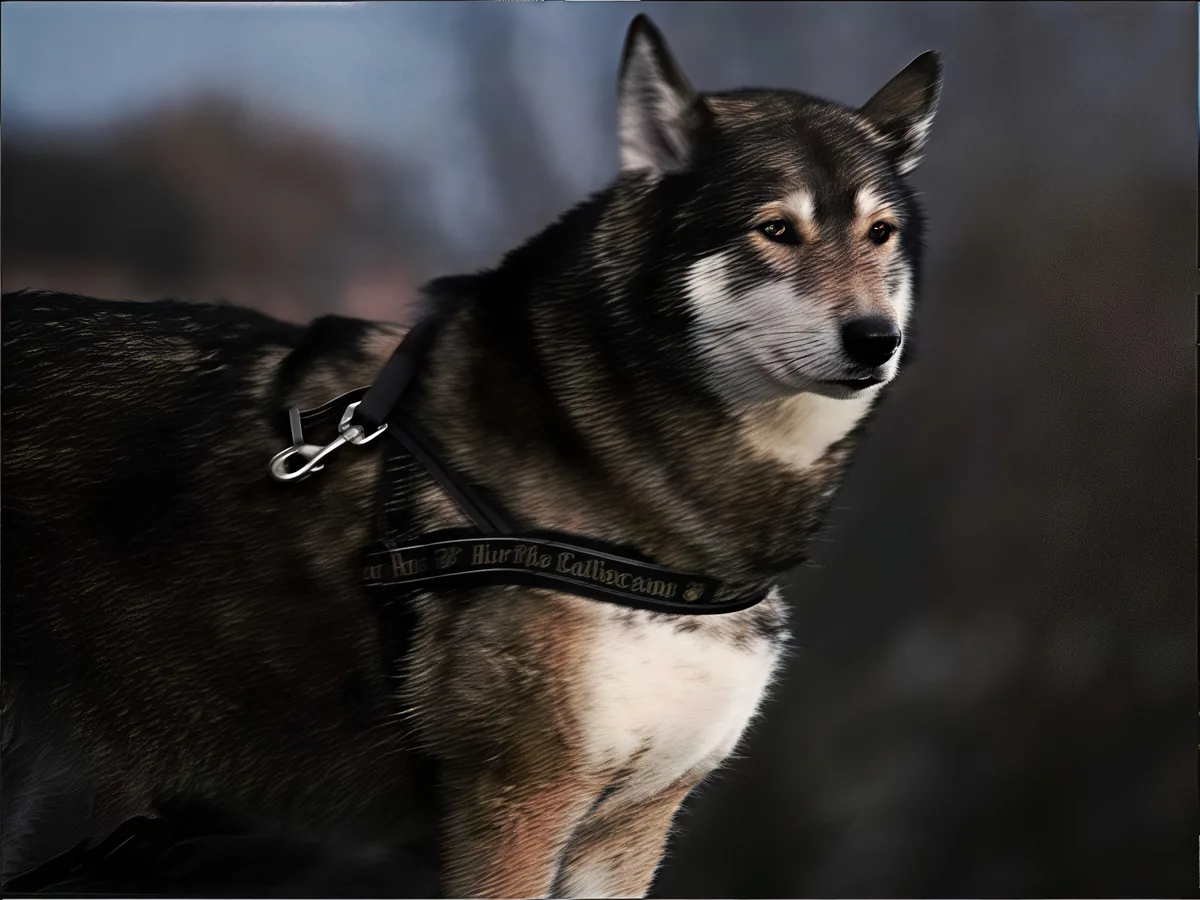
Shaky photo of a husky, before enhancementShaky photo of a husky, after enhancement

Unblur Image

Remove motion blur and out-of-focus blur from photos.

Unblur image
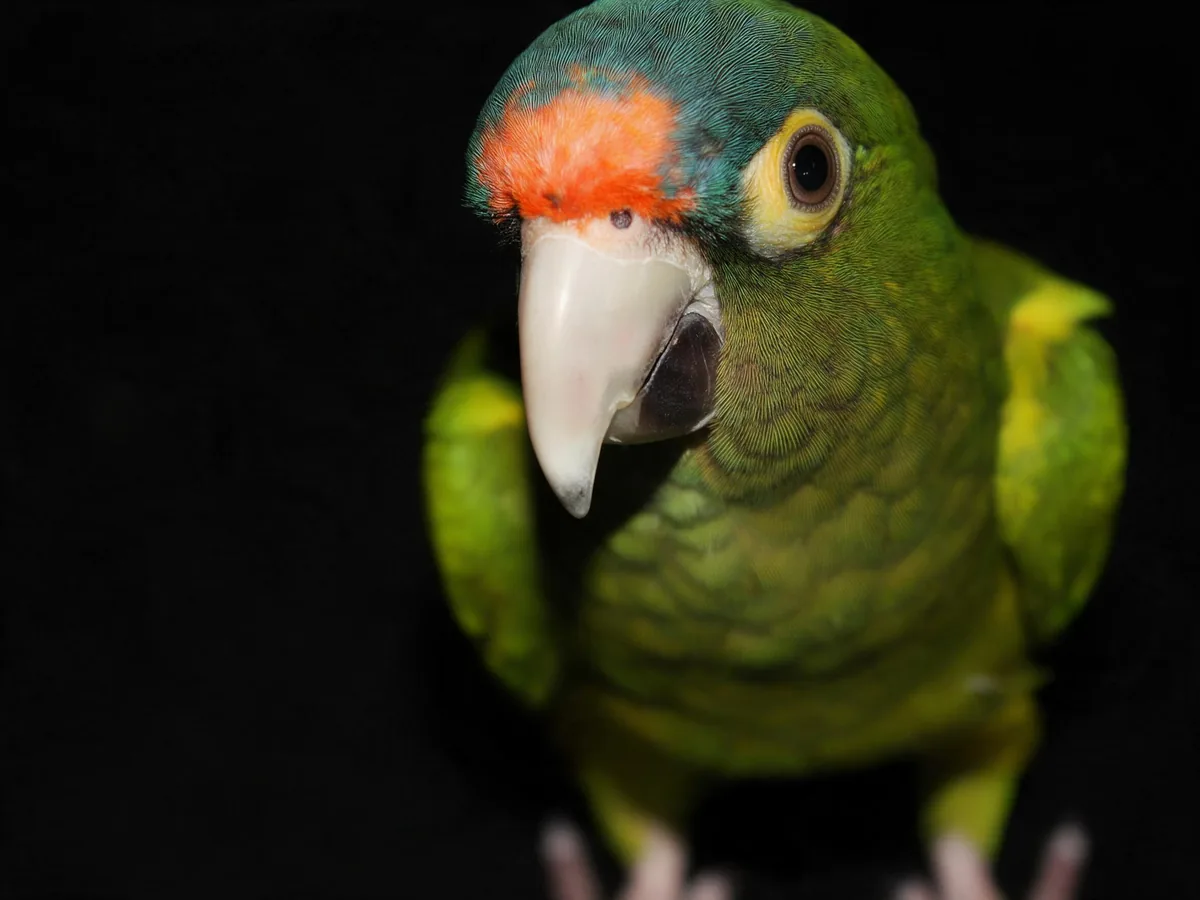
Close-up of a green parrot with an orange forehead, before enhancementClose-up of a green parrot with an orange forehead, after enhancement

Unpixelate Image

Turn blocky, pixelated photos smooth and sharp.

Fix pixelation
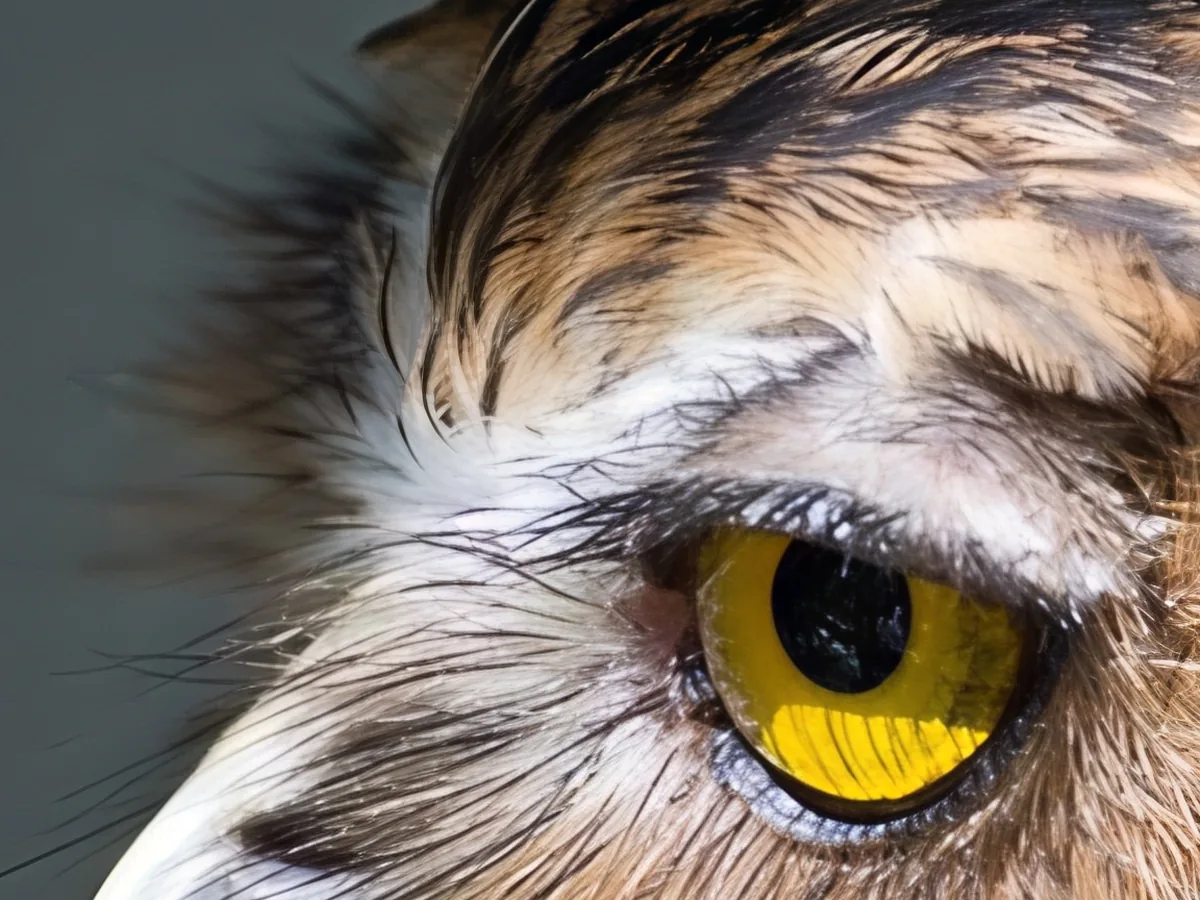
Close-up of an owl's yellow eye, before enhancementClose-up of an owl's yellow eye, after enhancement

Image Upscaler

Upscale photos to 2K, 4K or 8K with AI.

Upscale image
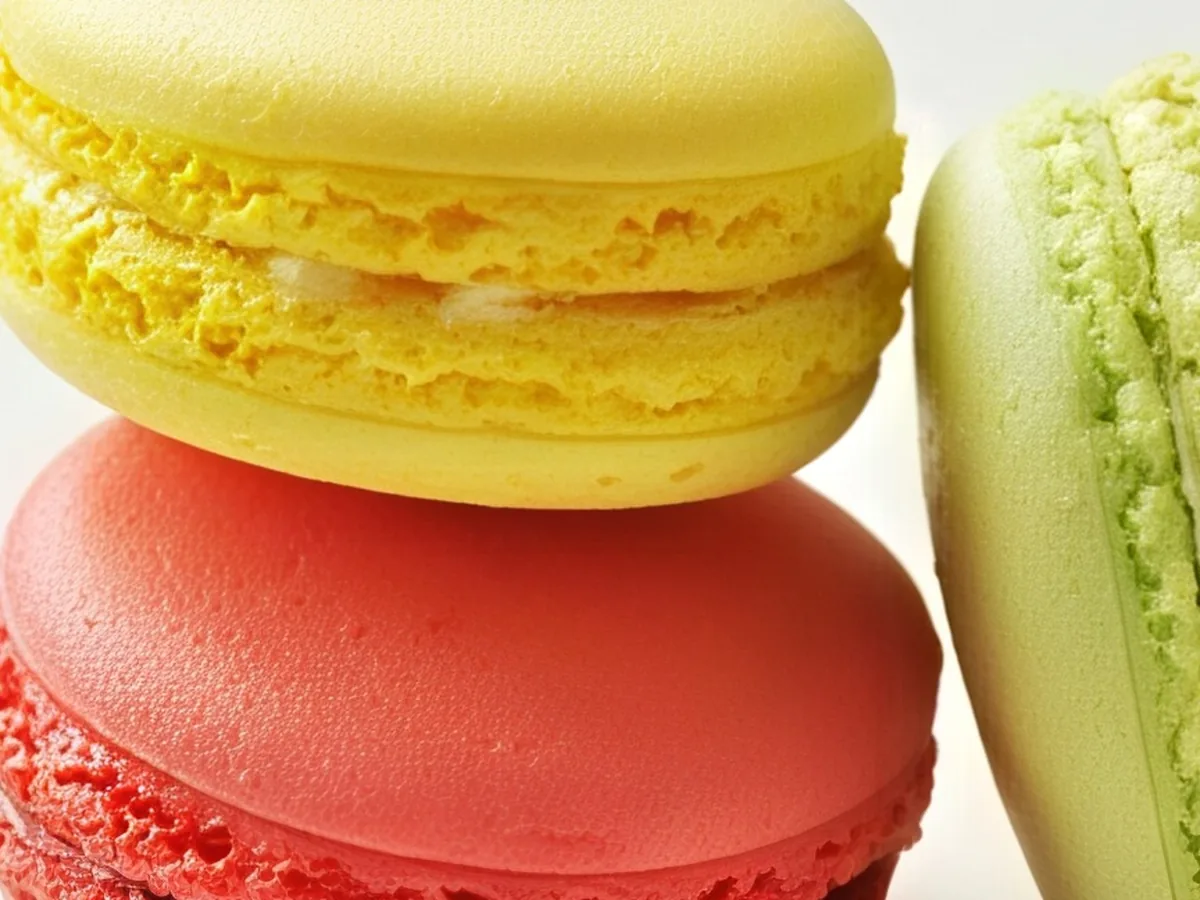
Close-up of yellow, pink and green macarons, before enhancementClose-up of yellow, pink and green macarons, after enhancement

HD Photo Converter

Turn low-res photos into 1080p, 2K or 4K.

Convert to HD