

Clarpex

Watermark Remover: Remove Watermarks, Logos and Signatures from Photos

Upload a photo and the AI watermark remover finds every mark laid over it: text, logos, signatures and repeated patterns. The spot each mark covered is filled back in, and signs and labels that belong to the scene stay.

Portrait in front of a hedge with a studio logo in the middle, after enhancementPortrait in front of a hedge with a studio logo in the middle, before enhancement
No photo? Try one:

Upload Image

Drag and drop, or click to browse

  • Free daily credits
  • No sign-up
  • Private

What can the watermark remover remove from a photo?

Repeated patterns, logos, signatures, stickers and emoji. Drag the slider on each pair to compare.

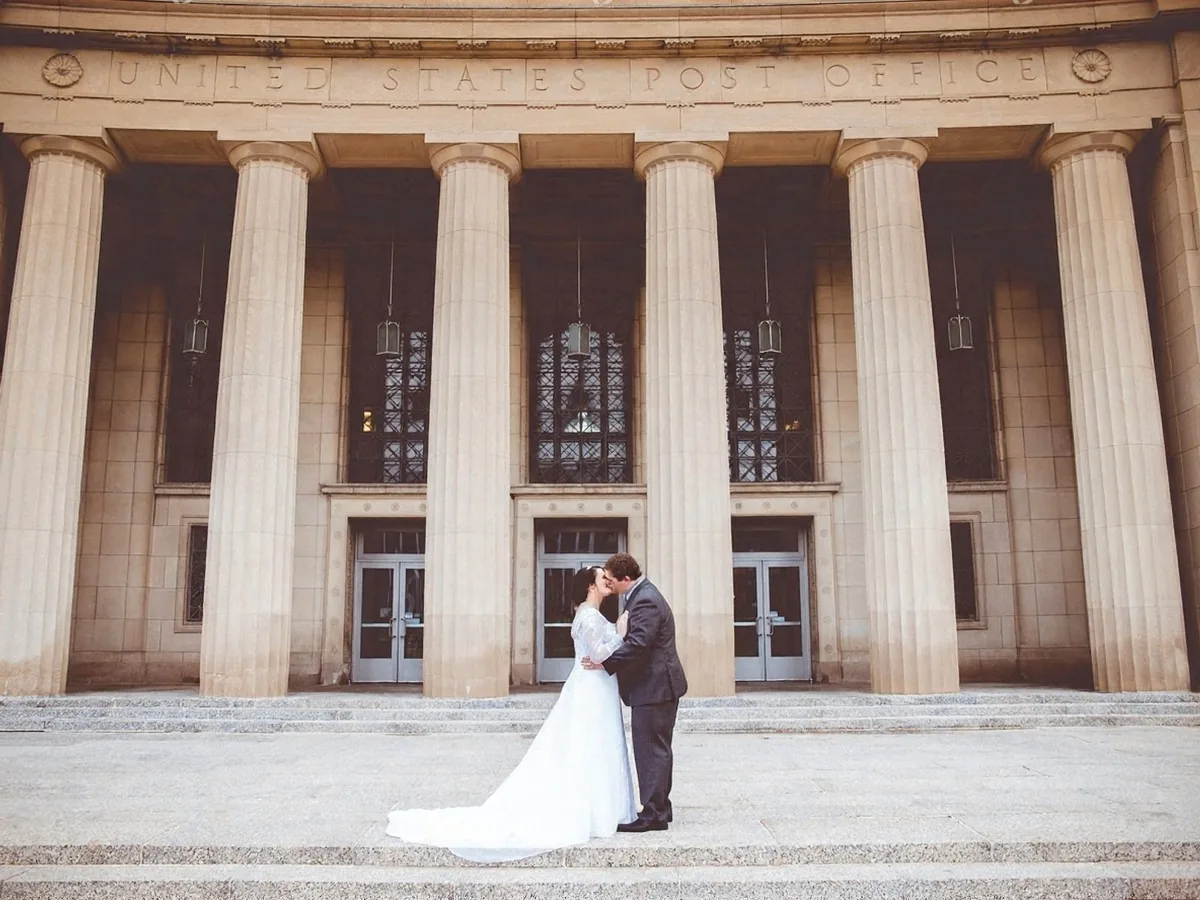
Wedding couple in front of a columned building, the repeated proof watermark removed, after enhancementWedding couple in front of a columned building, the repeated proof watermark removed, before enhancement

Remove a watermark repeated across the whole photo

One run of Remove all watermarks clears a pattern repeated from edge to edge, the kind proofs and previews carry. Semi-transparent marks come off cleanest, with the detail under them restored.

  • Repeated pattern
  • Remove all watermarks
  • Whole photo

Latte in a blue cup on a wooden table, the café logo removed, after enhancementLatte in a blue cup on a wooden table, the café logo removed, before enhancement

Remove a logo from a photo

An old shop or studio logo on your own product shot comes off with Remove all watermarks, and what was under it is filled back in. Check the edges where the logo sat with the slider.

  • Logo
  • Remove all watermarks
  • Product photo
Sunset over the sea with a handwritten signature removed from the corner, after enhancementSunset over the sea with a handwritten signature removed from the corner, before enhancement

Remove a signature or name from a photo

A name or copyright line in a corner is the easiest mark to remove. Remove all watermarks clears it and continues the sky, wall or grass behind it. Use the watermark remover only on photos you own or have the rights to edit.

  • Signature
  • Remove all watermarks
  • Corner mark
Two friends laughing, the smiley, heart and star stickers removed, after enhancementTwo friends laughing, the smiley, heart and star stickers removed, before enhancement

Remove emoji and stickers from a photo

Stickers need Paint over a watermark: Remove all watermarks leaves them alone. Brush over each sticker and what was behind it is filled in. A face a sticker covered is redrawn, not recovered, so compare it closely.

  • Emoji & stickers
  • Paint over a watermark
  • Social post
Night market street seen from above, the semi-transparent corner logo removed, after enhancementNight market street seen from above, the semi-transparent corner logo removed, before enhancement

Remove a logo over a busy photo

For a see-through logo over a detailed scene, Remove all watermarks is the better choice. The remover restores the detail under the mark instead of painting over it, and real signs in the scene stay. Save painting for solid stickers and logos.

  • Busy photo
  • Remove all watermarks
  • See-through mark

How do I remove a watermark from a photo?

Removing a watermark takes three steps and under a minute.

  1. Upload the photo
    JPG, PNG or WebP up to 20 MB: a photo, a screenshot or a scan.

  2. Remove all watermarks, or paint over one

    Remove all watermarks finds every mark for you. Paint over a watermark changes only what you brush.

  3. Compare and download

    Drag the slider over where the mark was, paint over anything left, then save the photo.

When does the watermark remover work best?

The watermark remover works best on marks added on top of a photo. Detail hidden under a solid mark has to be redrawn.

Which watermarks come off cleanly?

Semi-transparent text, logos, signatures, credit lines and repeated patterns come off cleanly in one run of Remove all watermarks. The photo under them is restored, and its colors are kept. Stickers and emoji need Paint over a watermark.
Does the watermark remover keep text that was in the scene?

Yes. The watermark remover removes only marks added on top of the picture. Shop signs, posters, T-shirt prints and product labels that were in the photo stay. Very small text right next to a mark can come back slightly redrawn.

What can the watermark remover not restore?

The watermark remover cannot recover detail that a solid mark completely hid. Under an opaque logo or sticker, a face, an eye or fine print is redrawn as a plausible guess. On scanned documents, words under a mark may change. Compare with the slider before you download.

How do I remove a watermark in Photoshop or GIMP?

Photoshop or GIMP can remove a watermark by hand in four steps.

Removing a small corner mark from a plain background by hand takes about a minute. Removing a pattern repeated across a whole photo, or a logo over a face, takes far longer. The watermark remover handles both in one run.

  1. 1

    Select the watermark

    Draw a selection a few pixels wider than the mark with the Lasso tool in Photoshop or the Free Select tool in GIMP.

  2. 2

    Fill it from the surroundings

    Use Edit > Content-Aware Fill in Photoshop, or Filters > Enhance > Heal Selection in GIMP. It works well on plain backgrounds like sky or a wall.

  3. 3

    Fix the rest with the Clone Stamp

    Where the fill repeats a pattern or bends a straight line, clone from a nearby clean area and change the source point often. A faint mark can sometimes be faded first with a Levels or Curves adjustment on the selection.

  4. 4

    Check at 100% zoom

    Look for leftover outlines of the mark and blurry patches, especially on faces and textured surfaces. On a phone, Google Photos' Magic Eraser and Clean Up in Photos on iPhones with Apple Intelligence can paint out a small mark too.

Watermark remover FAQ

Yes. Remove all watermarks costs 4 credits a photo and Paint over a watermark costs 5. Everyone gets 10 free credits a day without an account: enough for two photos a day either way. Downloads carry no watermark of ours. Credit packs and plans for more are on the pricing page.

Removing a watermark from your own photos, or from images you have the rights to edit, is fine: an old logo on your product shots, your own signature on a portfolio picture, a sticker or caption you added yourself. Removing a watermark, credit or copyright notice from someone else's image to use it without permission can break copyright law, for example the DMCA in the US. Only upload images you have the rights to edit.

Only slightly, in very fine detail. Remove all watermarks works on a copy of about 1 megapixel and scales the result back to the photo's size, so very fine detail can look a little softer. Colors and lighting stay the same. Paint over a watermark keeps everything outside the painted area exactly as uploaded. The original file is never changed.

Yes. Pick Paint over a watermark and brush over the mark you want gone; everything you don't paint stays as uploaded, other text included. Painting works best on solid marks such as stickers and logos; for a see-through watermark over a detailed photo, Remove all watermarks restores more of what's underneath.

Yes. The sparkle in the corner of a Gemini or Nano Banana image is removed like any other visible mark. Depending on your Gemini app settings, you may also be able to turn the visible watermark off for new images. That setting doesn't affect SynthID, the invisible watermark Google embeds in the pixels. The Clarpex watermark remover is for visible marks and isn't meant to remove SynthID.

No, not on stock previews you haven't paid for. A stock photo carries a watermark because it needs a license. Buy the license and download the clean file instead. If you bought a license and only have a watermarked copy, ask the stock site for the original.

Your photos and what you paint on them are used only to create your result, never to train AI. Without an account they're deleted after 24 hours. Signed in, they're kept in History for 72 hours, or until you delete them if you turn on "Keep my tasks". Details are in our Privacy Policy.


More ways to fix your photos

Aerial beach photo with its caption removed, before enhancementAerial beach photo with its caption removed, after enhancement

Remove Text from Image

Erase captions, date stamps and words from photos.

Remove text
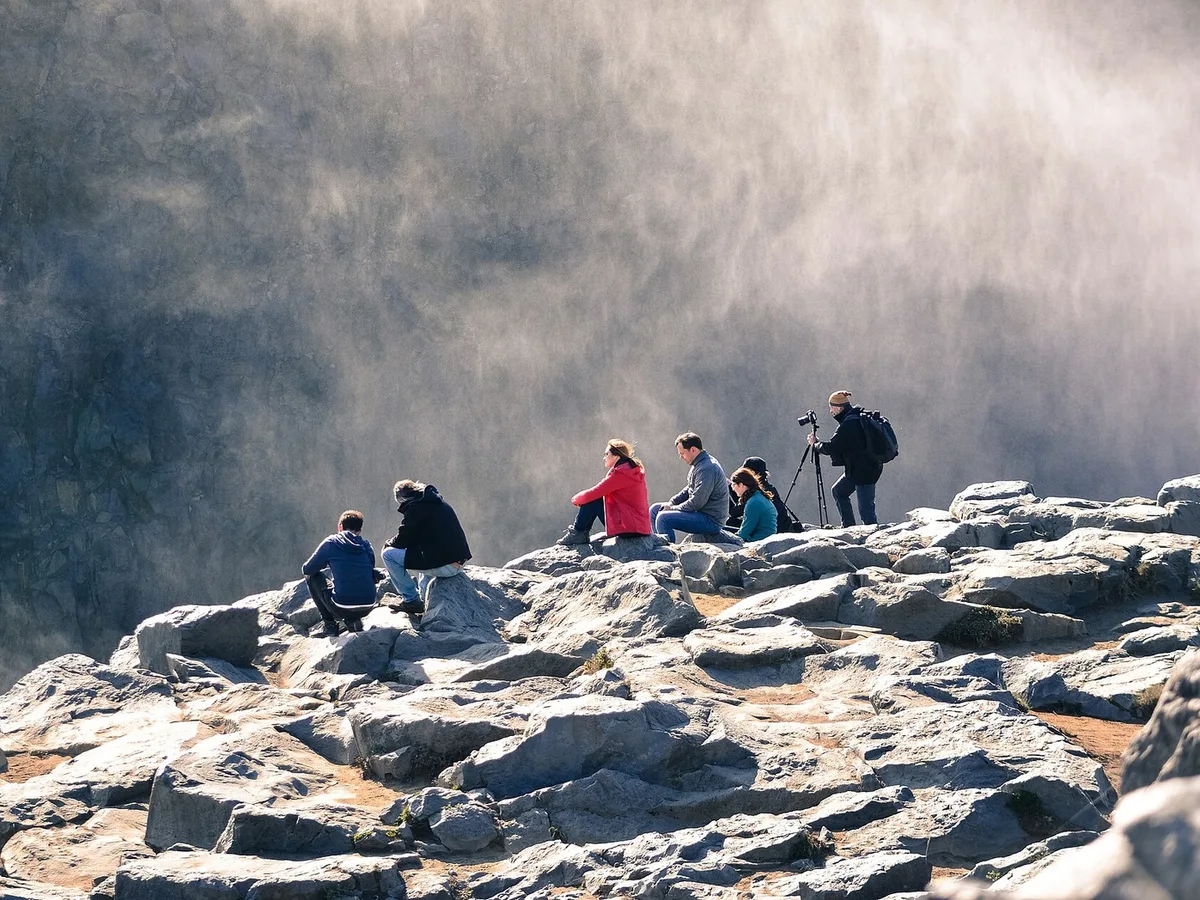
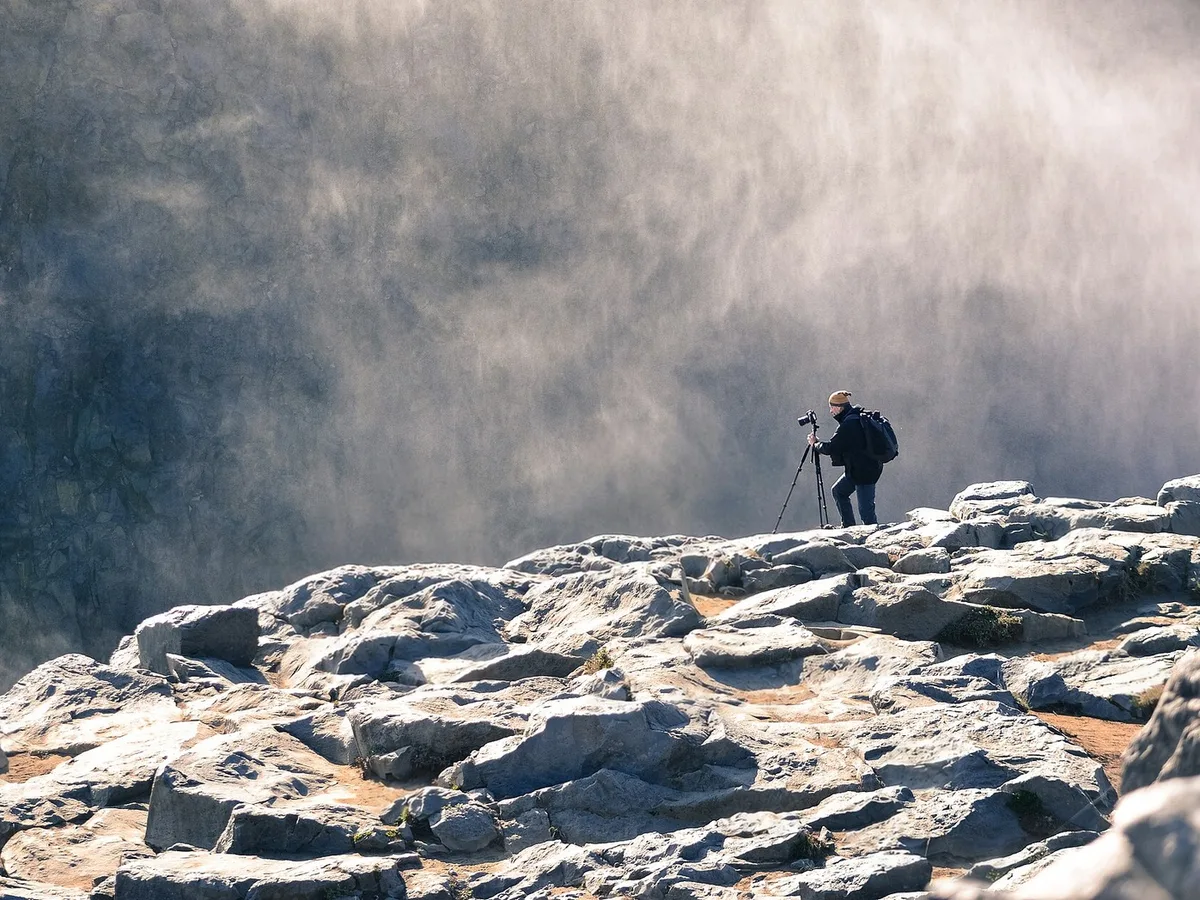
Rocky lookout with the people resting on the rocks removed, before enhancementRocky lookout with the people resting on the rocks removed, after enhancement

Remove Person from Photo

Erase strangers, photobombers and crowds from photos.

Remove a person