
Clarpex

Make Background White: Pure White Photos in Seconds

Upload a photo and the background turns pure white (#FFFFFF), the white online stores ask for. The person, pet or product stays in place with soft hair and clean edges. Pick With a soft shadow for a more natural look.

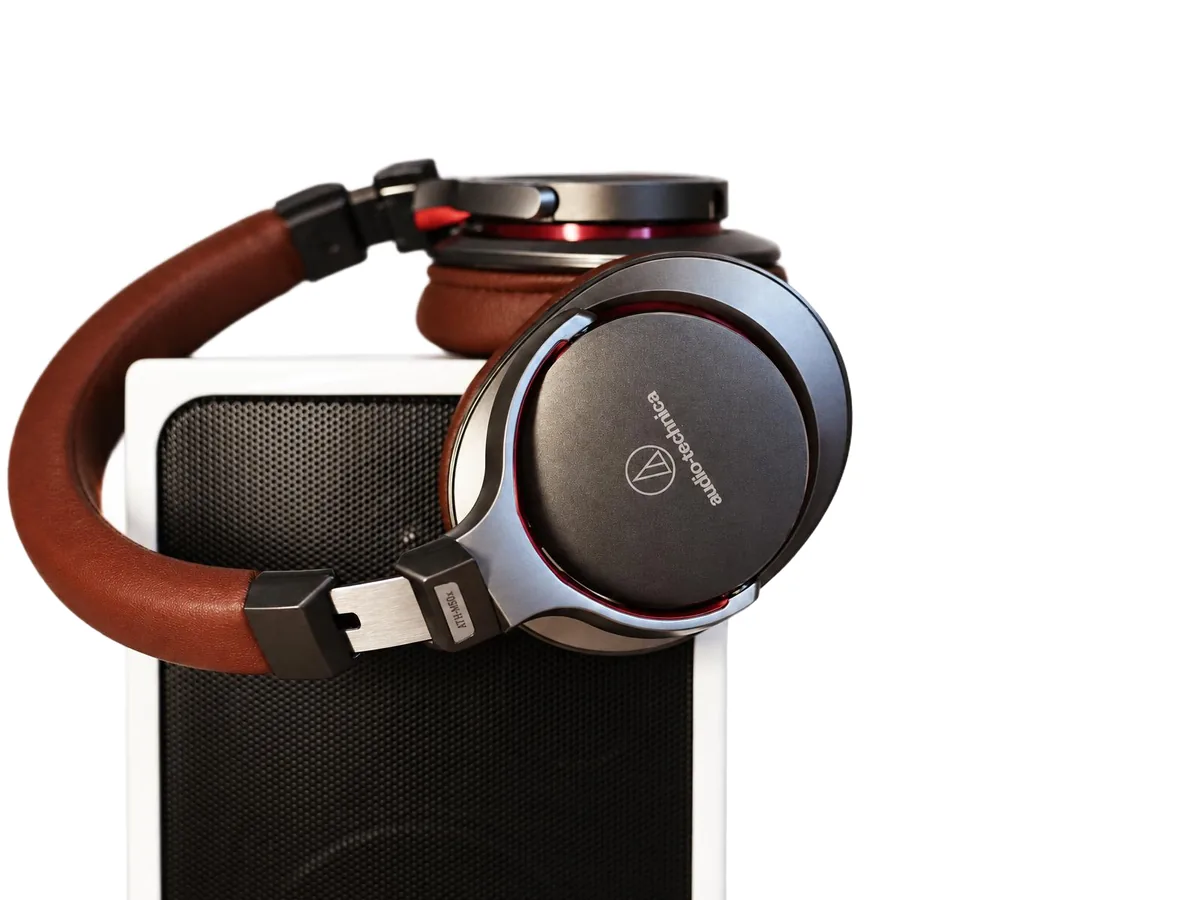
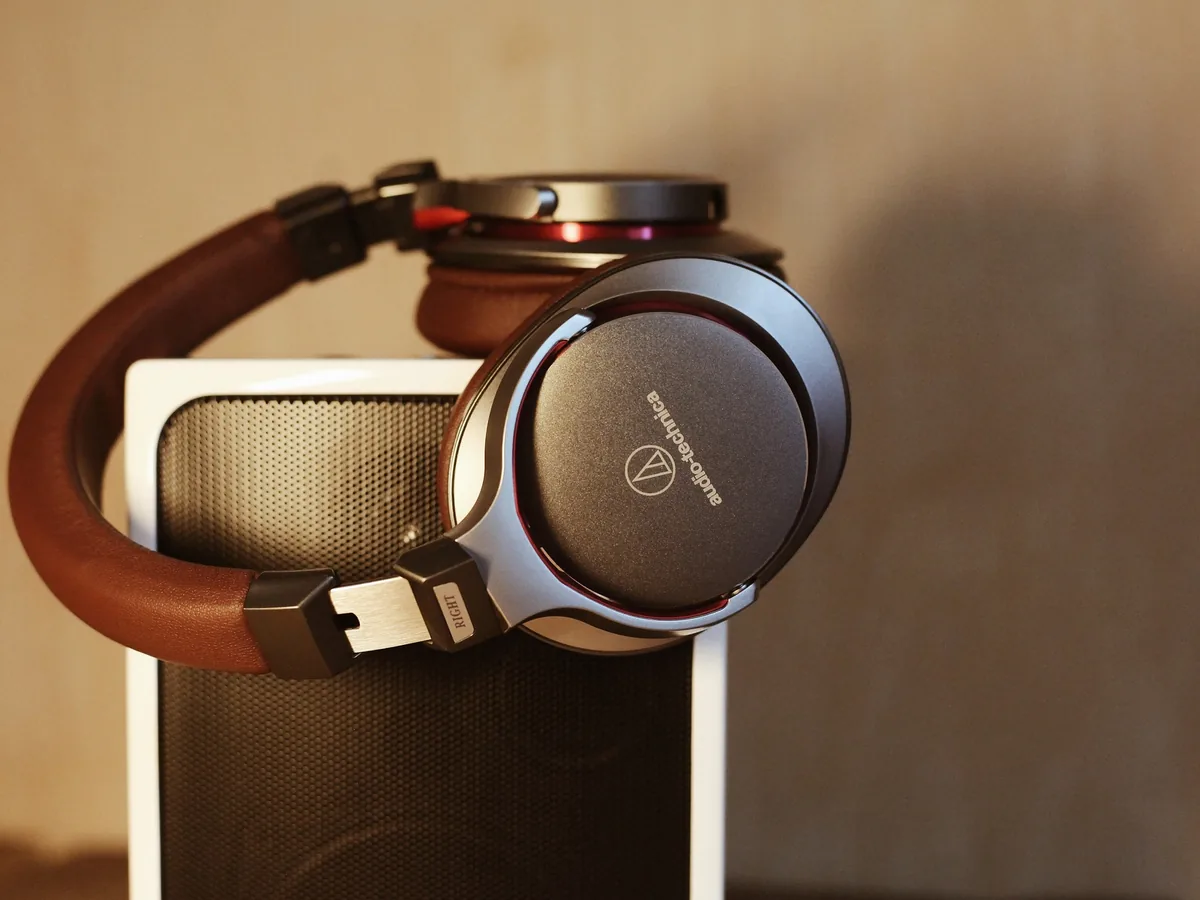
Headphones resting on a speaker in a warm room, after enhancementHeadphones resting on a speaker in a warm room, before enhancement
No photo? Try one:

Upload Image

Drag and drop, or click to browse

  • Free daily credits
  • No sign-up
  • Private

What can you do with a white background?

Product listings, profile photos and social posts. Drag the slider on each pair to compare.

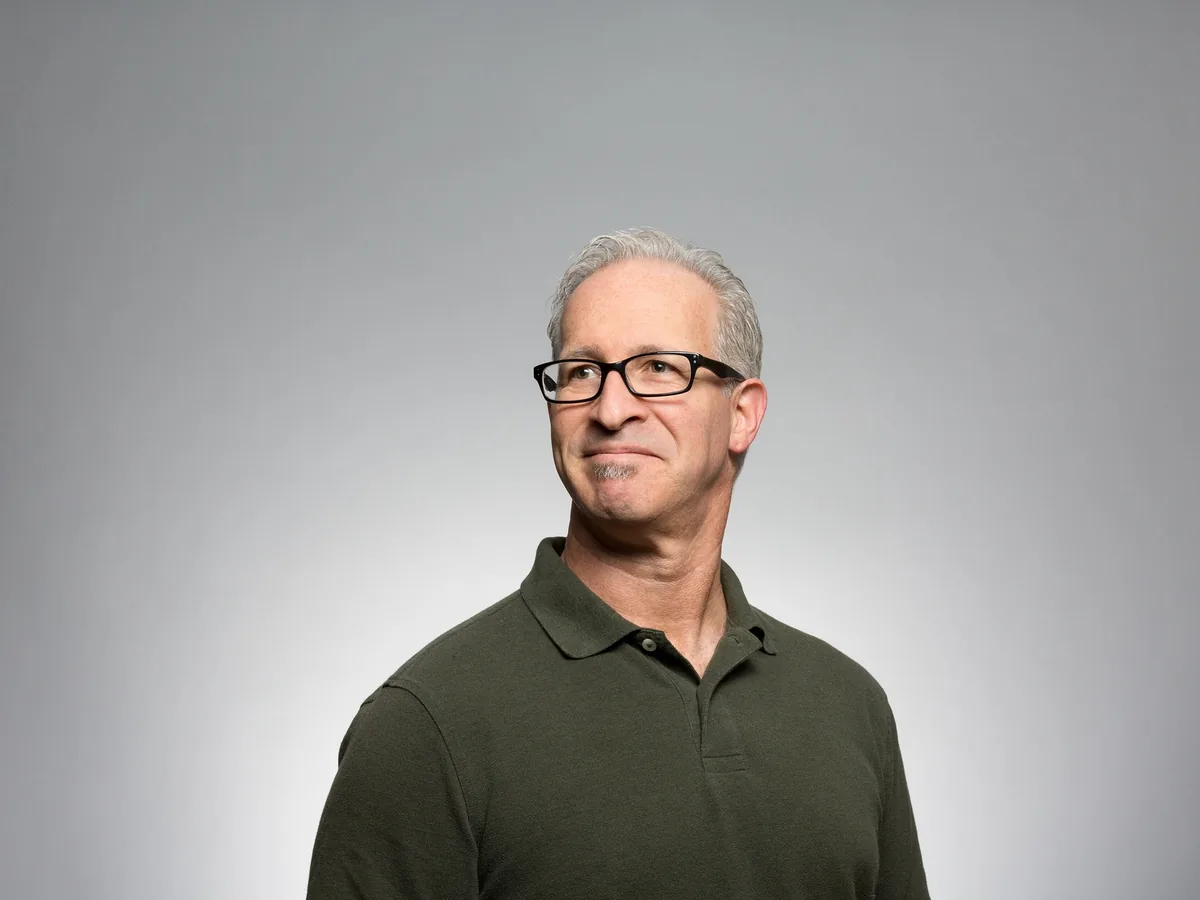
Grey-haired man in glasses and a green polo shirt, grey studio backdrop turned pure white, after enhancementGrey-haired man in glasses and a green polo shirt, grey studio backdrop turned pure white, before enhancement

Make a headshot background white for LinkedIn, a resume or a passport photo

A grey wall, an office or a street behind you becomes clean white in one run. Upload a photo where your head and shoulders fill a good part of the frame. For a passport photo, pick Pure white and crop to your country's size afterwards.

  • Profile photo
  • Pure white
  • Person

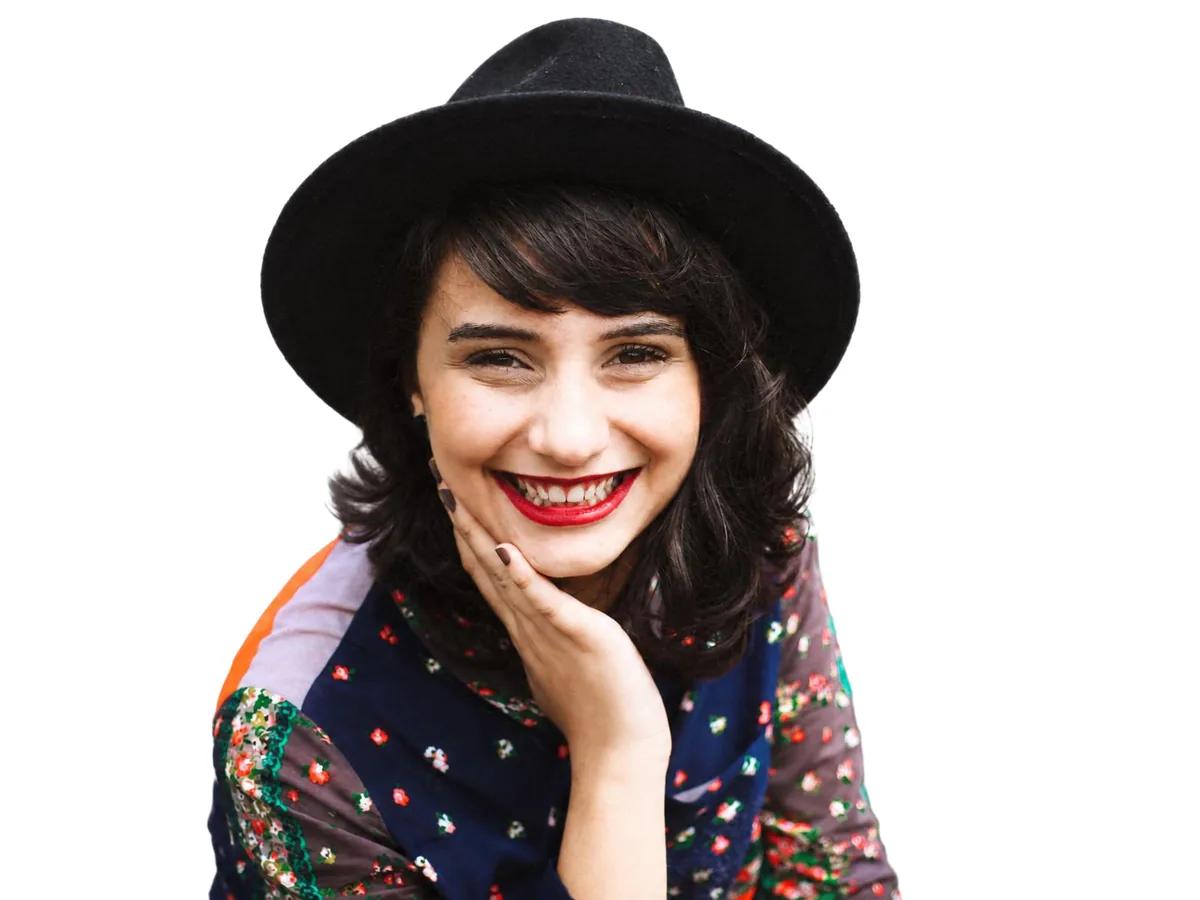
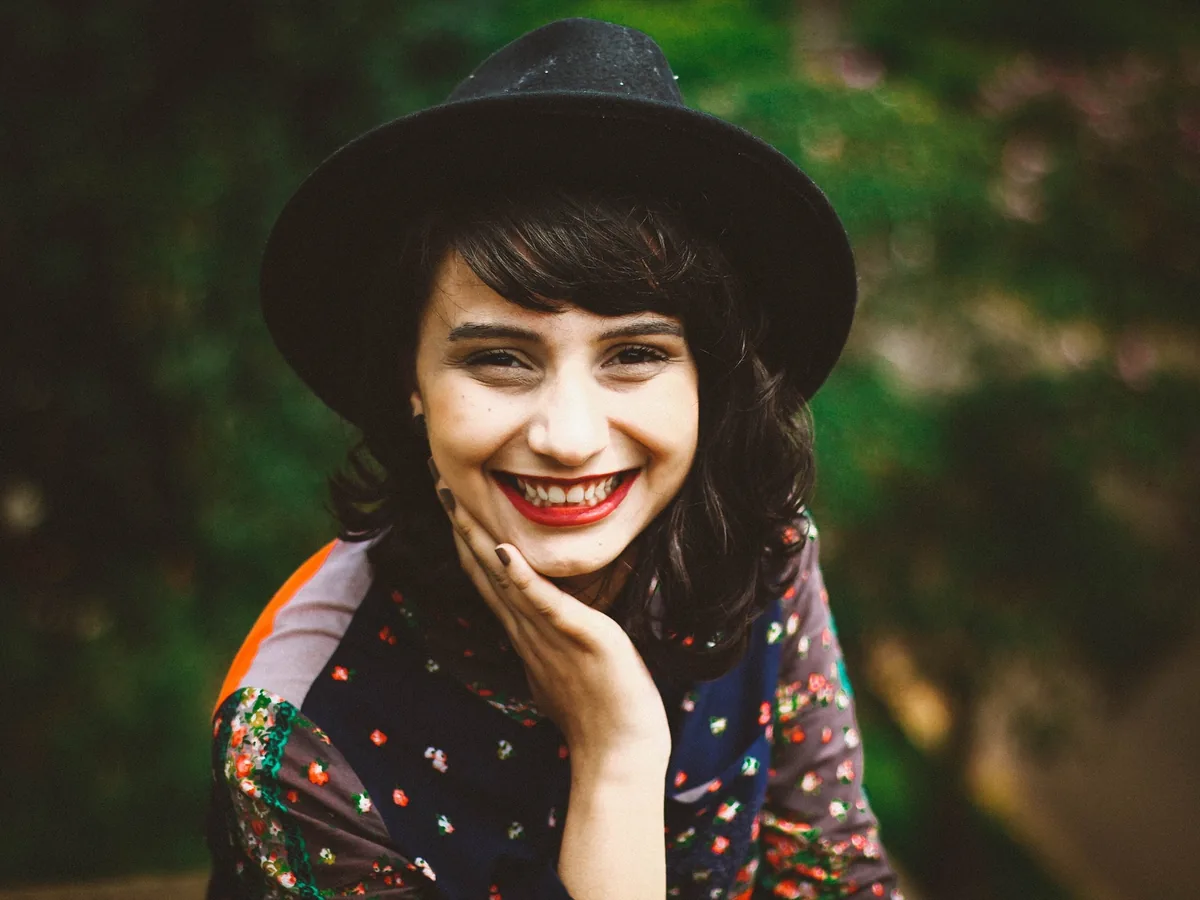
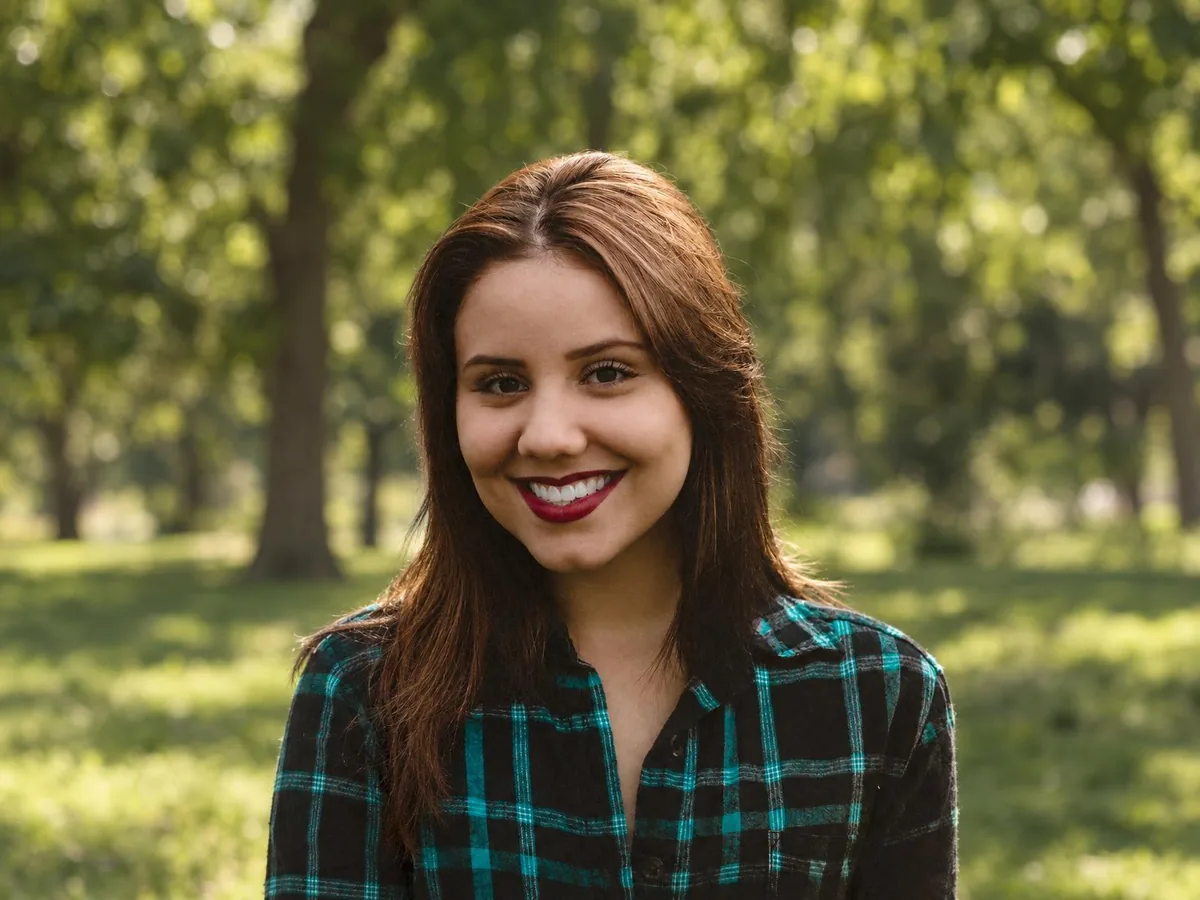
Smiling woman in a black hat and a floral top, green garden background turned pure white, after enhancementSmiling woman in a black hat and a floral top, green garden background turned pure white, before enhancement

Keep hair, hats and soft edges natural on white

Loose hair, a hat brim and the edge of a sleeve stay soft instead of being cut into a hard outline. No dark halo from the old background is left around the hair. Fine strands against a busy background are the hardest case, so zoom in before you download.

  • Hair
  • Pure white
  • Person
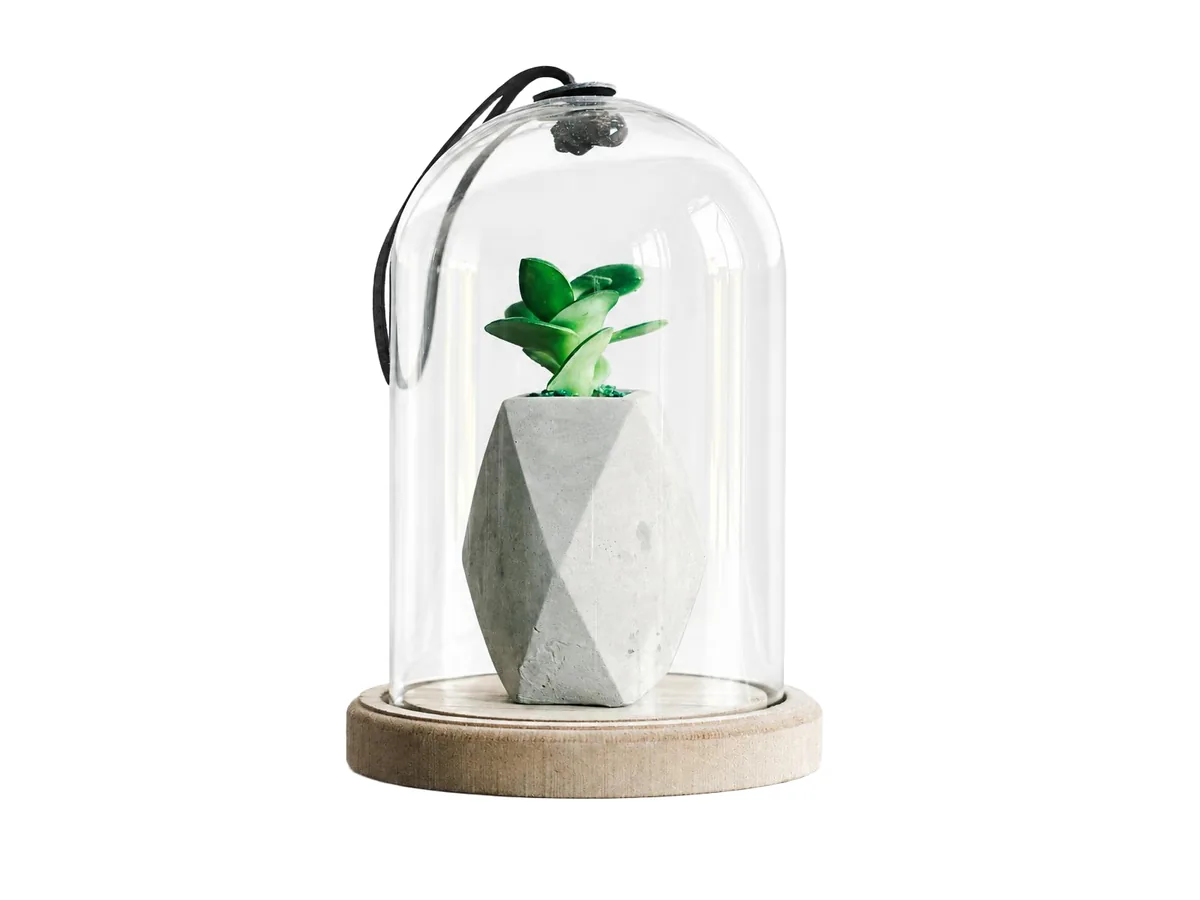
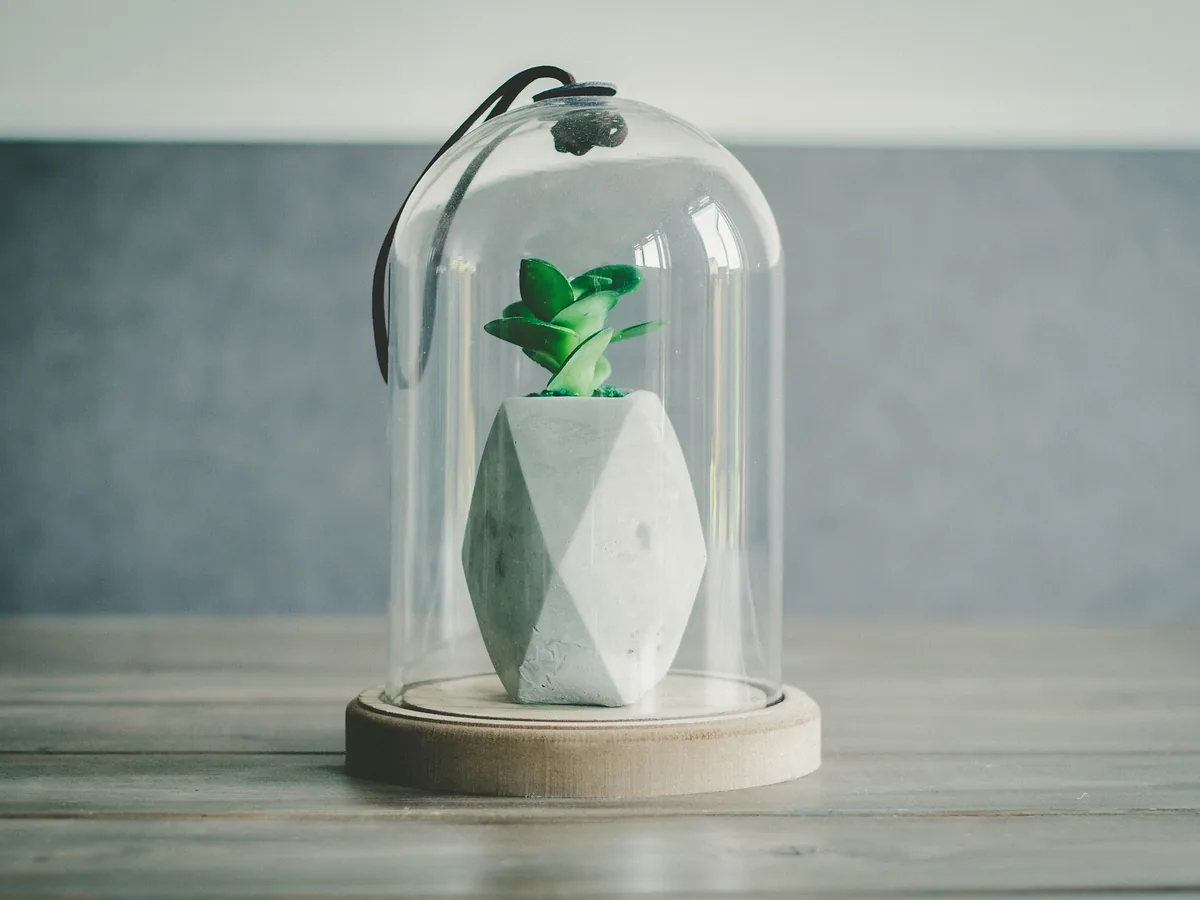
Glass dome over a small plant in a geometric pot, wooden table and grey wall turned pure white, after enhancementGlass dome over a small plant in a geometric pot, wooden table and grey wall turned pure white, before enhancement

Put glass and see-through products on white
Glass domes, bottles and jars show white through them, the way they look in a studio, instead of keeping the old room inside the glass. Check the reflections with the slider before you download.
  • Transparent
  • Pure white
  • Product
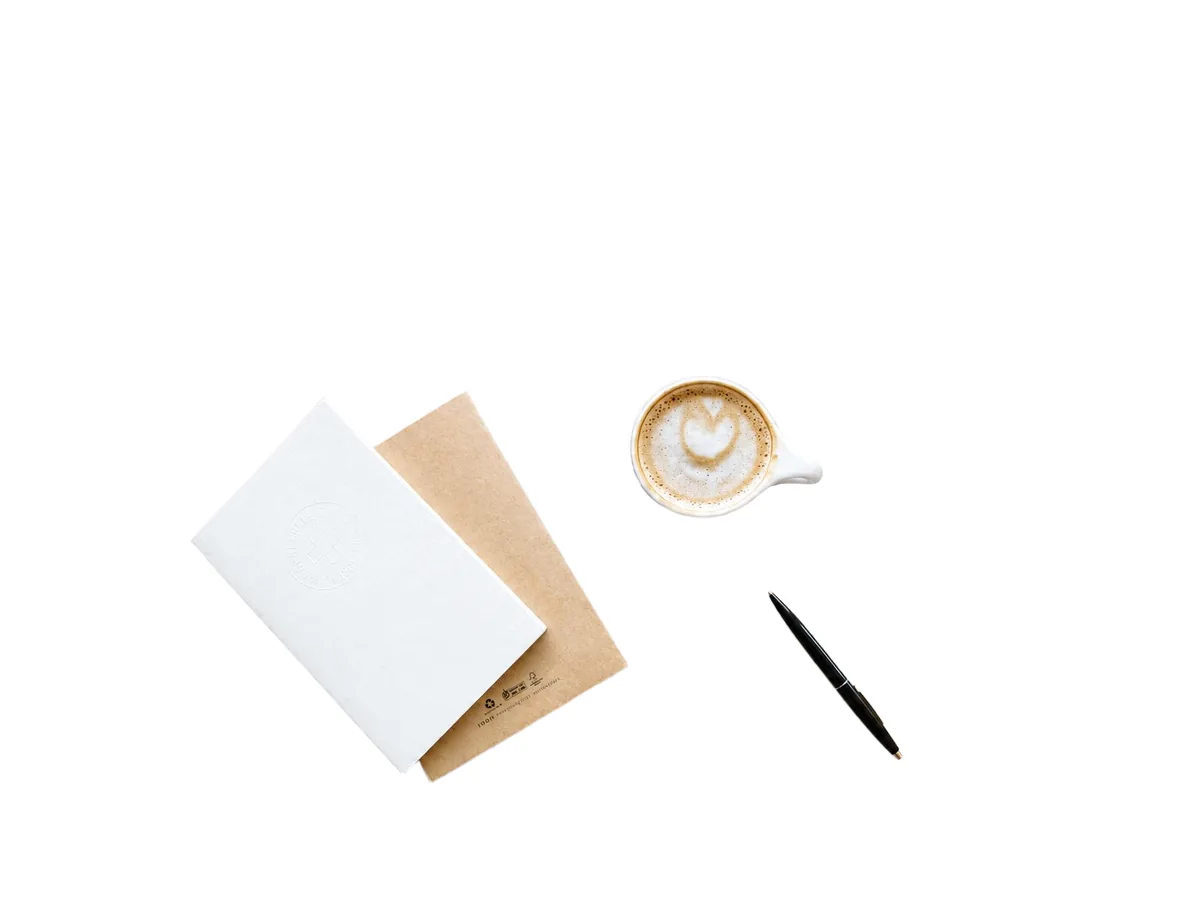
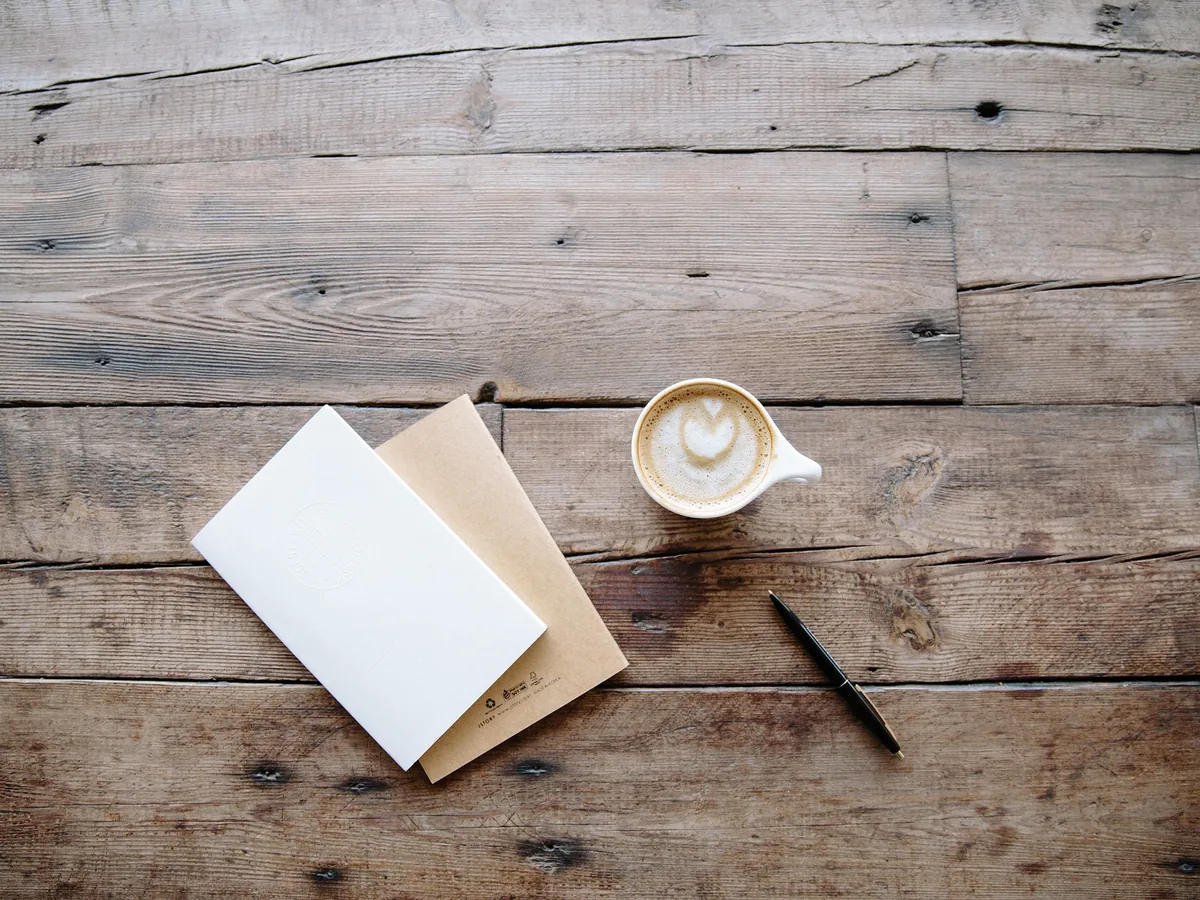
Two notebooks, a latte and a pen on a wooden table, background turned pure white, after enhancementTwo notebooks, a latte and a pen on a wooden table, background turned pure white, before enhancement

Make the background white behind several items at once

A flat lay or a set of products laid out together stays as arranged on the white background: every item keeps its place and its distance from the others. White and light items keep a clean edge, so they don't disappear into the backdrop.

  • Several items
  • Flat lay
  • Product
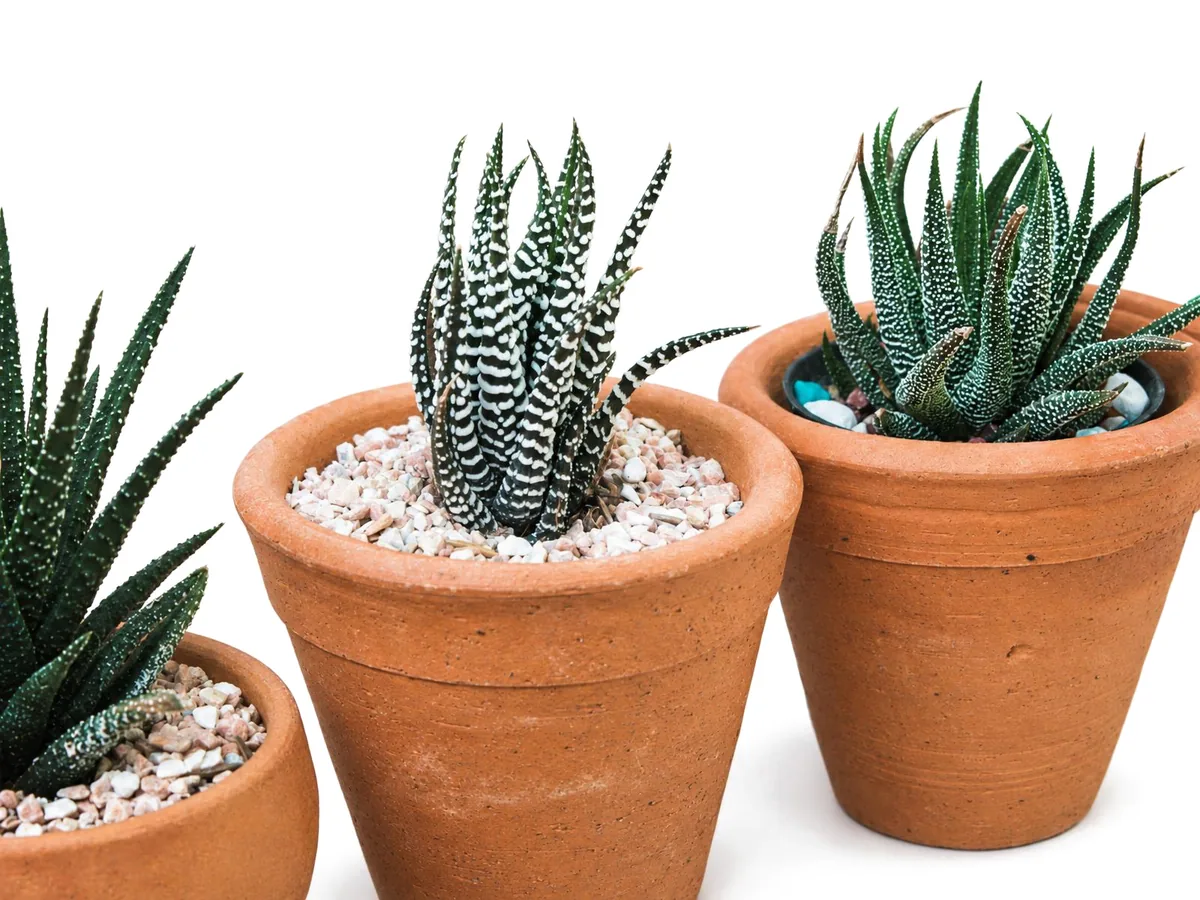
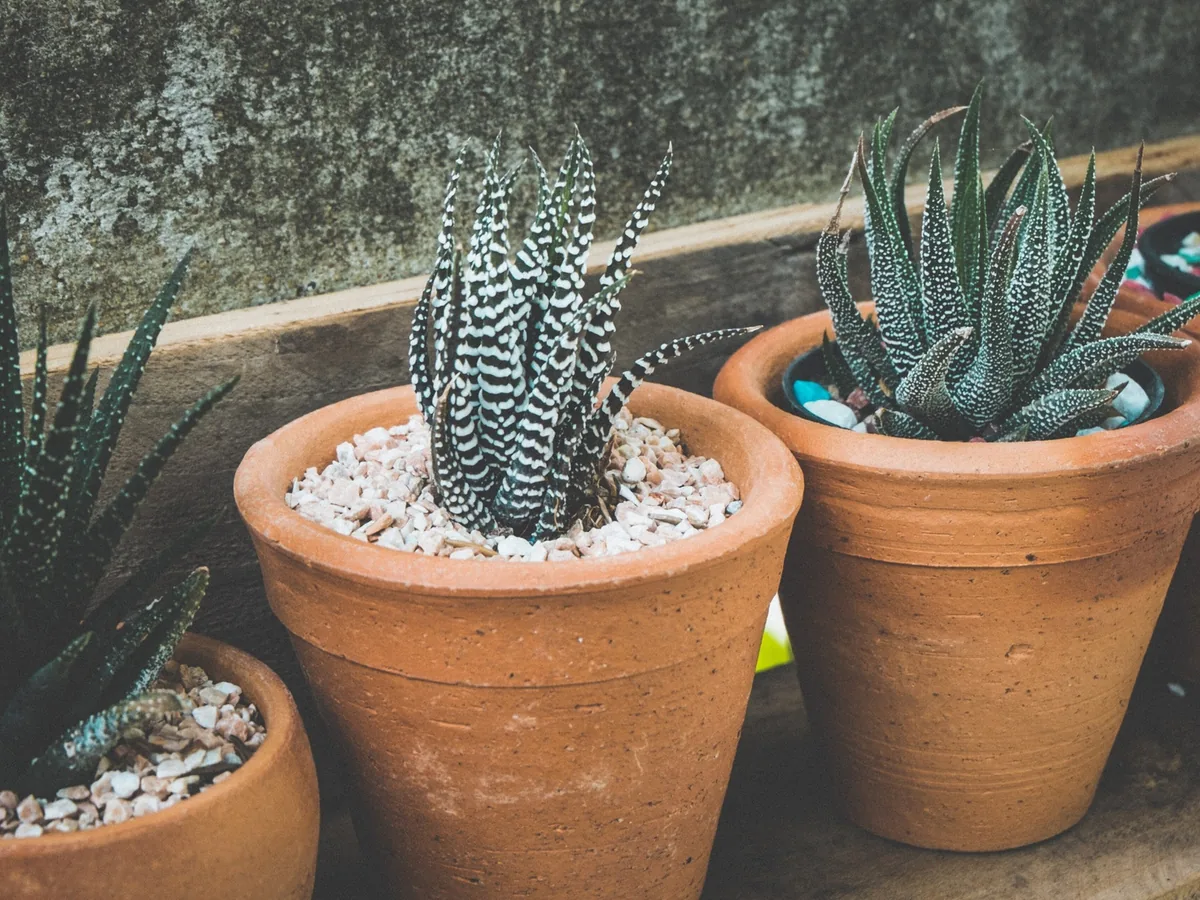
Three potted succulents on a concrete step, background turned white with soft shadows under the pots, after enhancementThree potted succulents on a concrete step, background turned white with soft shadows under the pots, before enhancement

Keep a soft shadow for social posts and shop banners

Pick With a soft shadow and the subject stands on the white with a light shadow under it. The rest of the background is still pure white. For a marketplace main image, pick Pure white instead.

  • Soft shadow
  • Social post
  • Product

How do you make a photo background white?

Three steps. A run takes about a minute.

  1. Upload the photo

    JPG, PNG or WebP up to 20 MB: a product, a portrait or a pet.

  2. Choose pure white or a soft shadow

    Pure white gives plain #FFFFFF. With a soft shadow keeps a light shadow under the subject.

  3. Compare and download

    Drag the slider over hair and edges, then save the photo as a JPG.

Is the white background really pure white?

Yes. Every result is saved with a background of pure white, #FFFFFF (RGB 255, 255, 255).

Pure #FFFFFF, checked on every photo

AI image editors usually paint an off-white that looks white but measures 250 to 254. The white background maker finds the subject on the result and sets everything else to exactly 255. With a soft shadow picked, only the shadow under the subject stays grey.

How much of the subject changes

The person, pet or product keeps its shape, face, text and logos, at the same size and place. Color and light on the subject are adjusted a little to suit a white backdrop. A cat shot against a dark wall, for example, comes out a little brighter.

When to check the result twice

When the photo has no clear subject, the wrong thing can stay or go. Very small products in a wide shot keep less detail. Fine hair in front of a busy background is the hardest edge, so zoom in before you download.

How to make a background white without AI

Photoshop, GIMP or a phone can make a background white by hand in four steps.

A product on a plain table takes a few minutes by hand. Hair, fur, glass and a fringe-free edge take much longer, and that is where the white background maker saves the most time.

  1. 1

    Select the subject

    Use Select > Subject in Photoshop, or the Foreground Select tool in GIMP. On an iPhone, touch and hold the subject in Photos to lift it off the background.

  2. 2

    Refine the edge

    Brush over hair and fur in Select and Mask, then add a 1 to 2 px feather. A hard edge is what makes a cut-out look fake.

  3. 3

    Fill the background with white

    Invert the selection and fill it with #FFFFFF, or put a white layer under the cut-out.

  4. 4

    Check the white and the edge

    Use the eyedropper on a few spots to confirm 255, 255, 255, and zoom to 100% to look for a dark fringe from the old background.

White background FAQ

Yes, one photo a day. Each photo costs 8 credits, and everyone gets 10 free credits a day without an account. Downloads have no watermark. Credit packs and plans for more photos are on the pricing page.

Yes, for the background. With Pure white picked, the background is #FFFFFF, as Amazon, eBay and Shopify ask for main images. Each marketplace also sets how much of the frame the product fills and the minimum image size, so check its guidelines.

Pick Pure white for marketplace main images and anything that has to be plain white. Pick With a soft shadow for social posts, shop banners and profile photos, where a light shadow makes the subject look like it stands on the white instead of floating.

Yes. Pick Pure white and the background of a passport photo becomes #FFFFFF, which fits the plain white or off-white background a U.S. passport photo needs. The white background maker changes only the background, not the photo size or framing: a U.S. passport photo is 2 x 2 inches with the head 1 to 1 3/8 inches tall, and the U.S. Department of State's free online Photo Tool crops it to that size. Other countries set their own rules; the UK, for example, asks for a plain cream or light grey background. Step-by-step: How to take a passport photo at home.

Not yet. The result is a finished JPG on a white background. Most design tools can remove a plain white background in one click if you need a cut-out.

Your photos are used only to create your result, never to train AI. Without an account they're deleted after 24 hours. Signed in, they're kept in History for 72 hours, or until you delete them if you turn on "Keep my tasks". Details are in our Privacy Policy.

More ways to fix your photos

Smiling woman with red hair moved into a park, before enhancementSmiling woman with red hair moved into a park, after enhancement

Change Background Photo

Swap any photo background for a color, scene or image.

Change background
Yellow vintage car on a city street, recolored dark green, before enhancementYellow vintage car on a city street, recolored dark green, after enhancement

Change Color of Image

Recolor clothes, cars, hair or products and keep their texture.

Change color
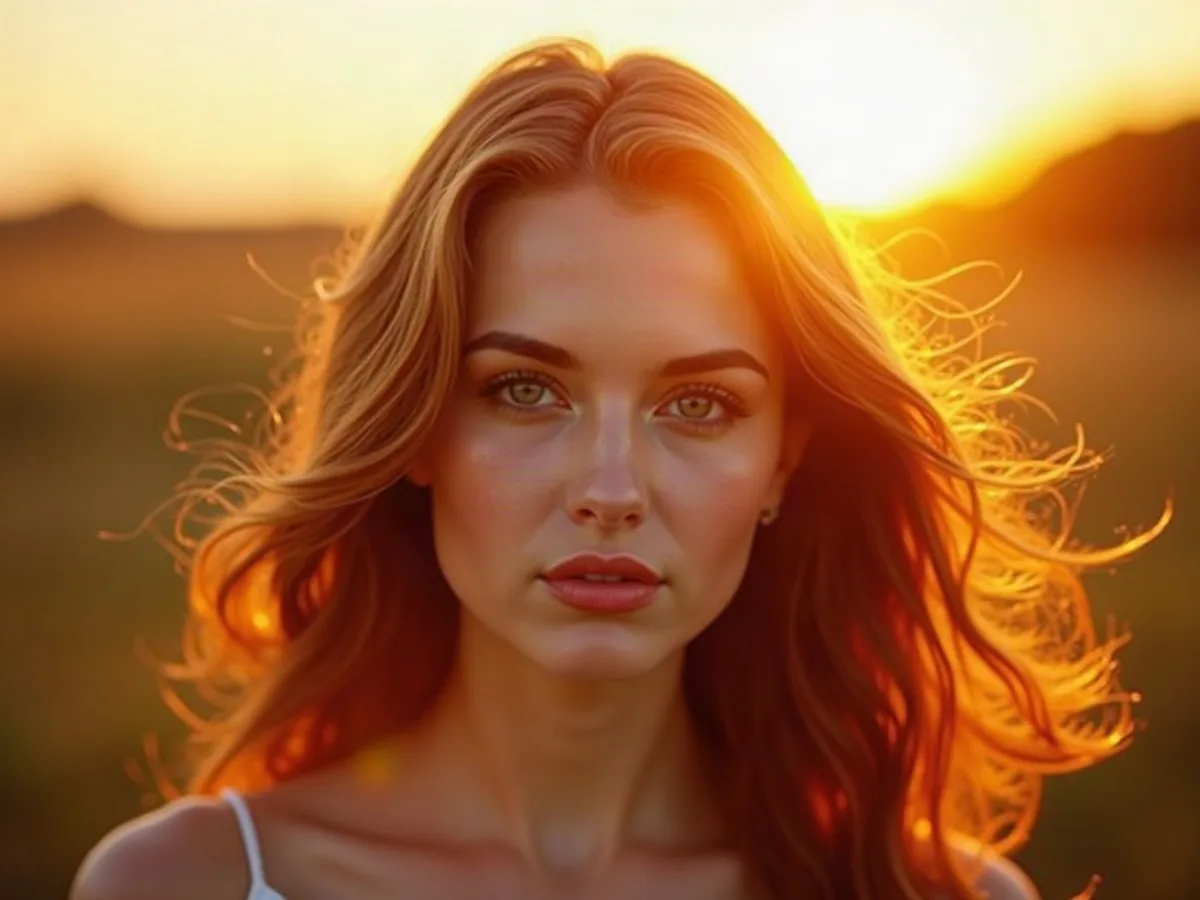
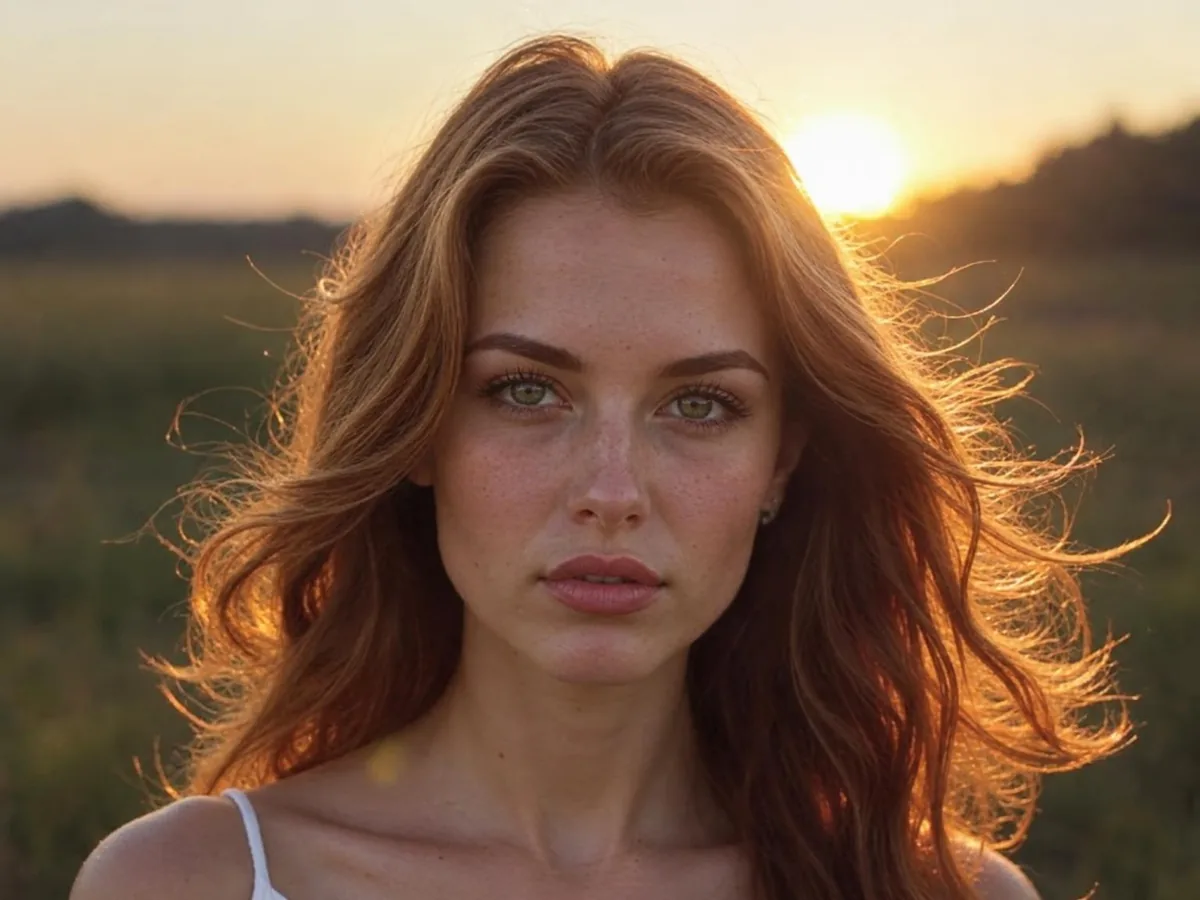
AI portrait of a woman with glowing golden backlight, before enhancementAI portrait of a woman with glowing golden backlight, after enhancement

AI Image Humanizer

Make AI images look like real photos.

Humanize AI image