50% OFFBlack Friday: 50% off your first month, 30% off your first yearSee plans
Clarpex

Change Hair Color: See Any Shade on Your Own Photo

Upload a photo, pick a shade or highlights, and see the new hair color on your own face before you dye. The hair color changer keeps your haircut, hair texture and face, and changes only the color.

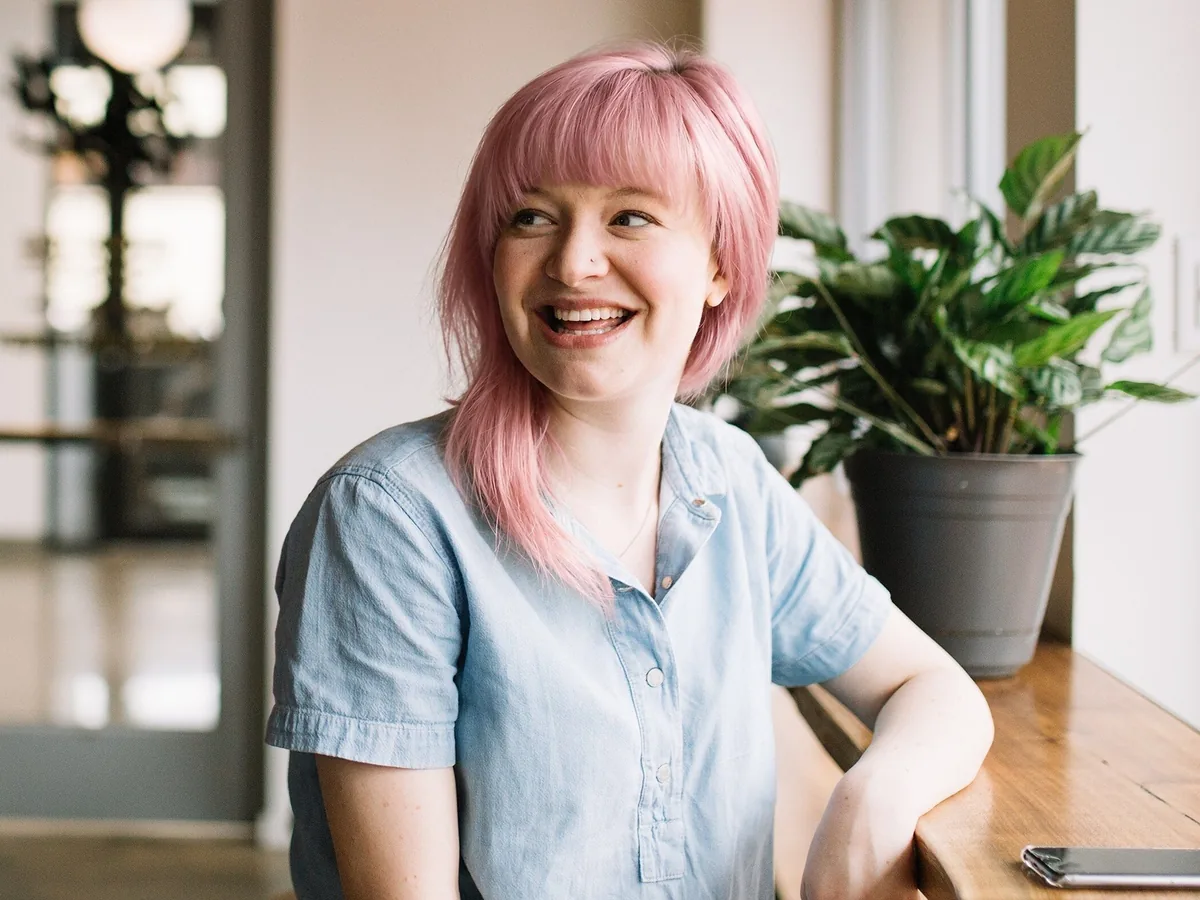
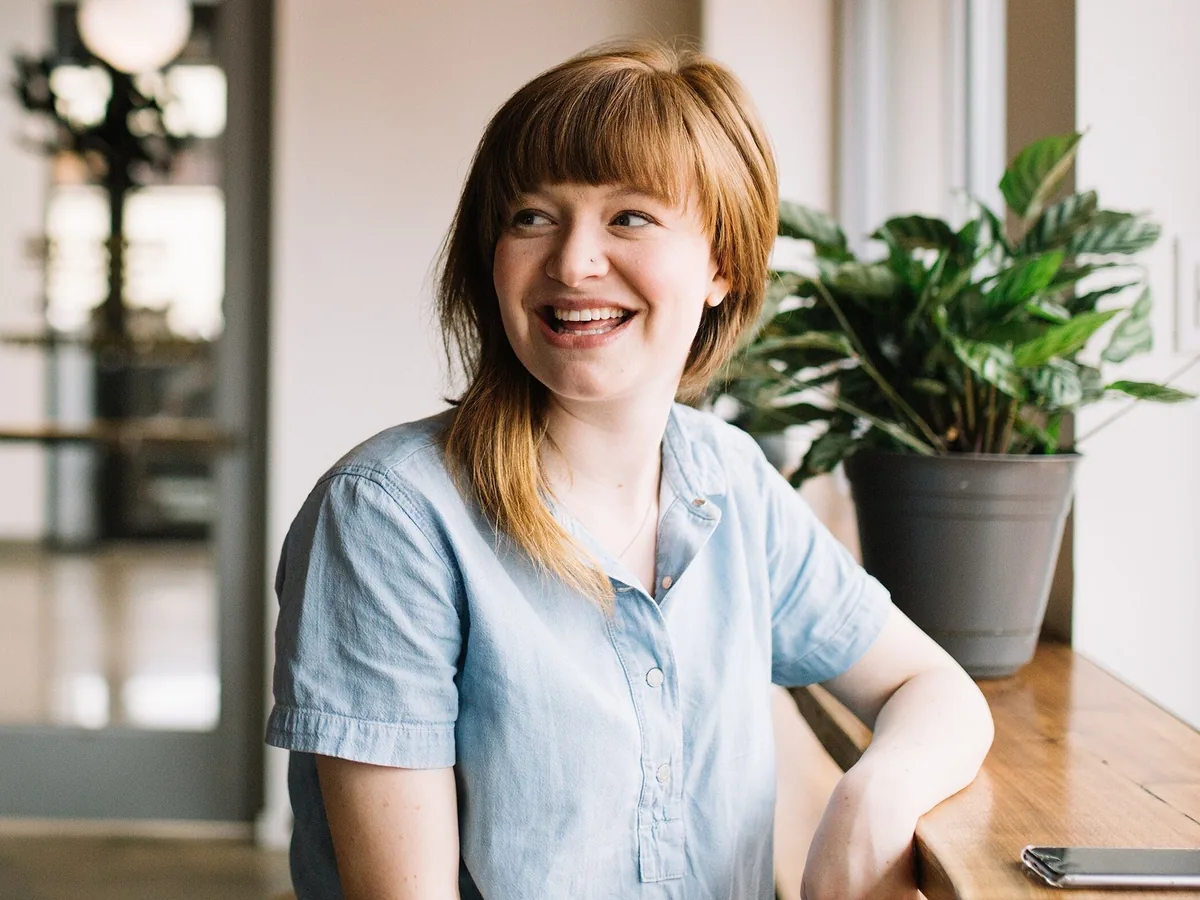
Laughing woman with a fringe by a cafe window, after enhancementLaughing woman with a fringe by a cafe window, before enhancement
No photo? Try one:

Upload Image

Drag and drop or click to browse. JPG, PNG or WebP

  • Free daily credits
  • No sign-up
  • Private

What hair colors can you try?

Blonde, natural browns, highlights, men's short hair and bright fashion colors. Drag the slider on each pair to compare.

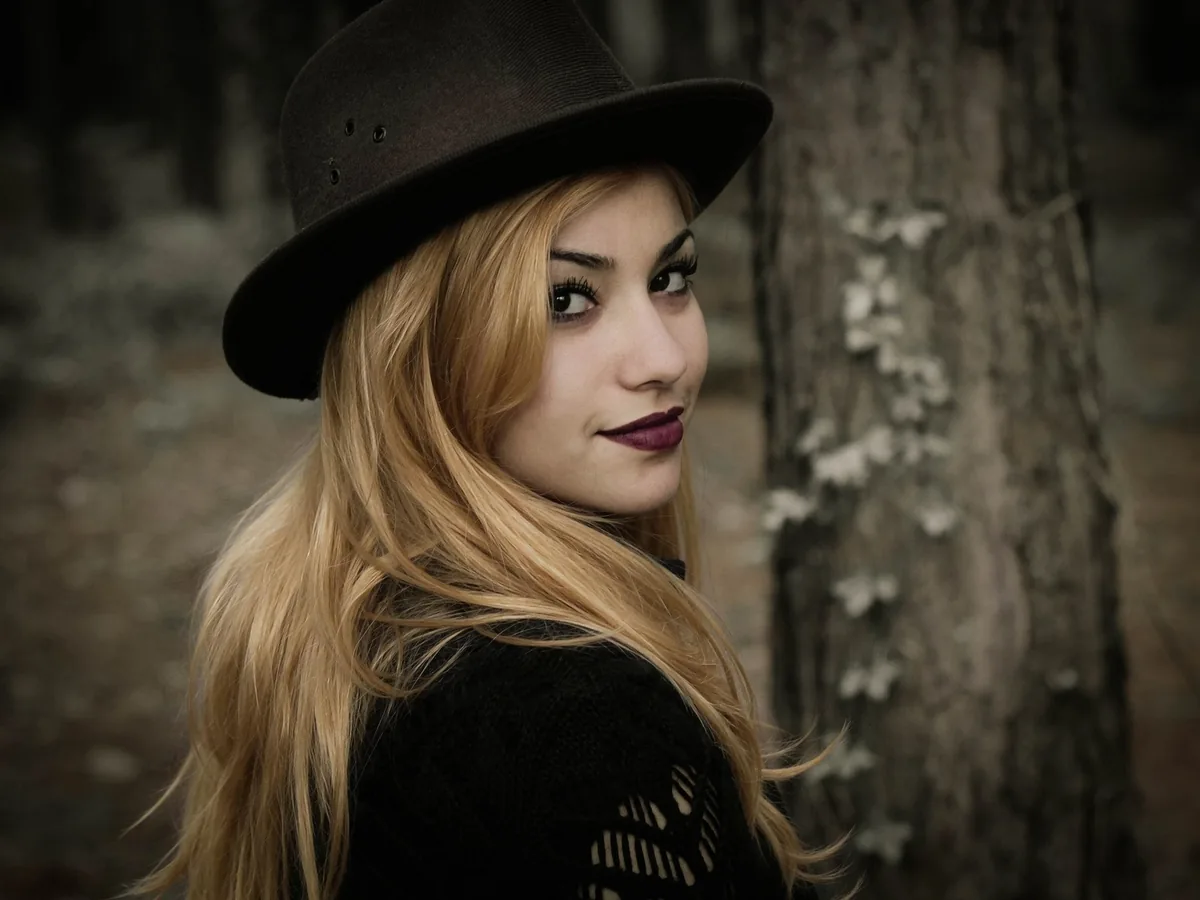
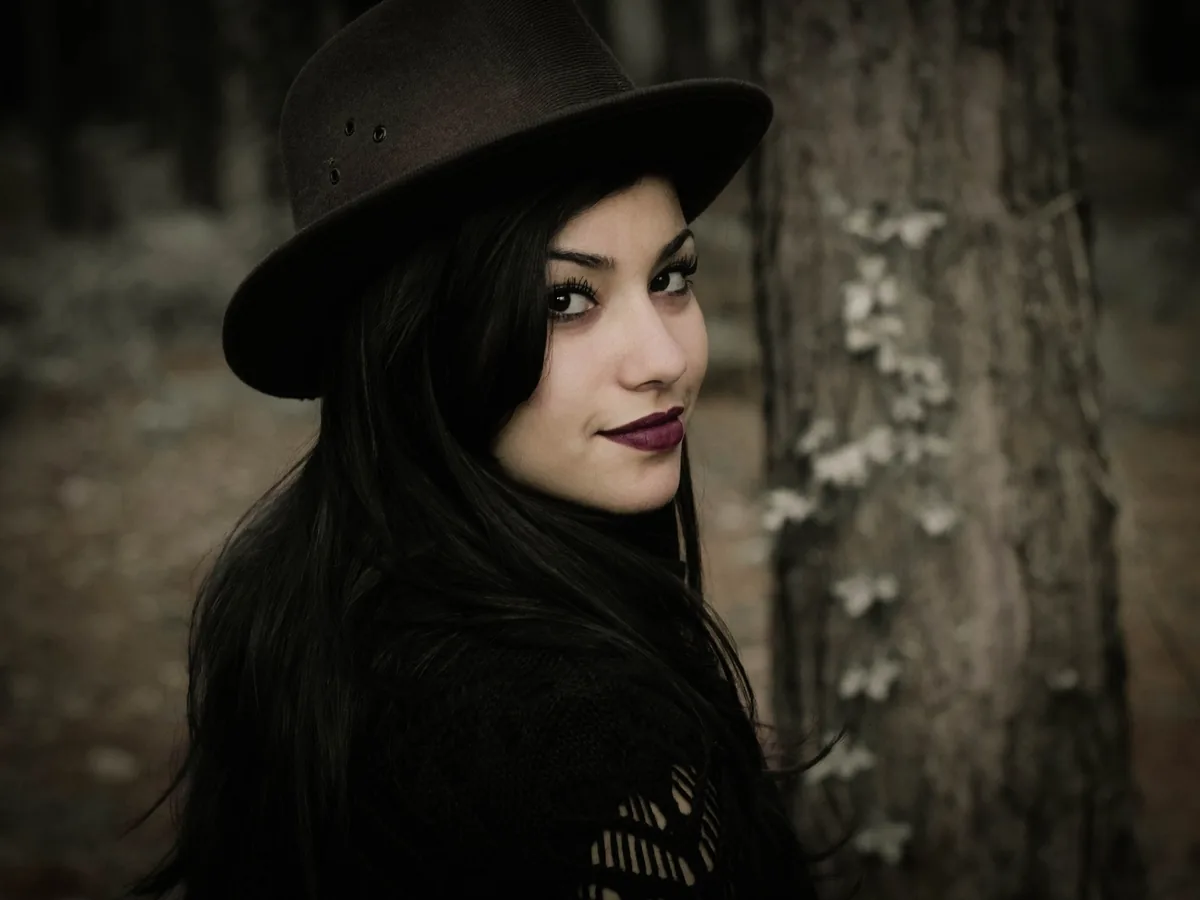
Woman with long black hair in a brown hat, hair changed to golden blonde, after enhancementWoman with long black hair in a brown hat, hair changed to golden blonde, before enhancement

See yourself with blonde hair before you bleach

Pick platinum, ash or golden blonde to compare cool and warm shades against your skin tone. Long hair keeps its length and loose strands, and hair showing under a hat is recolored too. Going from black to platinum is the biggest jump, so zoom in on the roots and ends.

  • Blonde hair
  • Cool or warm blonde
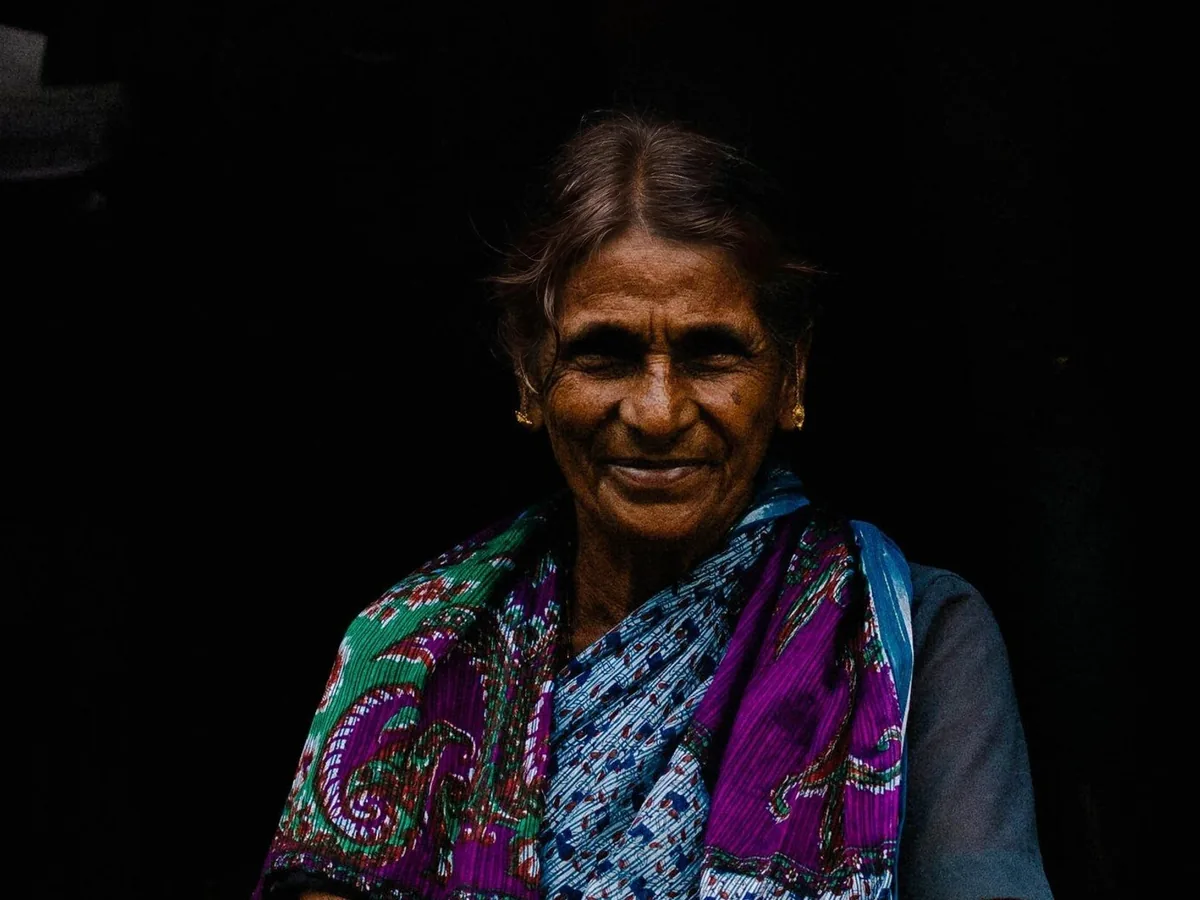
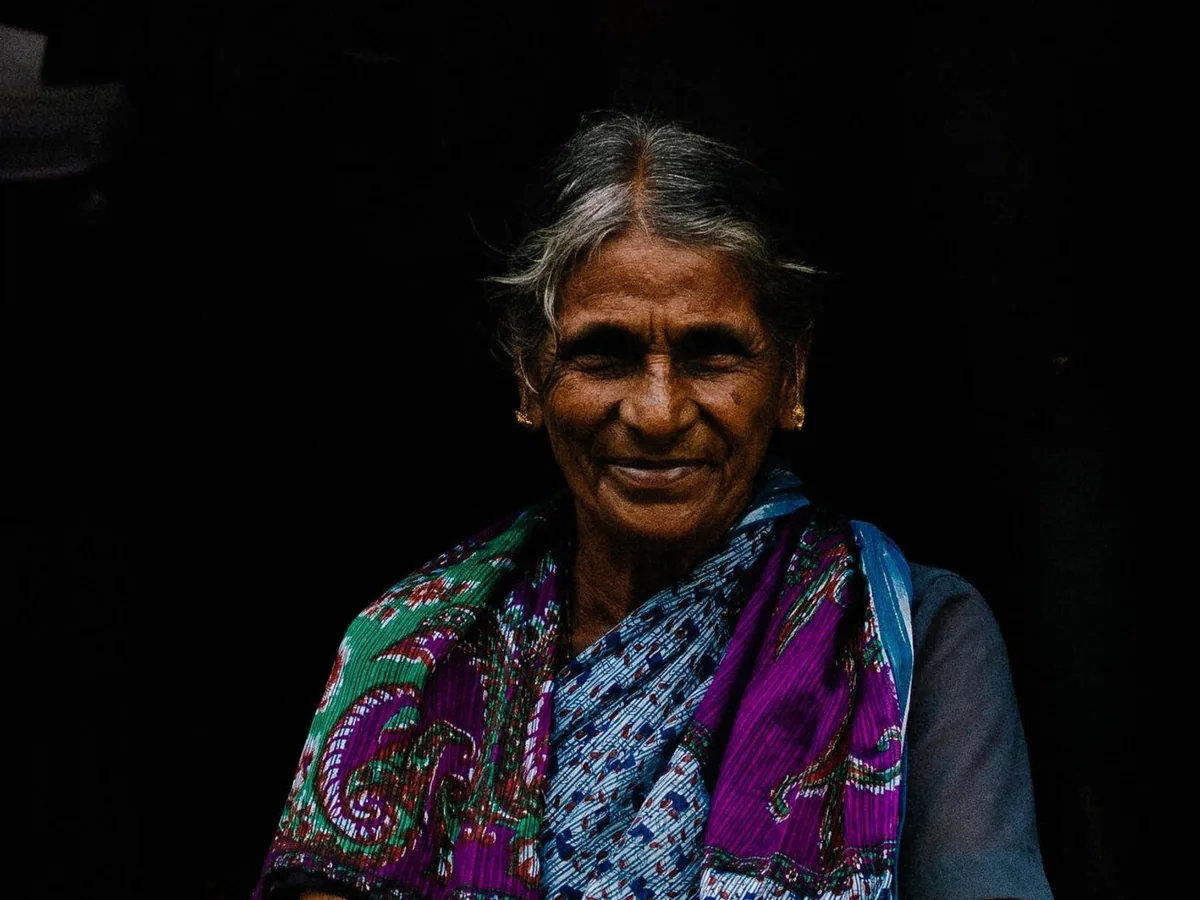
Smiling older woman with gray hair pulled back, hair changed to dark brown, after enhancementSmiling older woman with gray hair pulled back, hair changed to dark brown, before enhancement

Preview gray hair covered with brown or black

Pick a brown or black close to your earlier color to see gray roots and streaks covered. Tied-back hair keeps its style and parting. Natural browns look the most believable on gray hair.

  • Cover gray hair
  • Natural brown
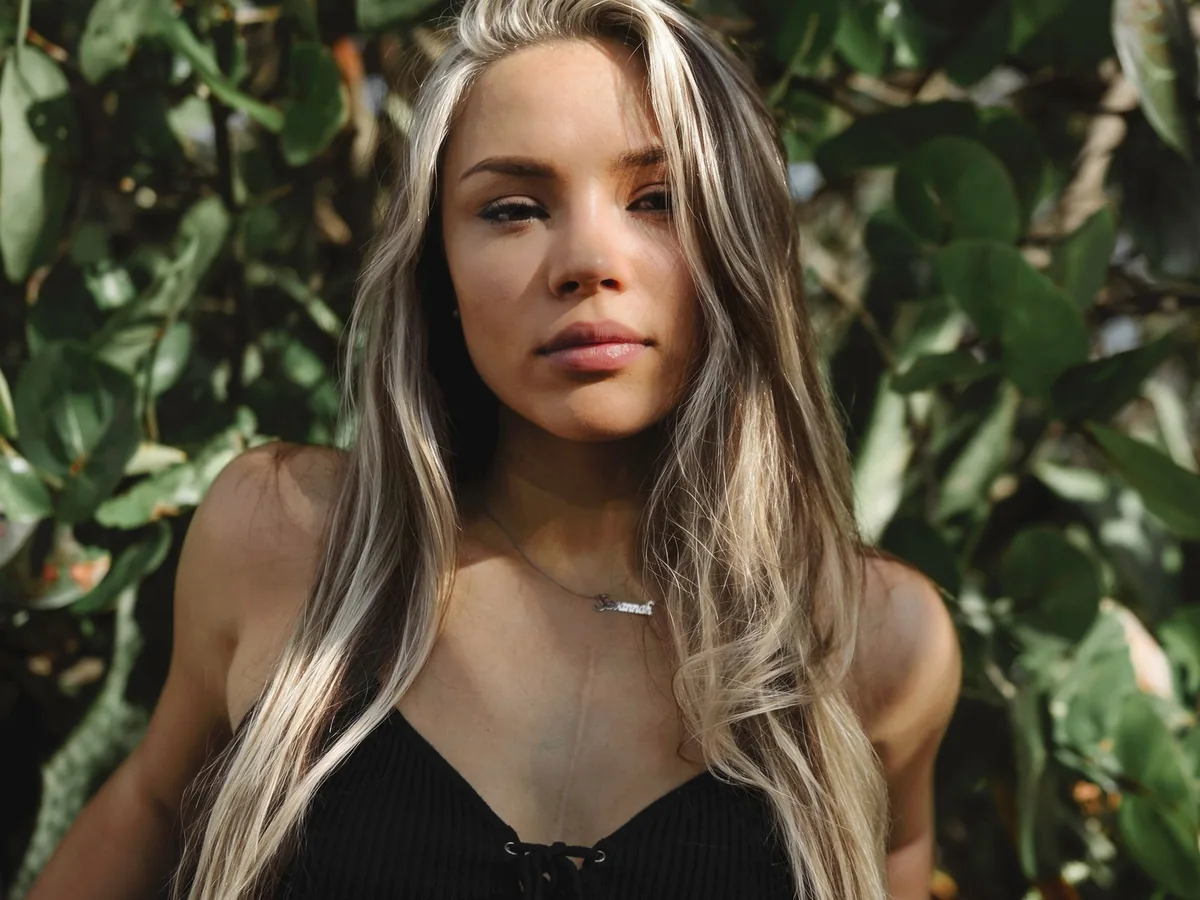
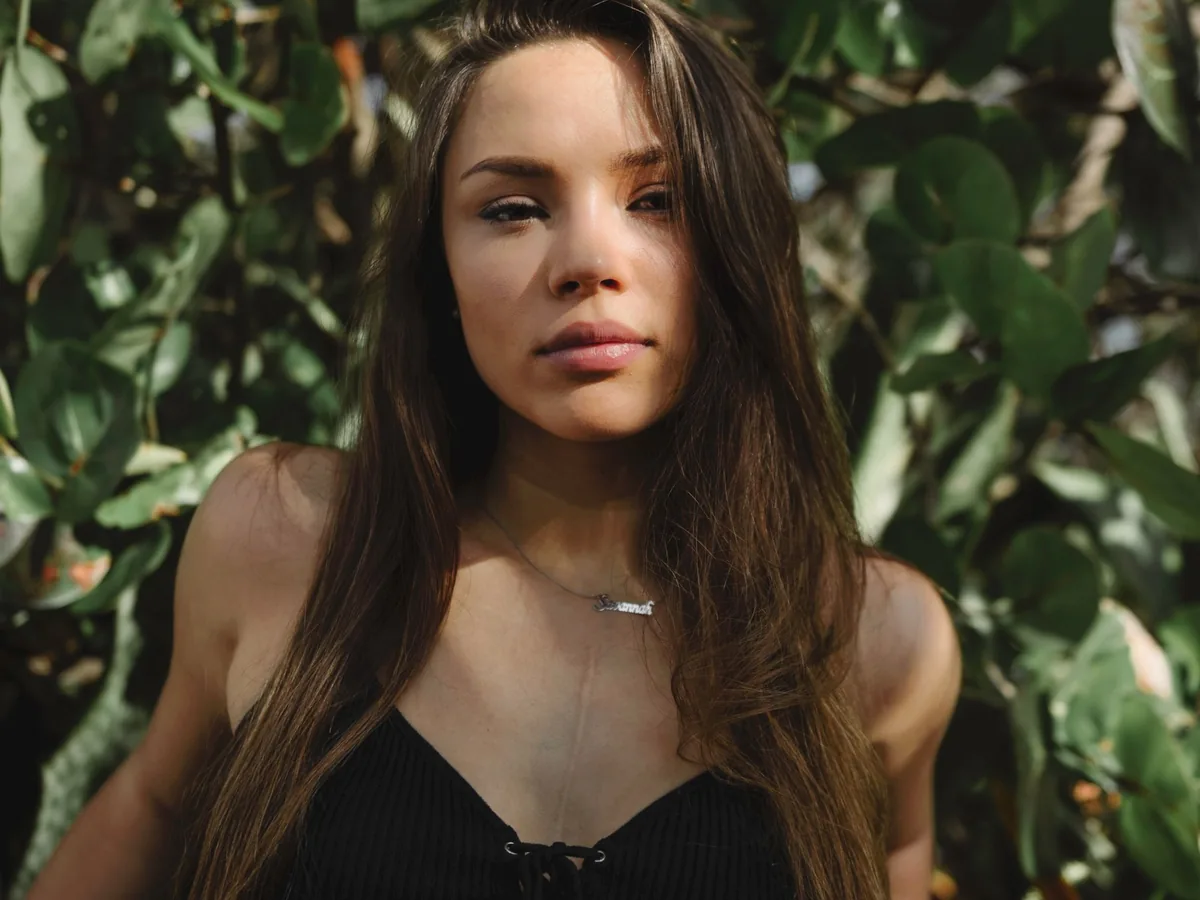
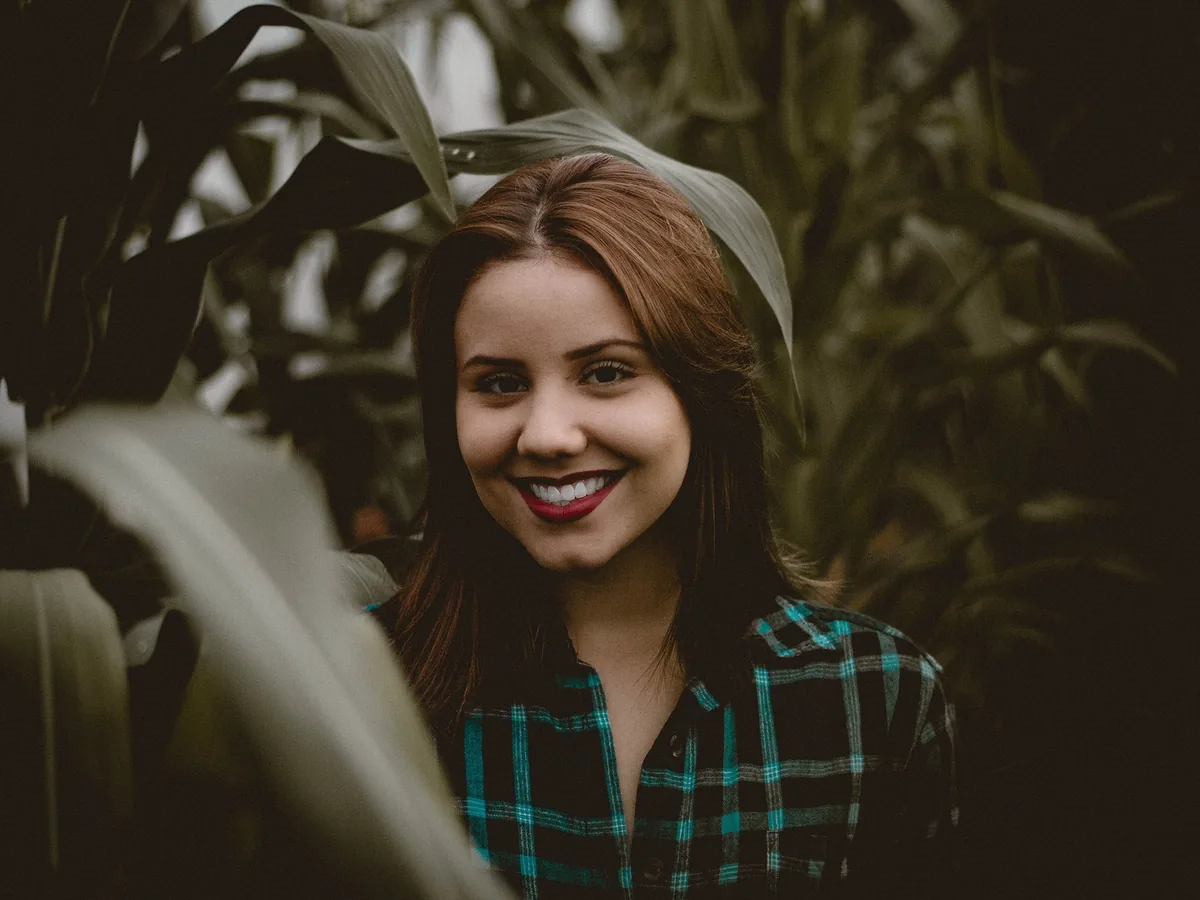
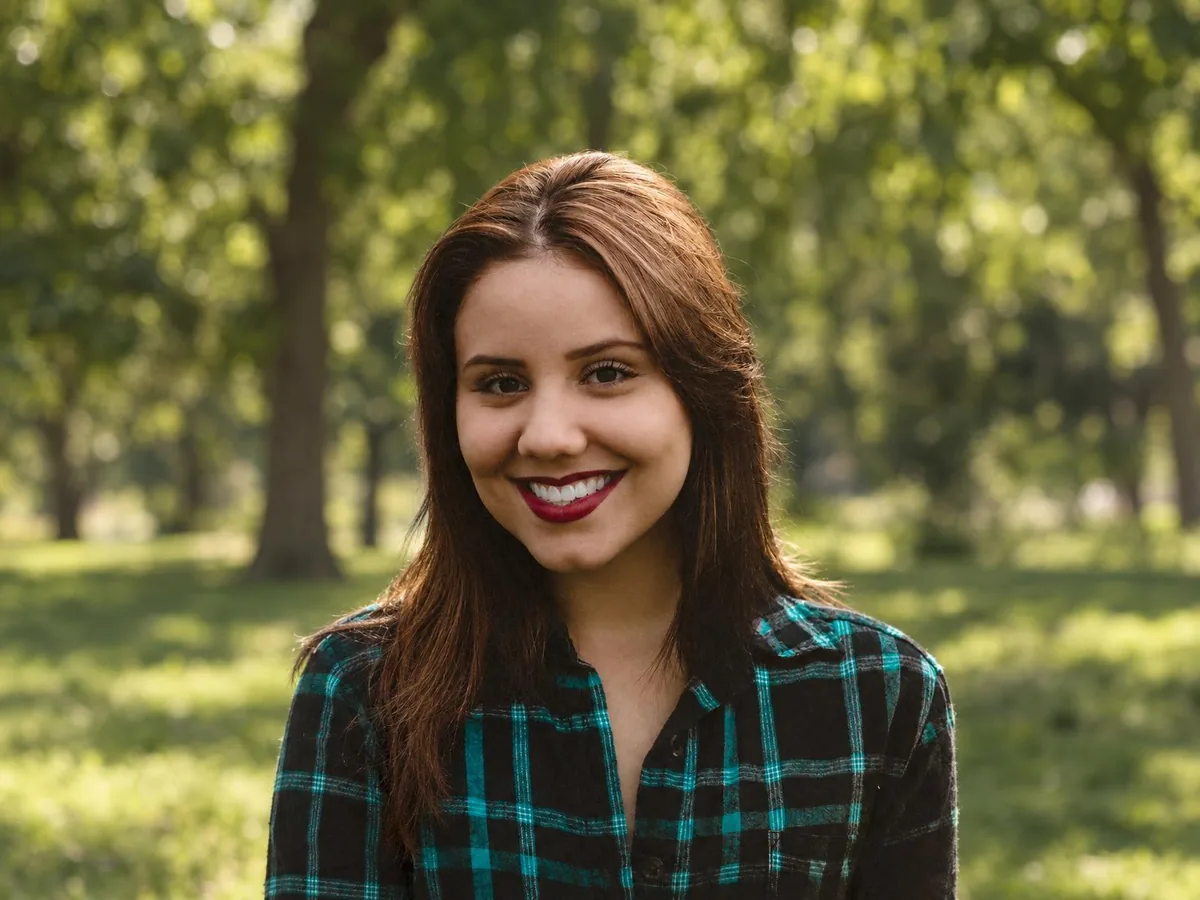
Woman with long brown hair in front of green leaves, platinum highlights added, after enhancementWoman with long brown hair in front of green leaves, platinum highlights added, before enhancement

Try highlights without changing your base color

Choose Highlights and pick a shade: thin strands through your hair take the new color, and the rest keeps its own. Platinum and golden highlights stand out most on brown or black hair; caramel looks softer. The highlights are spread through the whole head; you can't choose where each strand goes.

  • Highlights
  • Base color kept
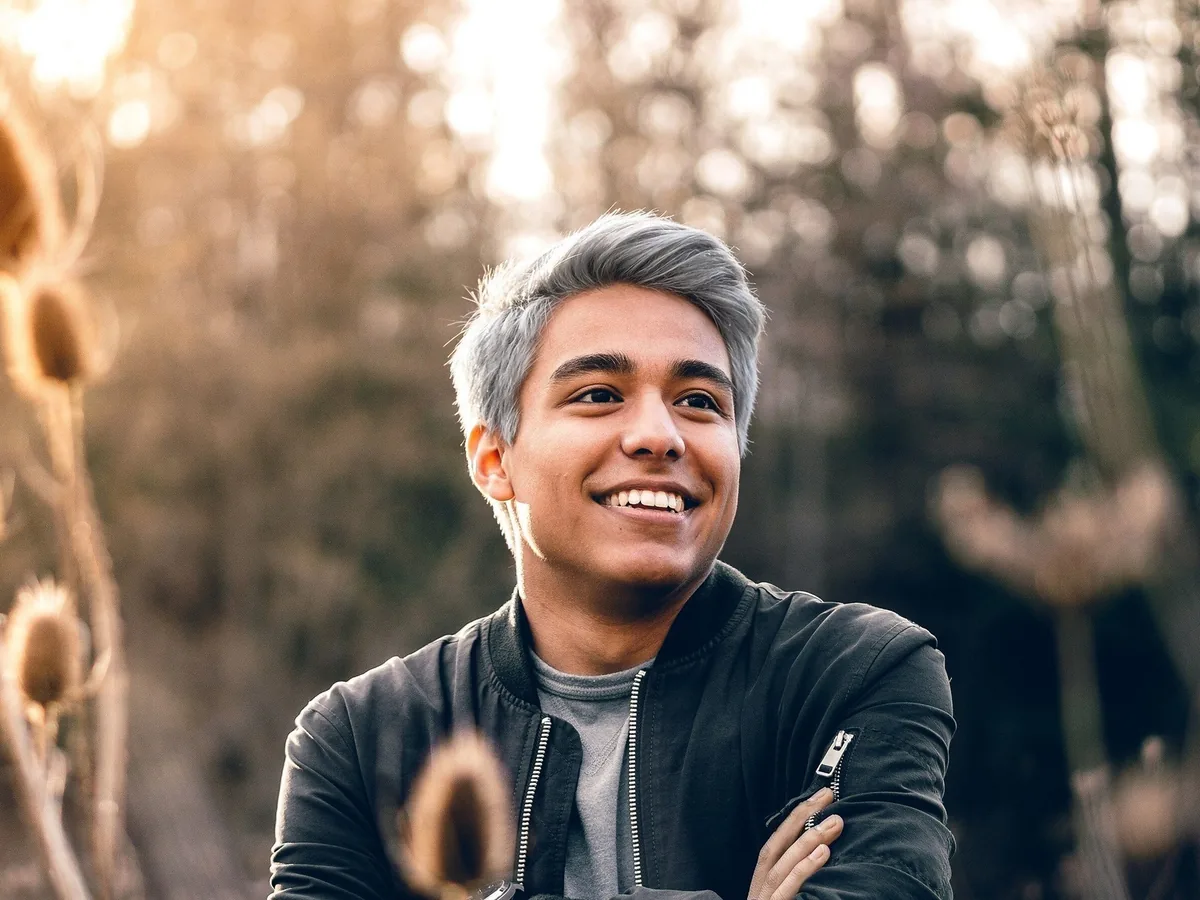
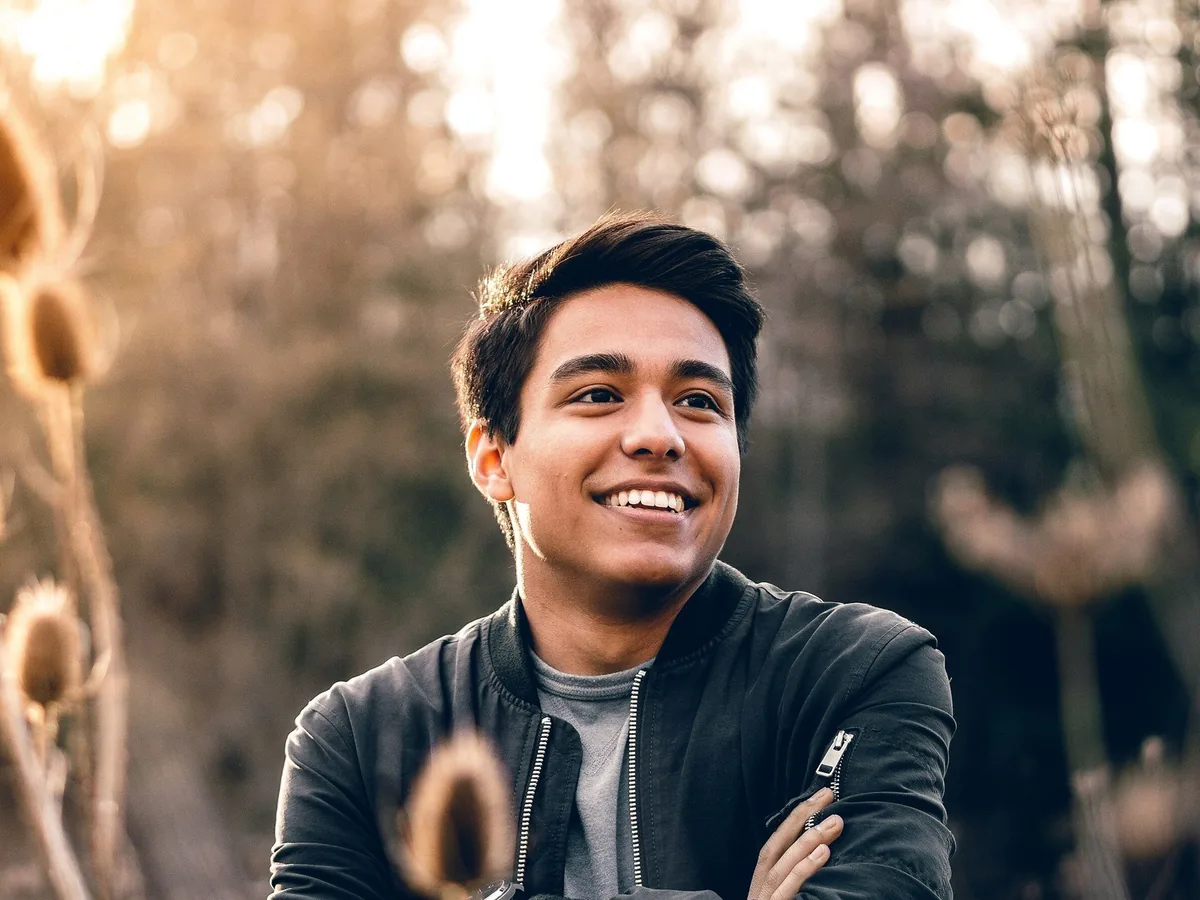
Smiling young man with short black hair and crossed arms, hair changed to silver gray, after enhancementSmiling young man with short black hair and crossed arms, hair changed to silver gray, before enhancement

Hair color changer for men with short hair

Short men's haircuts keep their length, fringe and texture, so a platinum or silver test looks like a real bleach job. Beards and eyebrows keep their own color, which shows how a light shade sits next to them. On short hair most of the color shows on top, so use a photo where the top of the head is visible.

  • Men's hair color
  • Bleached look
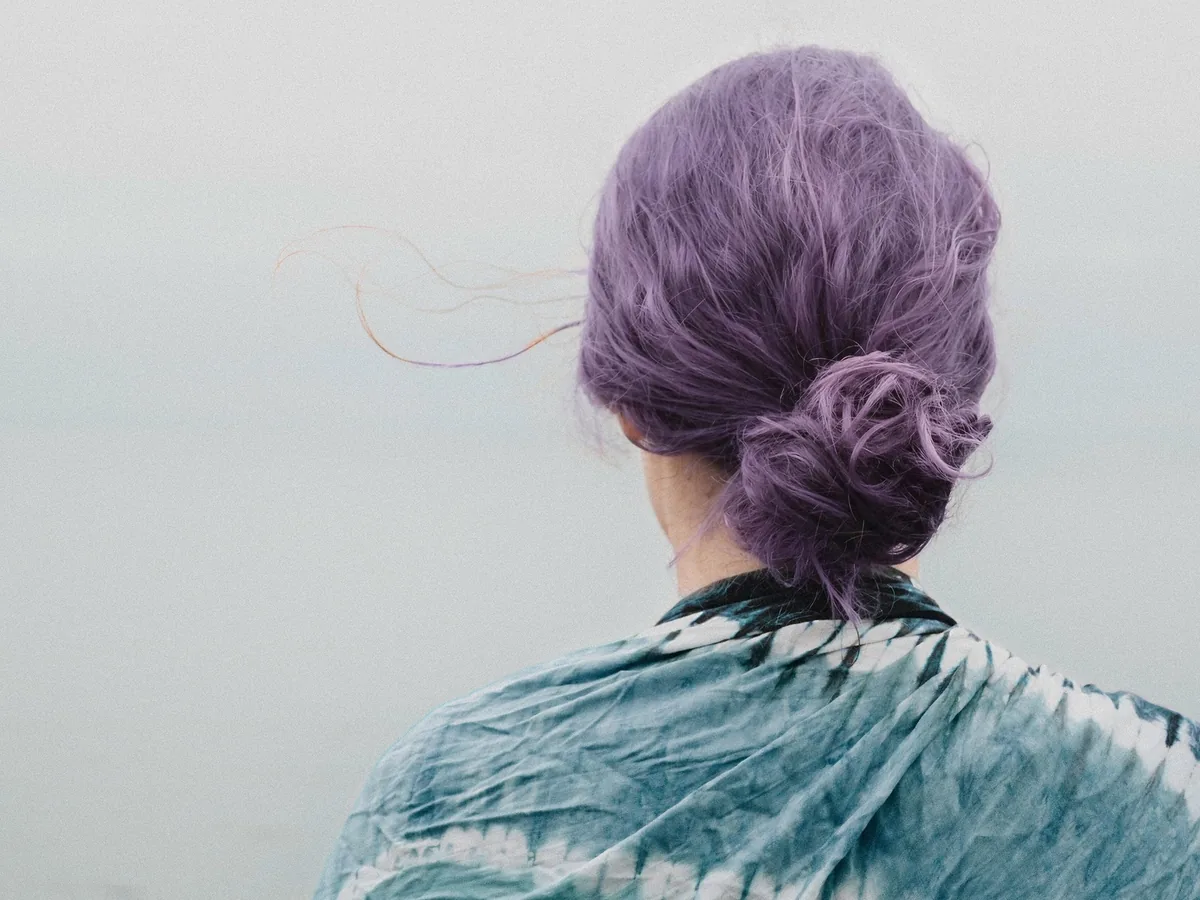
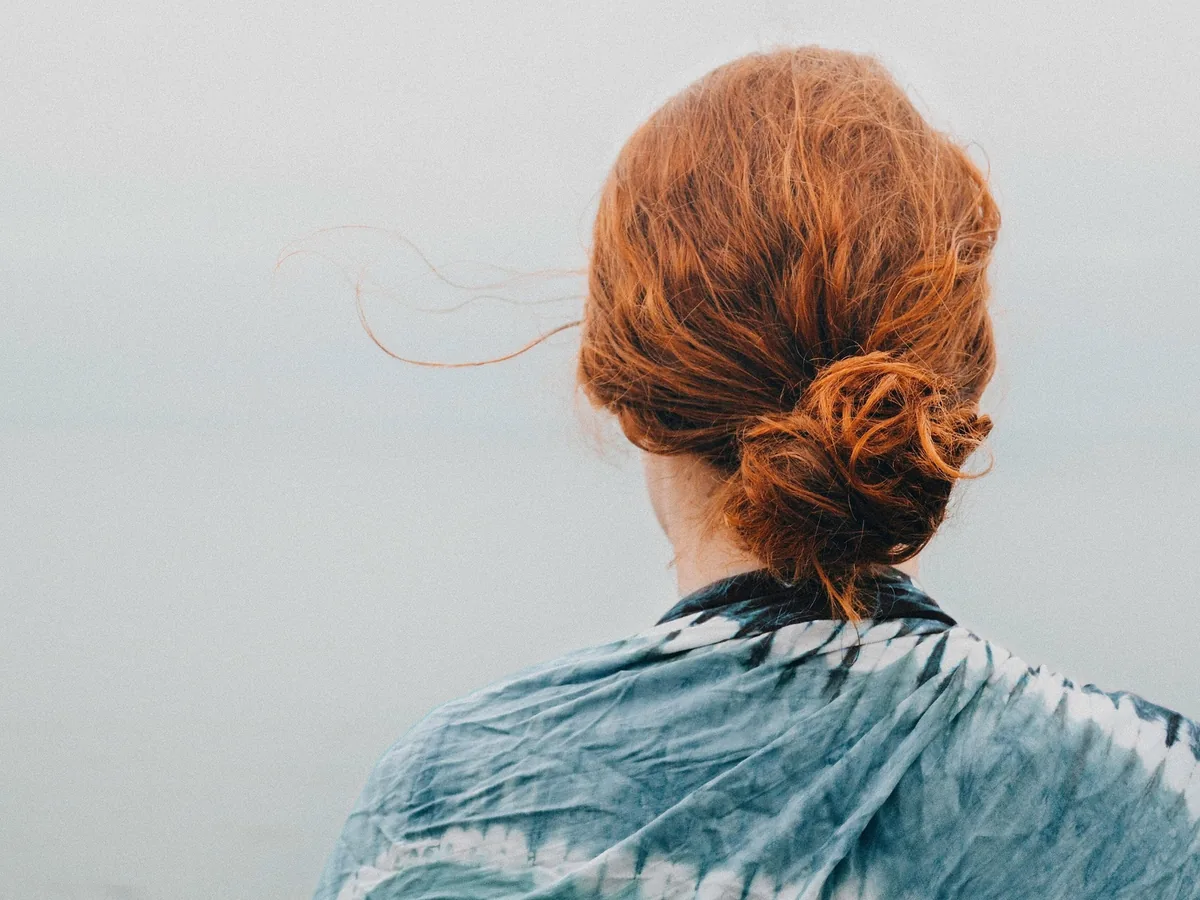
Woman seen from behind with red hair in a loose bun, hair changed to lavender, after enhancementWoman seen from behind with red hair in a loose bun, hair changed to lavender, before enhancement

Try pink, purple or blue hair before you dye

Pastel and bright shades usually need bleached hair first, so preview them before you commit. Pick a swatch such as pastel pink, lavender or electric blue, or any color with the color picker. Buns and updos keep their shape, so the color shows on the style you actually wear.

  • Pastel hair
  • Buns and updos kept

How do you change hair color in a photo?

Three steps, about a minute per photo.

  1. Upload a photo

    A clear photo where your hair is visible: JPG, PNG or WebP up to 20 MB.

  2. Pick all-over color or highlights, then a shade

    Choose a dye shade like golden blonde, copper red or pastel pink, or any color with the color picker.

  3. Compare and download

    Drag the slider to compare. Try another shade on the same photo if you like, then save the one you want.

Does the hair color changer change my haircut or face?

No. Only the hair color changes; the haircut, the face and the rest of the photo stay as uploaded.

What stays the same on your hair

Length, cut, parting, volume, curls and the way the hair is tied back or up stay the same. Strand detail, shine and shadows are kept, so the new color looks dyed rather than painted on.

Why your face and background don't change

The hair color changer keeps only the area the AI clearly recolored and puts back the original photo everywhere else, so your face, skin, eyes, makeup and the background match the upload.

When to check the result twice

Every person's hair in the photo changes, so crop to one person first if you only want one. Eyebrows keep their own color, which can look stark next to platinum. Very dark to platinum looks more even on screen than real bleaching usually does.

How to change hair color in a photo without AI

Photoshop or GIMP can recolor hair by hand in four steps.

A careful hand edit takes 15 to 30 minutes per photo, and fine flyaways are the hardest part. The hair color changer does the selection and blending in about a minute.

  1. 1

    Select the hair

    Use Select Subject and Select and Mask in Photoshop, or Foreground Select in GIMP. Refine the edge so loose strands are included.

  2. 2

    Add a color layer

    Add a Solid Color or Hue/Saturation adjustment layer with the hair selection as its mask, and pick the new shade.

  3. 3

    Set the blend mode

    Set the layer to Color or Soft Light and lower its opacity until the strand detail shows through.

  4. 4

    Fix the hairline and flyaways

    Paint the layer mask by hand around the hairline, ears and loose strands, then compare at 100%.

Change hair color FAQ

Yes, one photo a day. Each photo costs 8 credits, and everyone gets 10 free credits a day without an account. Downloads have no watermark. Credit packs and plans for more photos are on the pricing page.

Try two or three shades on the same photo and compare them with the slider. Use a photo taken in daylight, so your skin tone in the preview is true.

Highlights, yes: choose Highlights and pick a shade, and thin strands take the new color while the rest of your hair keeps its own. Ombré and two-color looks aren't offered yet.

Use it as a preview, not a promise. The real result depends on your current color, your hair and the dye, and dark hair usually needs lightening before a blonde or pastel shade. Showing the preview to your stylist helps you agree on the shade.

Your photos are used only to create your result, never to train AI. Without an account they're deleted after 24 hours. Signed in, they're kept in History for 72 hours, or until you delete them if you turn on "Keep my tasks". Details are in our Privacy Policy.

More ways to fix your photos

Smiling woman with red hair moved into a park, before enhancementSmiling woman with red hair moved into a park, after enhancement

Change Background Photo

Swap any photo background for a color, scene or image.

Change background
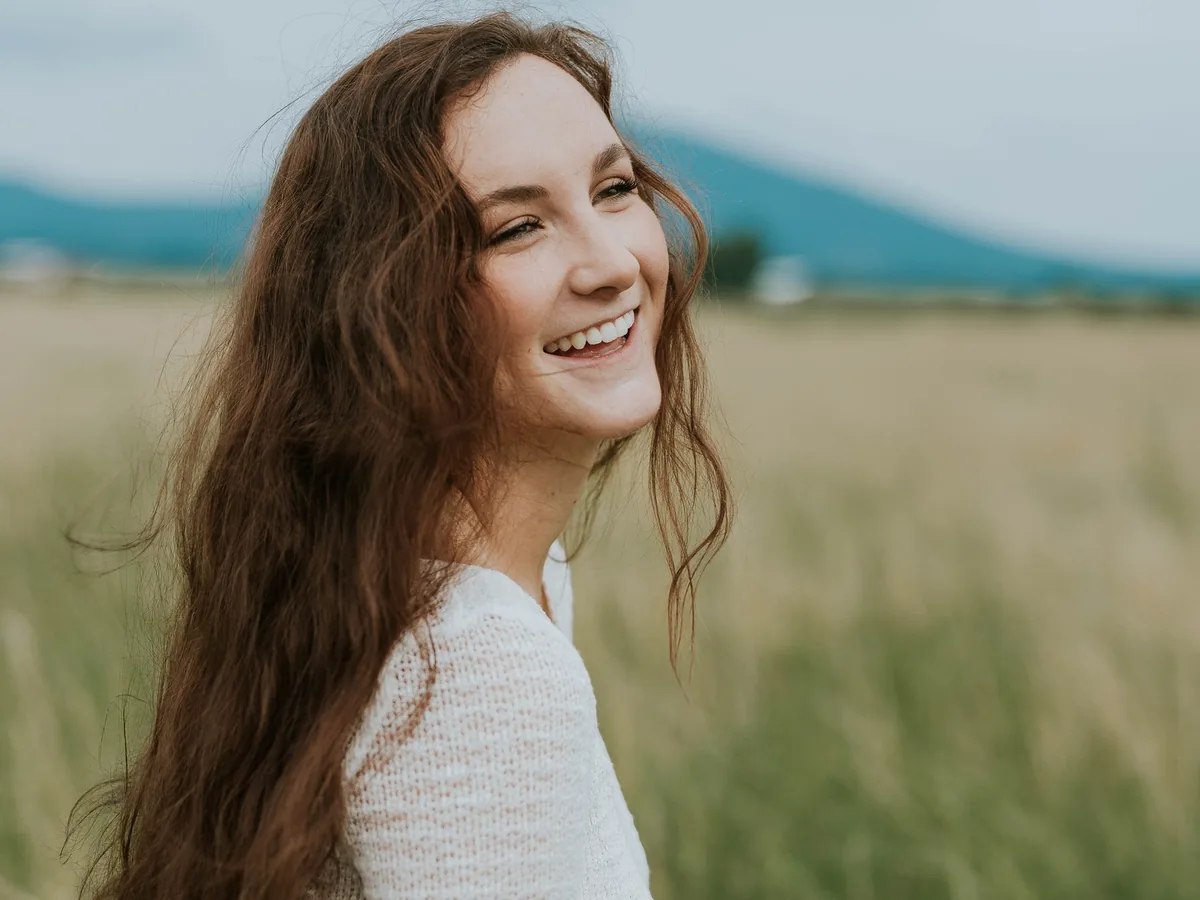
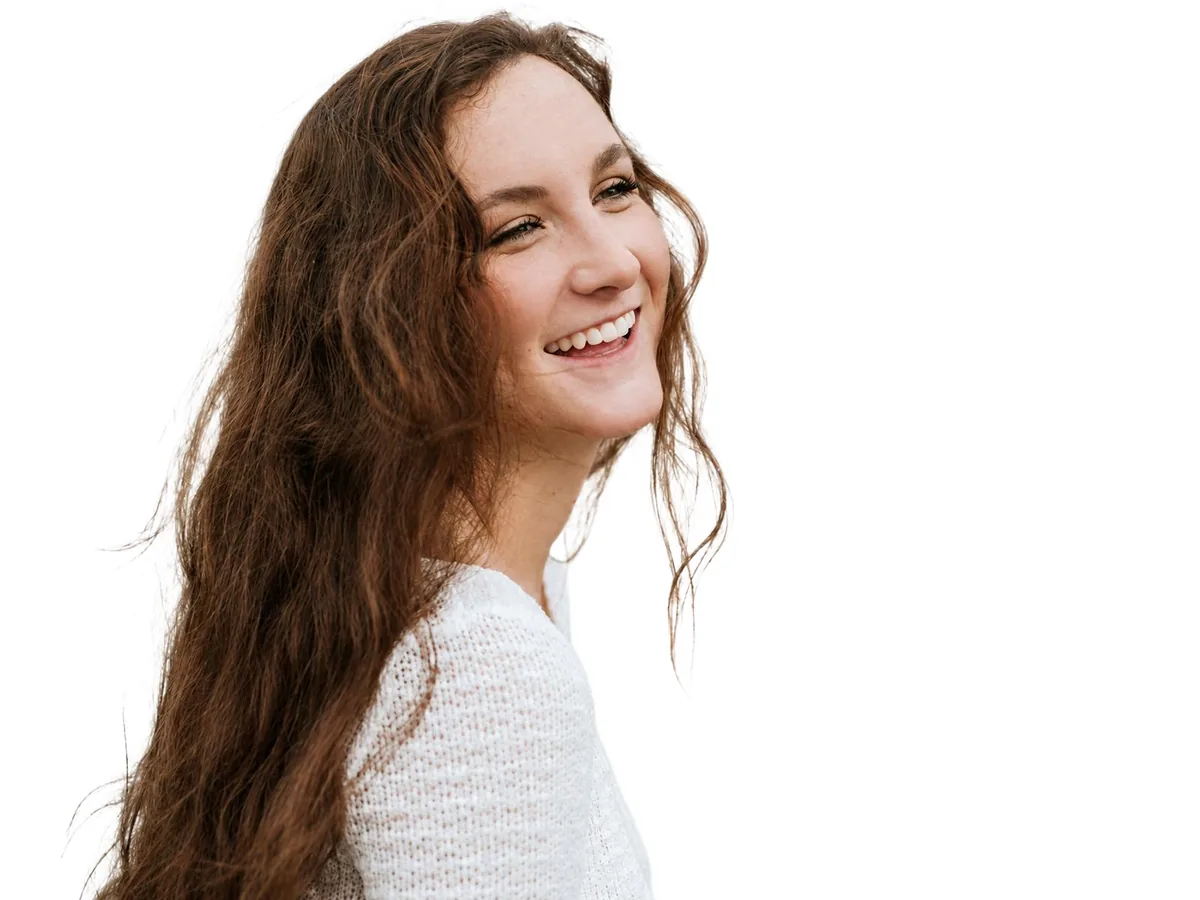
Smiling woman with long hair, field background turned pure white, before enhancementSmiling woman with long hair, field background turned pure white, after enhancement

Make Background White

Put a person or product on pure white, with or without a soft shadow.

Make background white
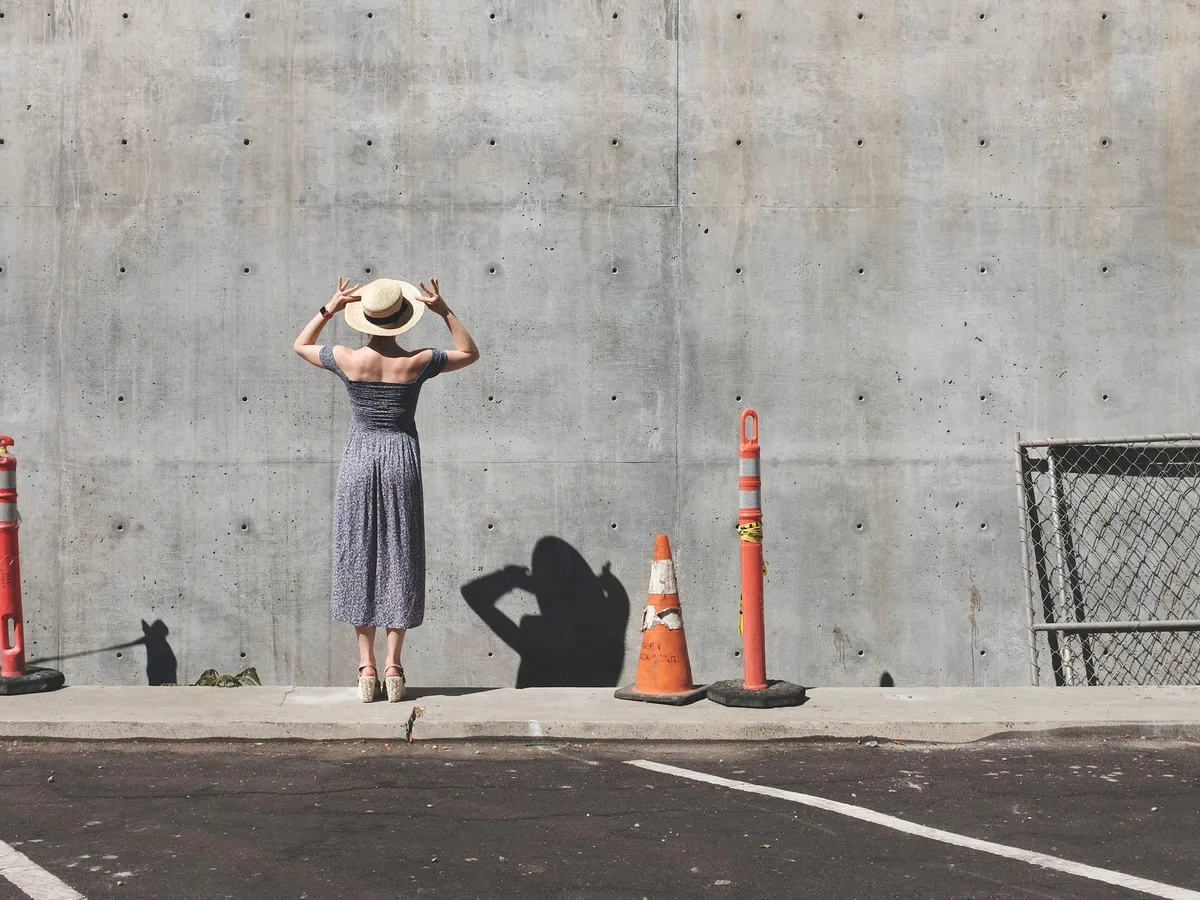
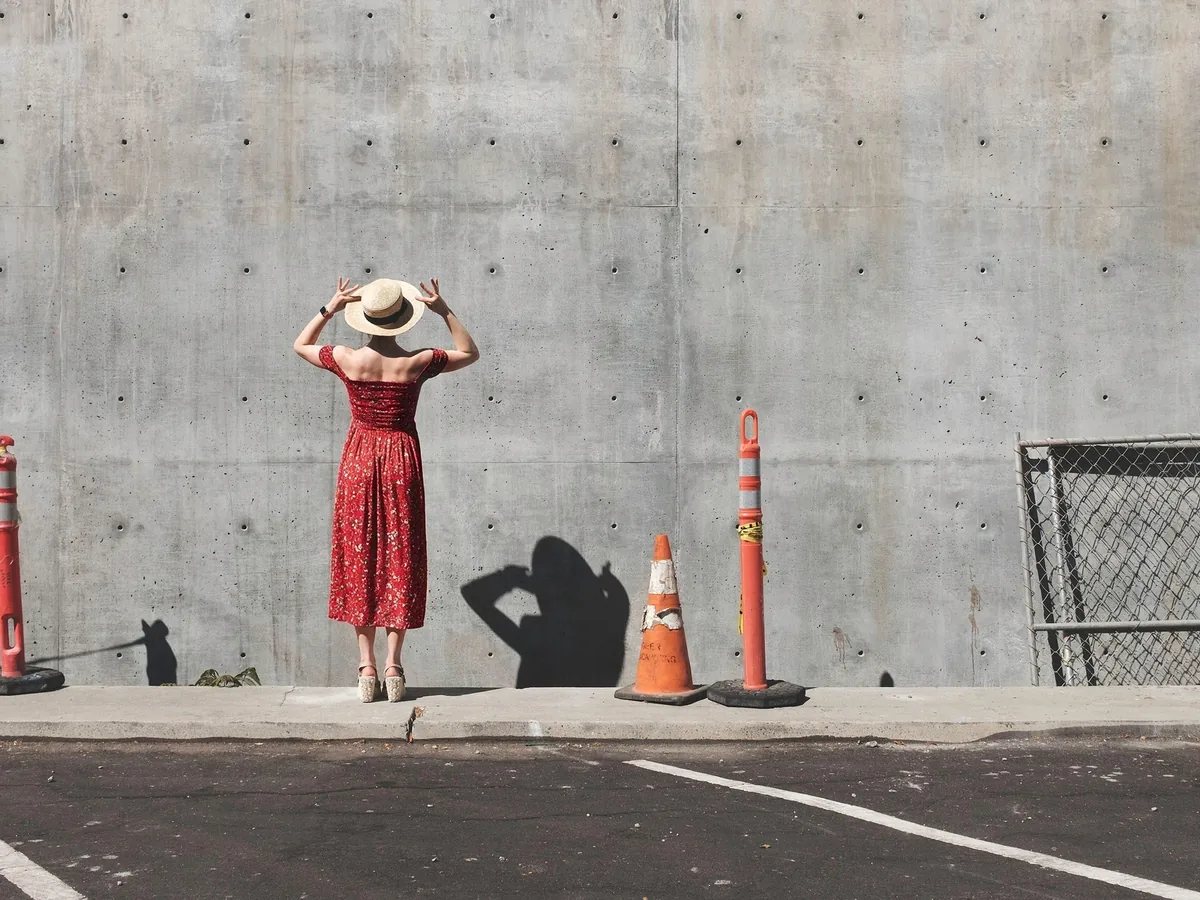
Yellow vintage car on a city street, recolored dark green, before enhancementYellow vintage car on a city street, recolored dark green, after enhancement

Change Color of Image

Recolor clothes, cars, hair or products and keep their texture.

Change color
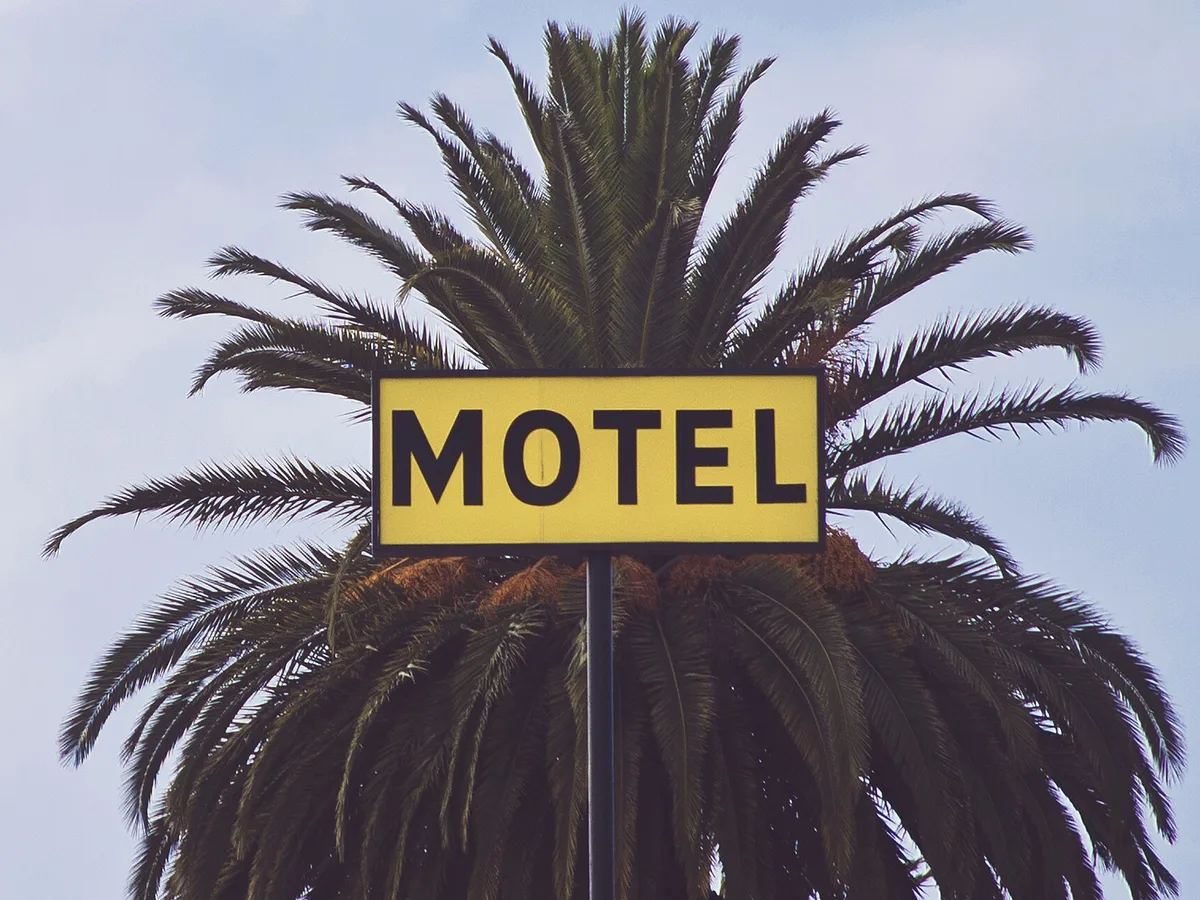
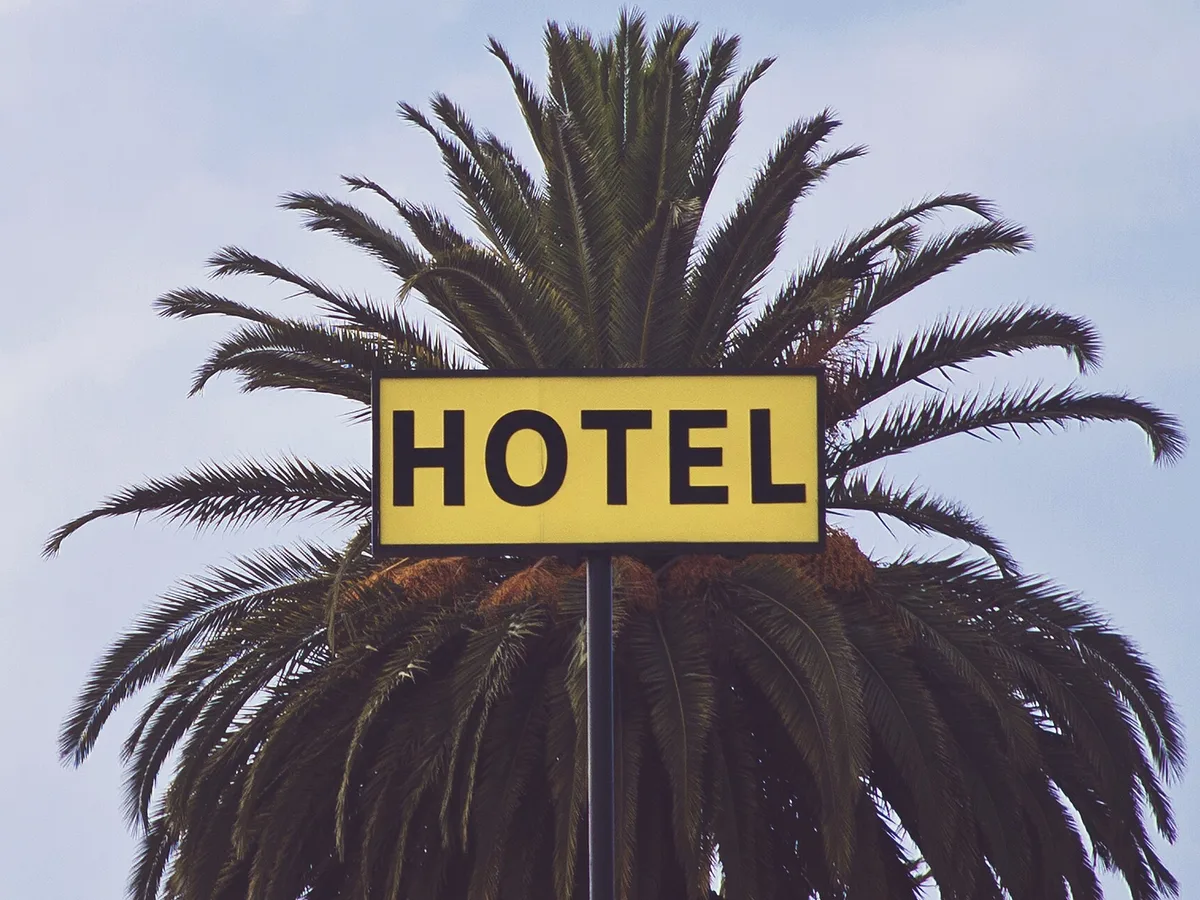
Yellow MOTEL sign changed to HOTEL in front of a palm tree, before enhancementYellow MOTEL sign changed to HOTEL in front of a palm tree, after enhancement

Change Text in Image

Replace words on signs, labels and covers in the same font.

Change text
AI portrait of a woman with glowing golden backlight, before enhancementAI portrait of a woman with glowing golden backlight, after enhancement

AI Image Humanizer

Make AI images look like real photos.

Humanize AI image